Actually, I think I have a cleaner solution. You can add a floating element at the bottom of the page that takes up the space of the background table:
#set page(
  background: context {
    if here().page() != 1 { return }

    // on the first page, show the table
    show: pad.with(2cm)
    table(
      rows: (1fr, 3cm),
      columns: (1fr,),
      none,
      none,
    )
  }
)

// the paced element is also on the first page, at the bottom
// `clearance: 0pt` is so that the `v` element controls the height exactly
#place(bottom, float: true, clearance: 0pt, v(2.5cm))
#outline()

// (outline longer than one page)
#for i in range(1, 15) {
  [= #numbering("A", i)]
  for j in range(1, 4) {
    [= #numbering("A.1.", i, j)]

    [...]
  }
}
The result:
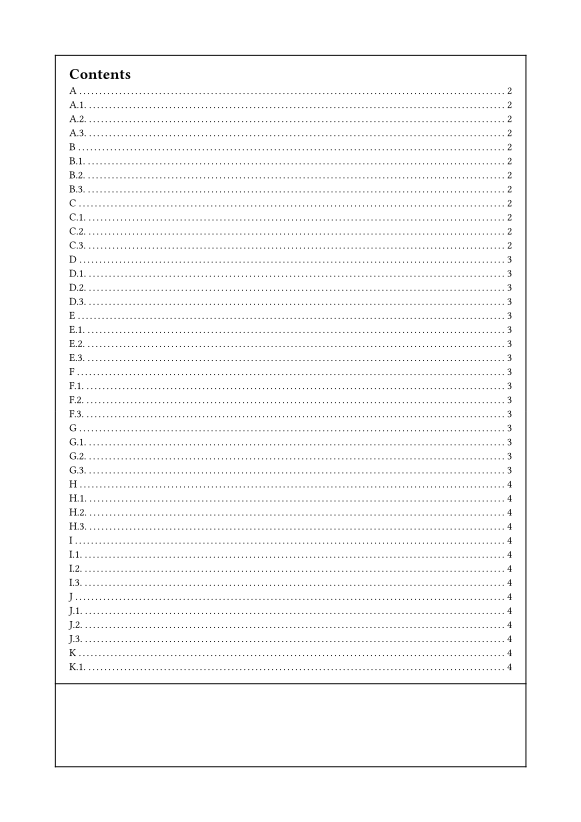
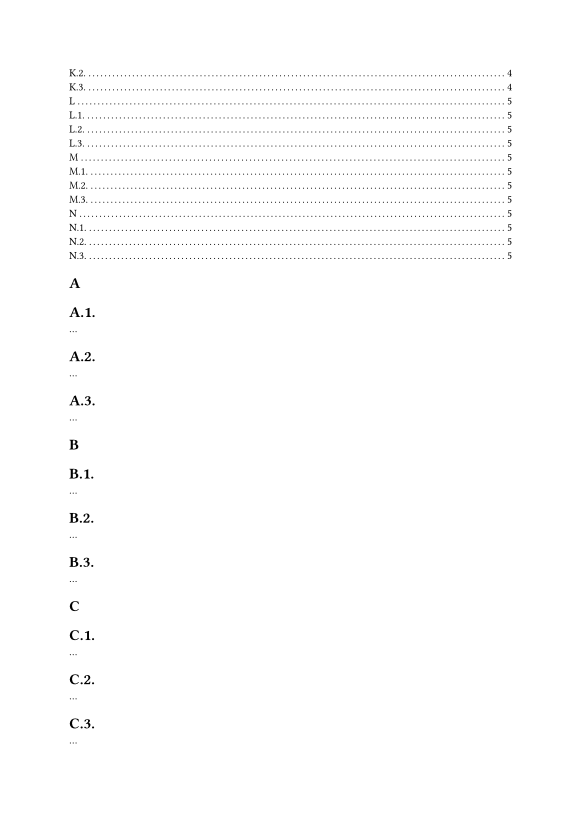
I have also suggested this trick for achieving balanced columns and avoiding misplaced footnotes before. It is generally useful when you have specific pages on which you need a different top and/or bottom margin without a pagebreak. You can even decrease the page’s margin by using a negative height. It doesn’t only work on the first page, but if you need it on other pages, you have to put the place element on that page, which can require fiddling.