This is not how you’re supposed to use counter.display.numbering (numbering.numbering).
All non-numbering formatting should be done outside like this:
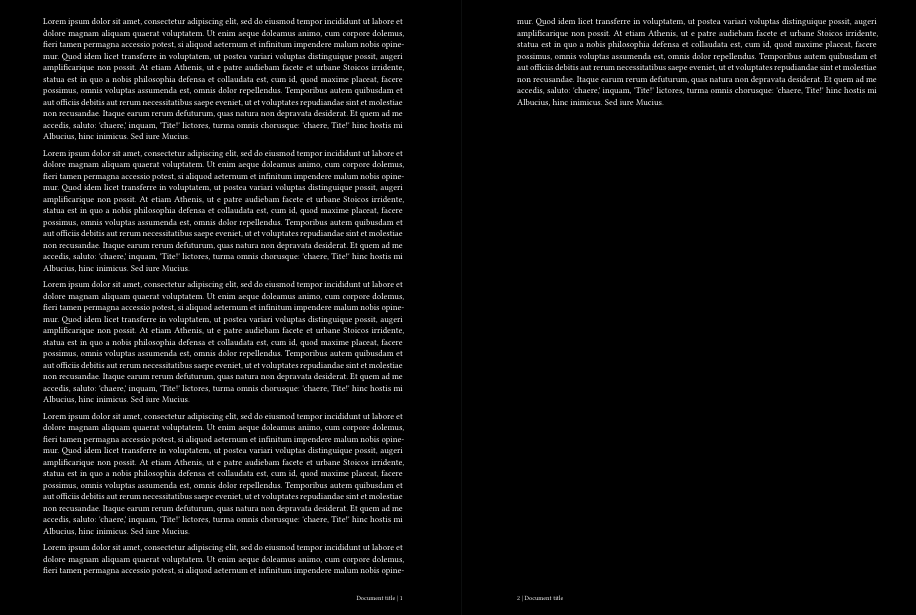
#let title = [Document title]
#set page(
  footer: context {
    let page = counter(page).get().first()
    set text(8pt)
    if calc.odd(page) {
      align(right)[#title | #page]
    } else {
      align(left)[#page | #title]
    }
  },
)
#set par(justify: true)

#range(5).map(_ => lorem(150)).intersperse(parbreak()).join()
Or a more proper way that is customizable:
#let title = [Document title]
#set page(
  numbering: "I",
  footer: context {
    assert(page.numbering != none) // Assumes this is always true.
    let page-number = counter(page).get().first()
    let page-formatted = counter(page).display() // `page.numbering` is used automatically.k
    set text(8pt)
    if calc.odd(page-number) {
      align(right)[#title | #page-formatted]
    } else {
      align(left)[#page-formatted | #title]
    }
  },
)
#set par(justify: true)

#range(5).map(_ => lorem(150)).intersperse(parbreak()).join()
Also, if you want to add a code mode snippet, you can use typc language marker:
```typc
```
So that the syntax highlight is correct:
footer: context {
      set text(8pt)
      if calc.odd(here().page()) {
        align(right, counter(page).display(" | 1"))
      } else {
        align(left, counter(page).display("| 1"))
      }
    }
There is also typ and typm for math.