Hi thornoa,
As mentioned in the CeTZ manual, clipping is currently not supported. This means you can’t define a drawing box that restricts where lines are drawn—everything will be rendered regardless of the canvas boundaries.
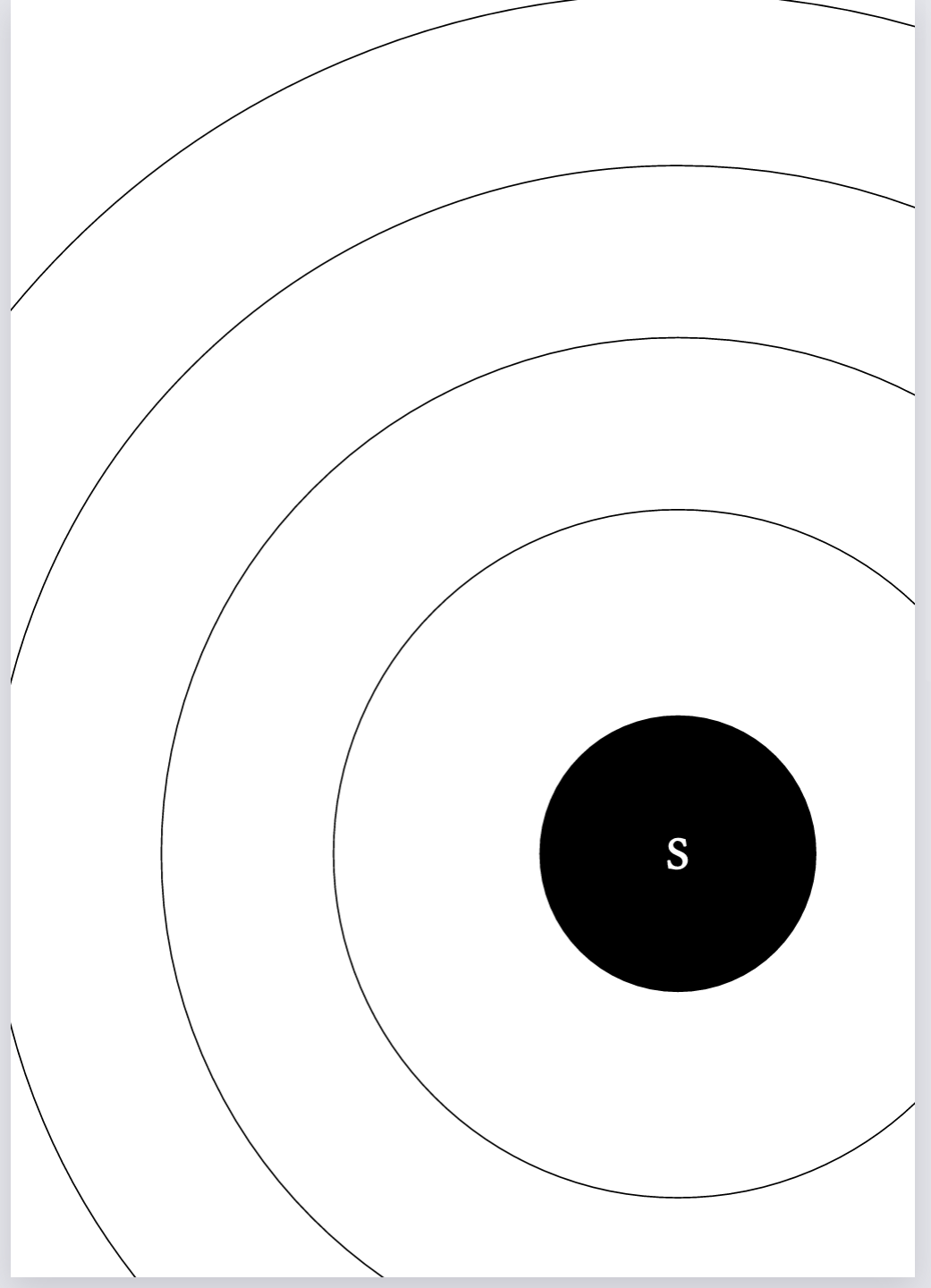
A workaround is to place your canvas in the center of the page and shift it slightly, so the page edges effectively act as a “clip” for your solar system. You can even set the canvas as the page background:
#import "@preview/cetz:0.3.4" as cz
#set page(margin: 0pt, background:
  move(
    dx: 5cm,
    dy: 5cm,
    cz.canvas(
      length: 4cm,
      {
        import cz.draw: *
        let sunpos = (3, -7)
        let sunrad = 0.8
        let fontsize = 30pt

        // Drawing the Sun
        circle(name: "sun", sunpos, radius: sunrad, fill: black)
        content("sun", text("S", size: fontsize, fill: white, stroke: white))

        // Drawing the orbits
        circle(sunpos, radius: 2, name: "orbit-mercury")
        circle(sunpos, radius: 3, name: "orbit-venus")
        circle(sunpos, radius: 4, name: "orbit-earth")
        circle(sunpos, radius: 5, name: "orbit-mars")
      }
    )
  )
)
#pagebreak()
#set page(background: none)
Which results in this: