I’m not 100% sure, but I guess it’s because circles and arcs are implemented differently.
A circle in CeTZ turns into low-level directives for drawing circles, but an arc in CeTZ is approximated by directives for drawing Bézier curves, because the directive for drawing arcs does not exist.
Check Visualize - Typst Documentation and you’ll notice that Typst provides circle and curve, but not arc. Perhaps that’s limited by the SVG or PDF standard?
See also:
- Add a `curve.arc` function for circular and elliptical arcs · Issue #5915 · typst/typst · GitHub
- Is there a nice way of drawing an arc without cetz?
Further details on CeTZ.
Here’s the source of the approximation in CeTZ:
Calculation of control points is based on the method described here:
A Primer on Bézier Curves
You can observe the approximation by drawing a red arc on top a green circle. The difference is noticeable when the radius r is 5000.
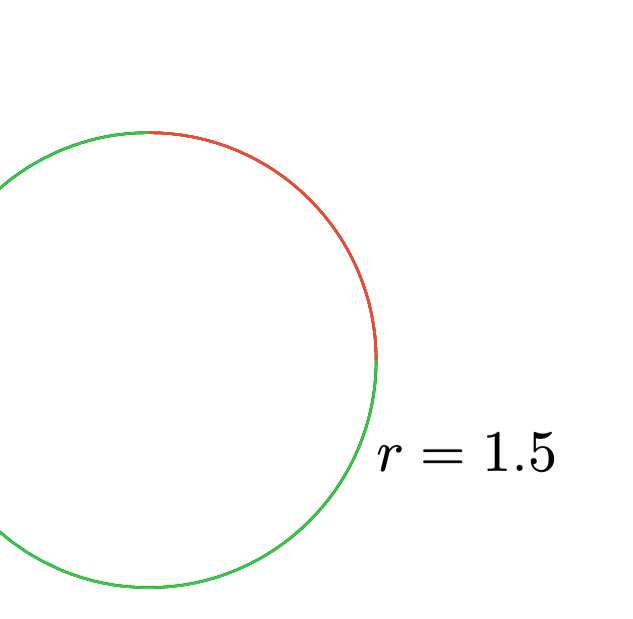
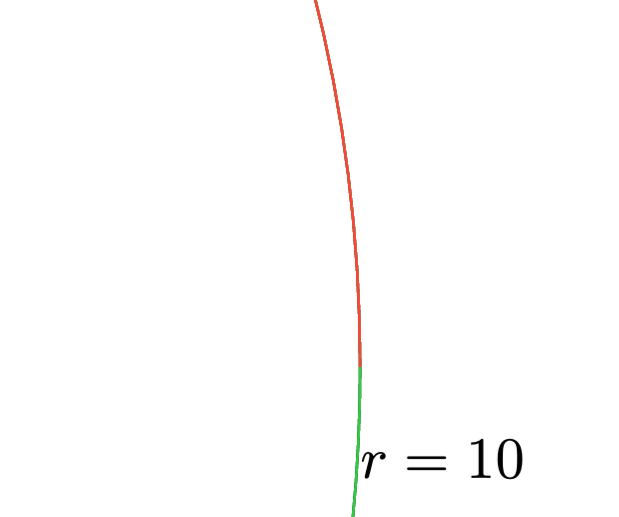
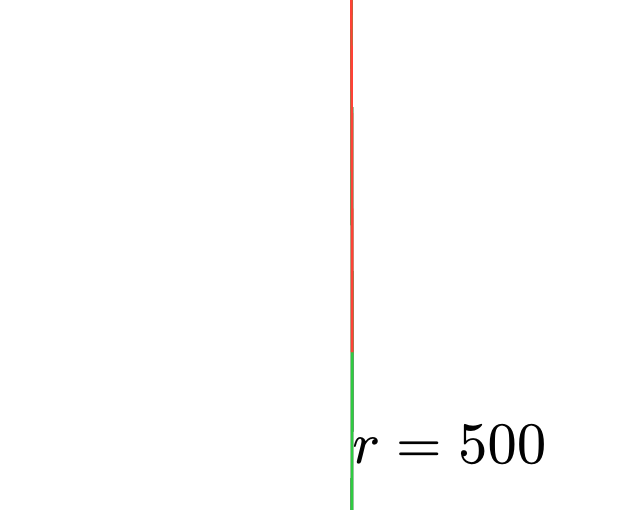
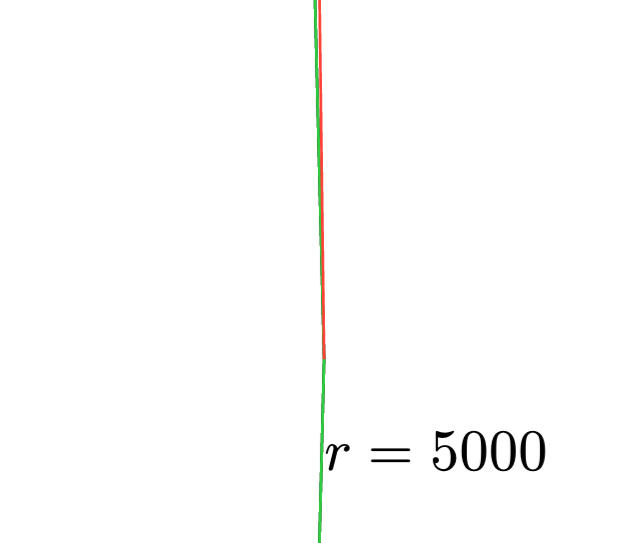
Code
#import "@preview/cetz:0.5.1"
#let r = 5000 // Change this number
#cetz.canvas(padding: (left: -2 * r, y: -r), {
  import cetz.draw: *
  circle((0, 0), radius: r, stroke: black + 0.5pt)
  circle((0, 0), radius: r, stroke: green + 0.5pt)
  arc((r, 0), radius: r, start: 0deg, stop: 90deg, stroke: red + 0.5pt)
})
$r = #r$