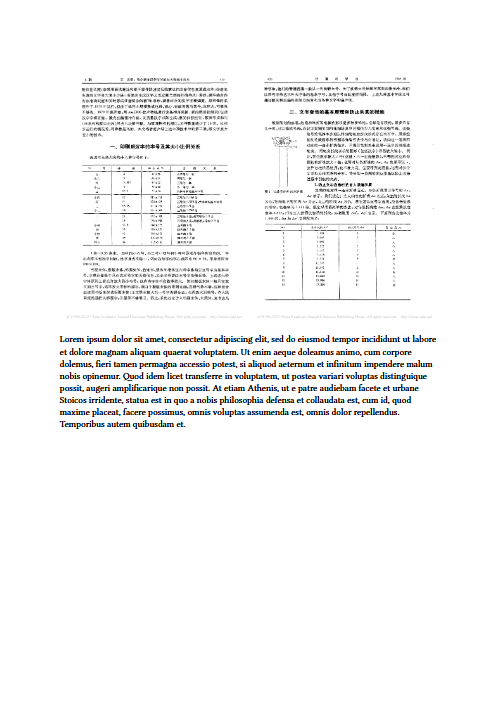
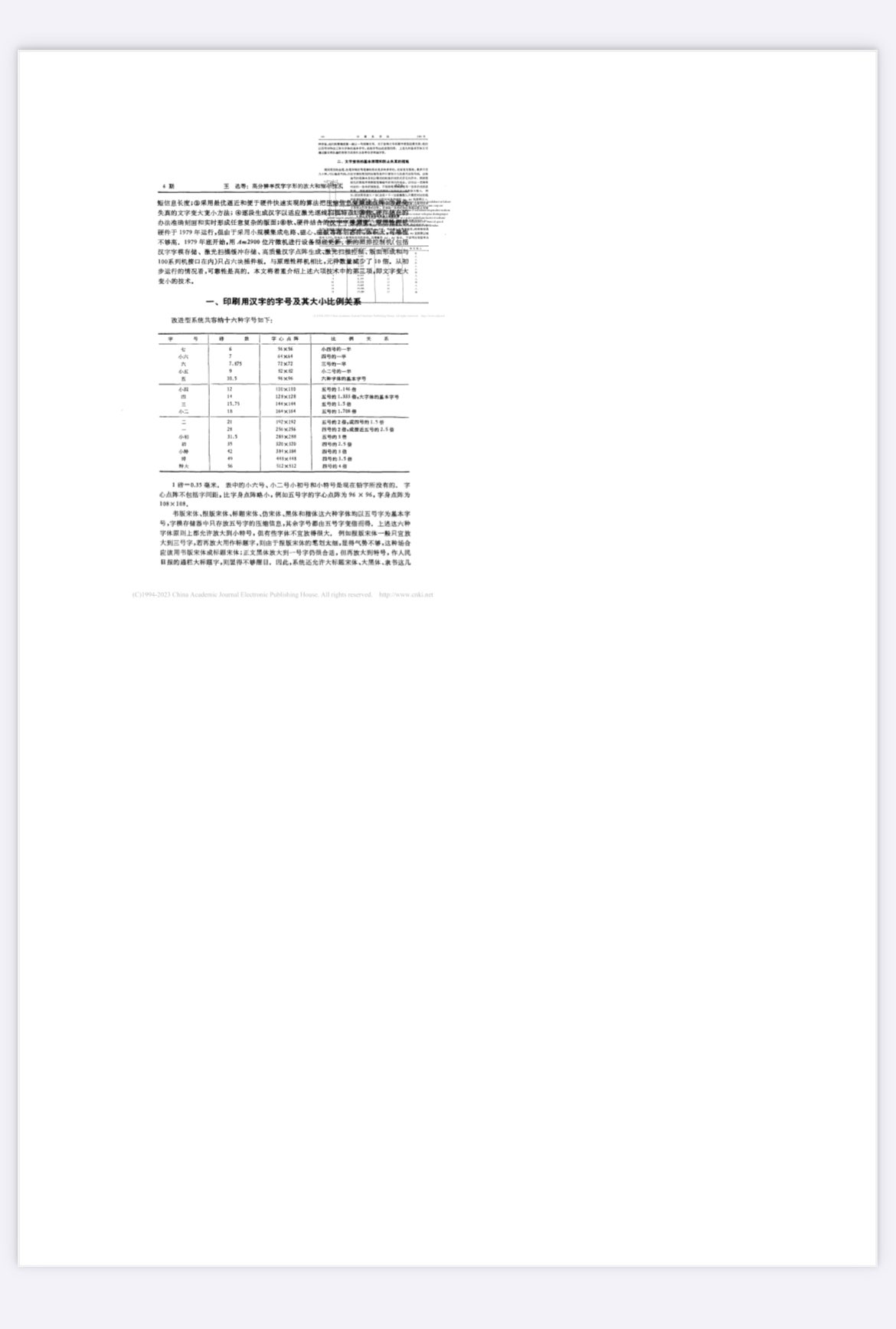
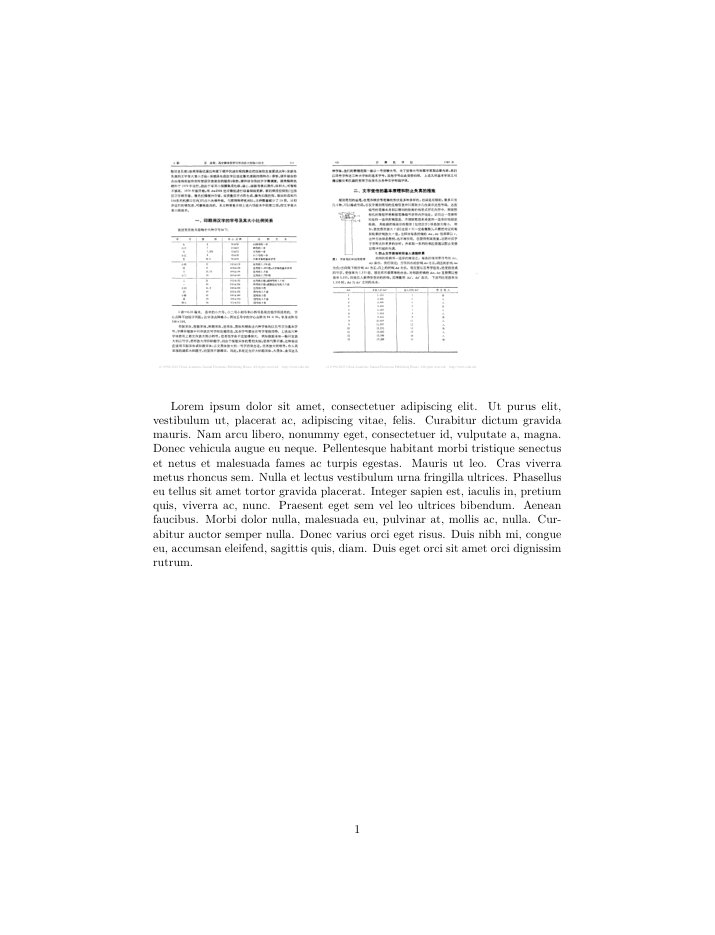
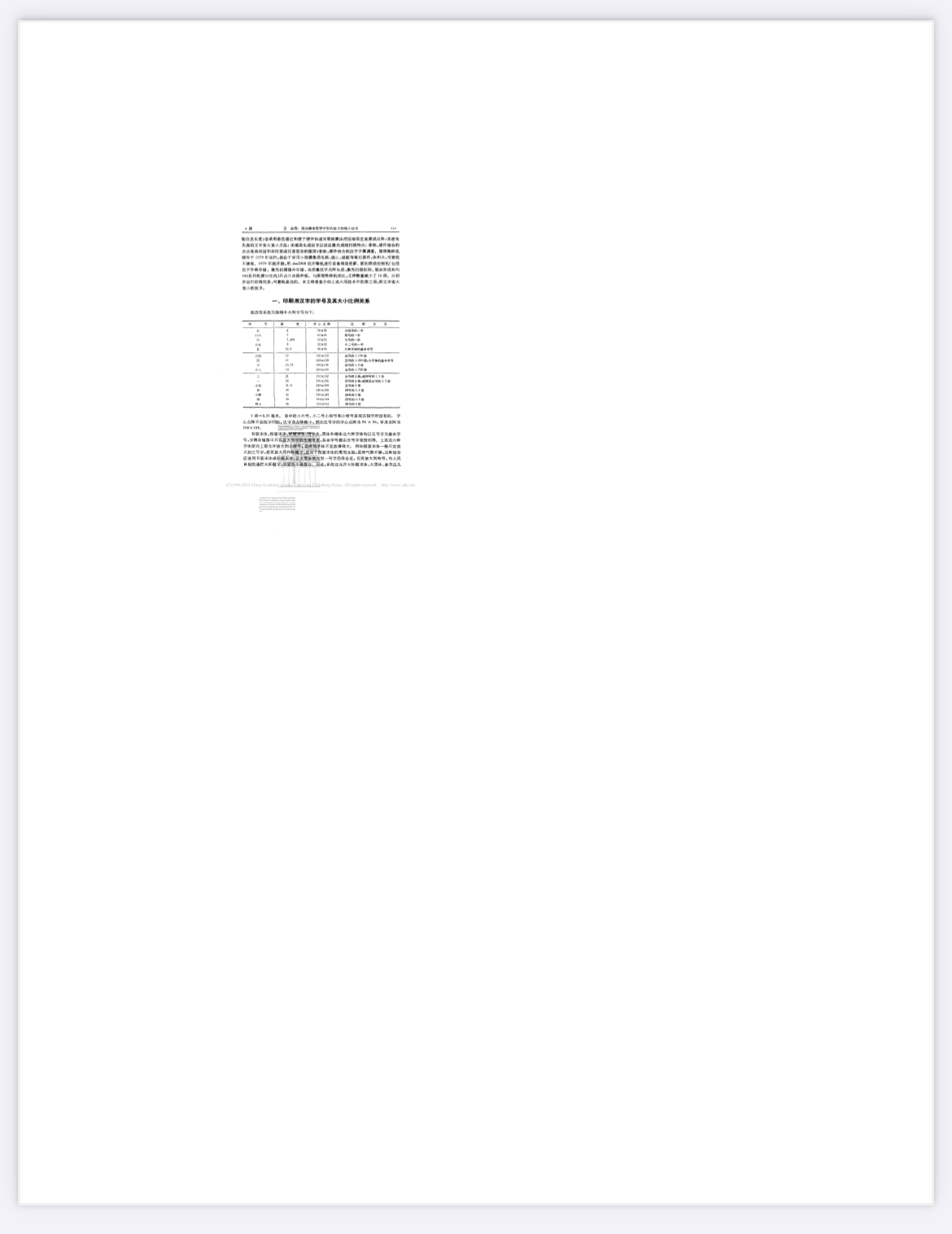
Can anyone reproduce it? (You can download the main.pdf I attached in the beginning and see if you can view it normally.)
Any idea about the cause?
Is it possible to normalize the image.pdf to make it work with Typst & Safari?
GPL Ghostscript 10.07.1 (2026-05-19)
Copyright (C) 2026 Artifex Software, Inc.  All rights reserved.
This software is supplied under the GNU AGPLv3 and comes with NO WARRANTY:
see the file COPYING for details.
Processing pages 1 through 2.
Page 1
Page 2

The following warnings were encountered at least once while processing this file:
        encountered more q than Q
        A CMap has too many code maps.

   **** This file had errors that were repaired or ignored.
   **** The file was produced by:
   **** >>>> CNKI?ReaderEx(2.3.0 Build 4002) <<<<
   **** Please notify the author of the software that produced this
   **** file that it does not conform to Adobe's published PDF
   **** specification.
LLM explanation
1. encountered more q than Q
What it means: In PDF/PostScript graphics state management, q pushes (saves) the current graphics state (e.g., color, line width, transformation matrix) onto a stack, while Q pops (restores) it. This warning indicates that the original file had more q operations than Q operations, leaving the stack unbalanced (i.e., saved states that were never restored).
How Ghostscript fixes it: The interpreter automatically discards the extra, unpaired q states and forces the stack back to a balanced state.
Impact on output: This repair does not alter the visual content; it only corrects the internal logical structure. The rendered page looks exactly as intended.
2. A CMap has too many code maps
What it means: A CMap (Character Mapping table) is used in PDFs to map internal character codes to actual glyphs (Unicode or CID). This warning suggests that the CMap table in the source file is unusually large, poorly structured, or contains redundant/incorrect mappings — often a side‑effect of improper font subsetting by the original PDF generator.
How Ghostscript fixes it: When the pdfwrite device rewrites the PDF, it rebuilds and normalizes all font and CMap tables from scratch. It retains the essential character mappings while discarding the malformed parts.
Impact on output: As long as the resulting PDF displays all text correctly, the fix has successfully preserved every necessary mapping. Only in rare cases (e.g., with exotic glyphs) might you see missing characters — but that is unlikely.
3. This file was produced by: CNKI?ReaderEx(2.3.0 Build 4002) .... Please notify the author ...
What it means: This is not a technical error but a note that the original PDF was generated by an older, proprietary reader from CNKI (China National Knowledge Infrastructure). Such readers are known to produce PDFs that deviate from Adobe’s strict PDF specification — they often create unbalanced state stacks, malformed CMaps, and other non‑standard objects.
How Ghostscript handles it: Ghostscript acknowledges the non‑conformance but has already repaired all repairable issues during the conversion. The message is merely a courtesy reminder to the software author; it does not indicate that your output file remains defective.
Impact on output: The warning can be safely ignored after you verify the output visually. If the fixed PDF opens and renders correctly in a standard viewer (like Adobe Acrobat), the file is fully usable for printing or archiving (especially with the /prepress setting you used).
Final takeaway: All three warnings are repaired automatically by Ghostscript. The generated image.fixed.pdf is a valid, spec‑compliant document. Always double‑check the visual appearance; if it looks correct, you can disregard these warnings entirely.
So my original problem has been solved, but further comments and human explanation are still welcome.
(I’ll choose my self as the answer if no one replies after a while.)