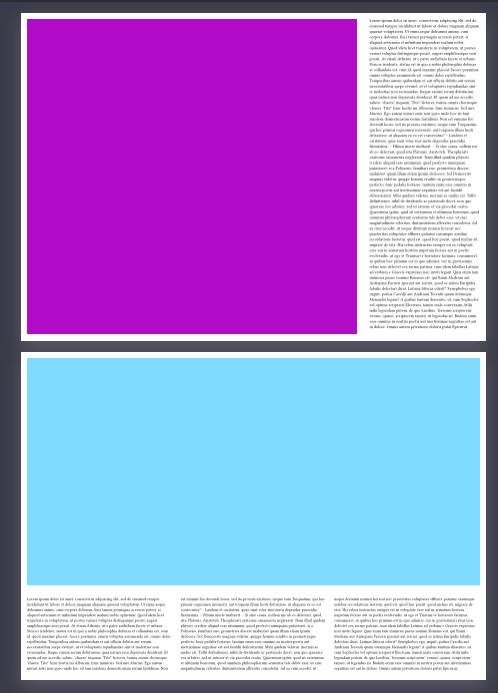
I’m building a report where I often have an image or a table together with some explanatory text on one page. I have the following function to help me scale the text down so it fits onto that page without overflowing:
/// Scales down text by adjusting the fontsize, until the text fits within the container.
#let scale-text(body) = layout(size => {
  context {
    let font_size = text.size
    let height = measure(
      block(width: size.width, text(size: font_size)[#body]),
    ).height
    let max_height = size.height

    // Reduce font size until content fits
    while height > max_height {
      font_size -= 0.2pt
      height = measure(
        block(width: size.width, text(size: font_size)[#body]),
      ).height
    }

    block(
      width: 100%,
      text(size: font_size)[#body]
    )
  }
})
I use it like this, for example:
#set page(
  paper: "a4",
  flipped: true,
)

#grid(
  columns: (3fr, 1fr),
  gutter: 2em,
  rect(fill: red, height: 100%, width: 100%), // Here could be the image or table
  scale-text()[#lorem(500)] // The explanatory text that should fit onto that same page
)
But now I would like this to work with multi-column layouts as well, so that the text wraps in the columns but doesn’t overflow:
#grid(
  rows: (3fr, 1fr),
  gutter: 2em,
  rect(fill: red, height: 100%, width: 100%),
  columns(3)[#scale-text()[#lorem(500)]]
)
However, the text is scaled down too much and put completely into the first column. Is there a way to do that properly?
Thanks