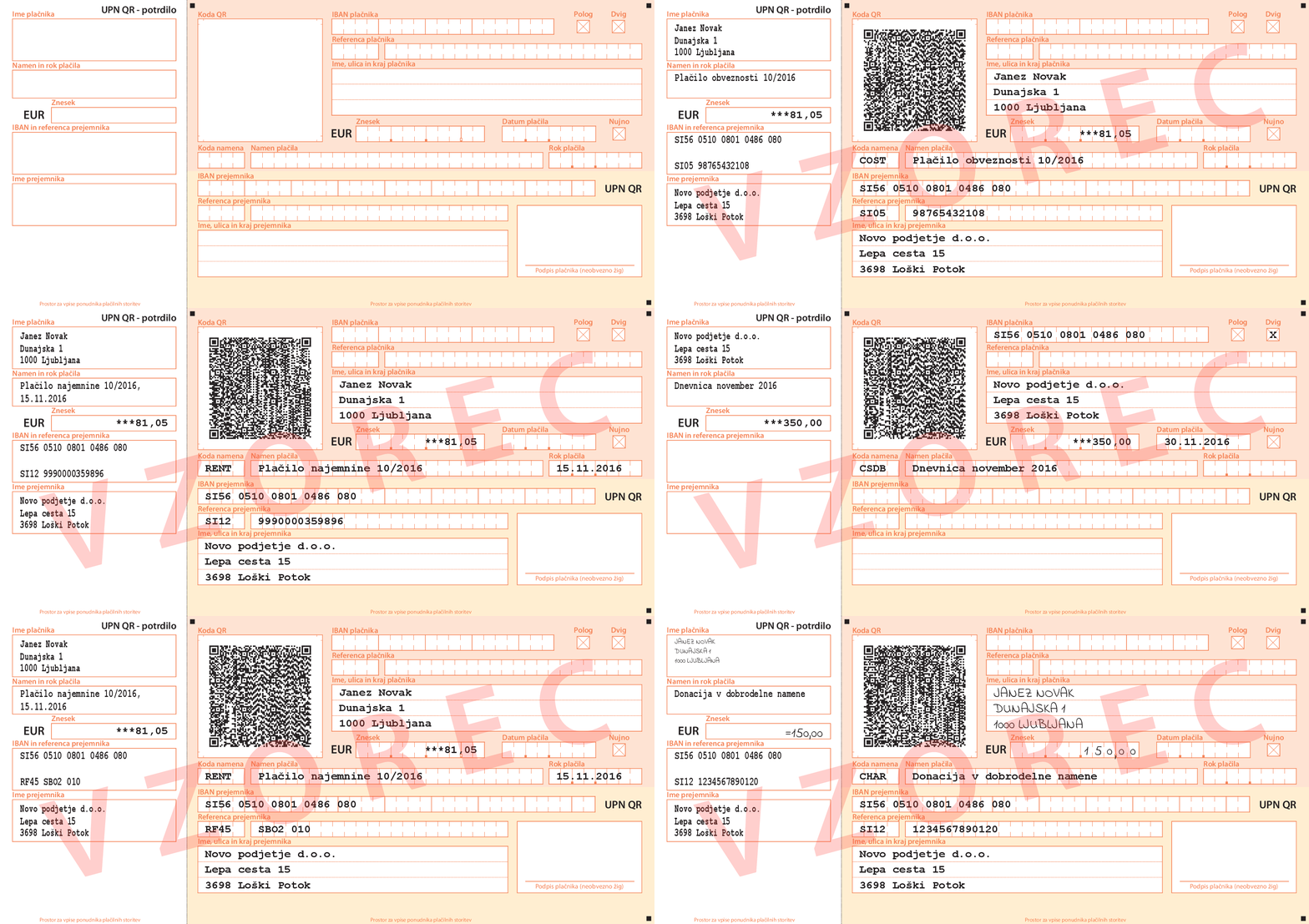
My template Cekinar implements the UPN QR payment slips standard. I waited for v0.15.0 to be able to use color.spot.
A stippled cover can be added for concealment, and various layouts can be chosen, but other than that, there’s not much more to mention as the different uses are already visible in the GIF.
Everything apart from the QR code is made in Typst and without dependencies. The initial inspiration for this was a Discord post for a similar form they have in Austria, although they used a background image there. That’s reasonable, but I believe that text instead of a background image is cleaner and more accessible.
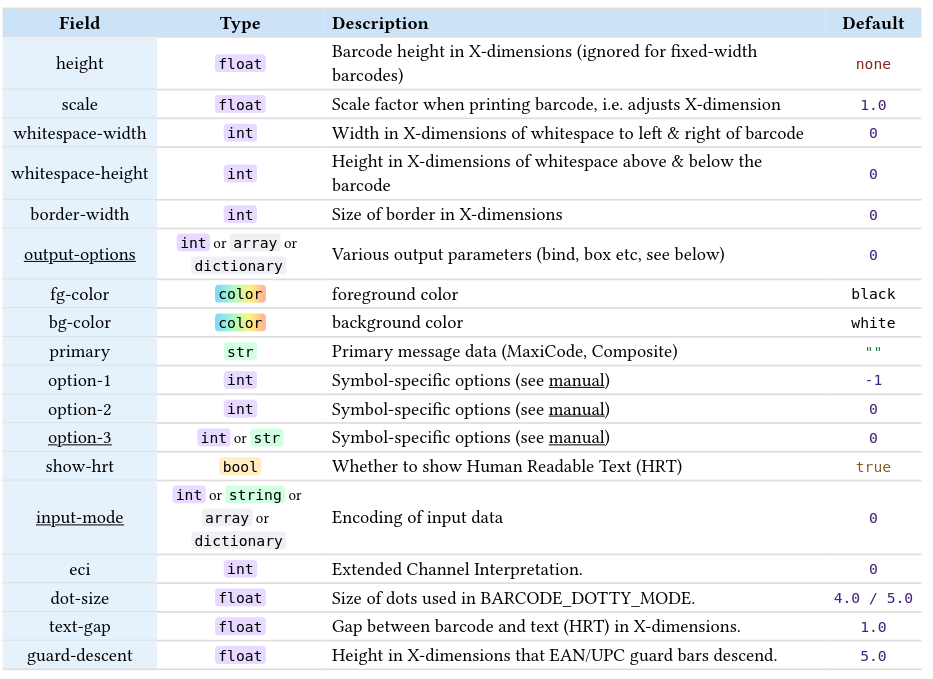
A WASM plugin is used to produce the QR code which abides by the standard.
IBANs and both kinds of references are all verified through checksums, within Typst.
Lots of the code simply checks user input for its type, format, and length.
Possible future improvements:
I can imagine PDF forms could upgrade this template even further, especially the signature field.
warnings as opposed to panics could require less user intervention.
It’s no surprise that the fonts still need to be manually downloaded by the user.
To those who might wonder why the user input isn’t aligned into the grid cells: the standard intends this only for the handwritten text which you can observe in a couple of examples.
By chance, @ensko’s blog post about QR code packages happens to be on the same day! Not that I consider this to be one of them.
I didn’t even notice that your package was just released today – I thought I had simply overlooked it a few days ago when I started preparing my comparison!
(And thanks for the Discord link, I was looking for that but couldn’t find it again :P)
Was there a particular reason you went with you own port of a QR code library over a package? I didn’t benchmark your package, as it is special purpose, but if you have anything to share, I would be interested
Essentially, the character encoding in the QR code needs to be specifically ISO/IEC 8859-2. Because of this, I oddly found that those QR code scanners which aren’t strictly compliant don’t properly detect its special characters, in contrast to fully compliant ones and doing so via banking apps’.
tiaoma seems to support this QR code, but from what I understand, because it’s SVG, I wouldn’t really be able to control its colour, especially here that Pantone might be used. To be fair, the UPN QR standard doesn’t mandate an exact colour for this, so long as it’s red-filter scannable.
Another benefit is the package size, as only this single-purpose QR code is included. It’s really just UTF-8 bytes in, 77x77 bits out.
A potential downside I still think about is that for tiaoma, its QR codes were tested much more than mine, or at least so I assume.
The speed in webapp is instant as usual, quite satisfying.
However, doesn’t the first reply on the GitHub issue I linked confirm that SVGs only support RGB? I didn’t use RGB, as the UPN QR standard only lists either Pantone or CMYK.
Is there something obvious I missed here? I suppose I could have linked the forum post, not the GitHub issue for the matter: