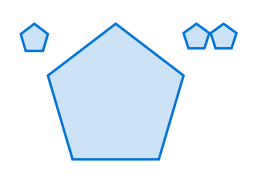
Do you mean that you can’t pass in ratios, like 20%? To me, this makes perfect sense, as ratios change depending on the container’s (or page’s) width/height. If you passed in a relative length as the size parameter to a regular polygon, it’d look skewed, i.e. not regular. For example,
#polygon(
  fill: blue.lighten(80%),
  stroke: blue,
  (0%,  0%),
  (20%, 0%),
  (20%, 20%),
  (0%,  20%),
)
is not a square:
If you want to use something similar-ish to a relative length you could multiply the container’s width (or height) by some fraction:
#layout(container => polygon.regular(
  fill: blue.lighten(40%),
  stroke: blue,
  size: container.width * 20%,
  vertices: 5
))
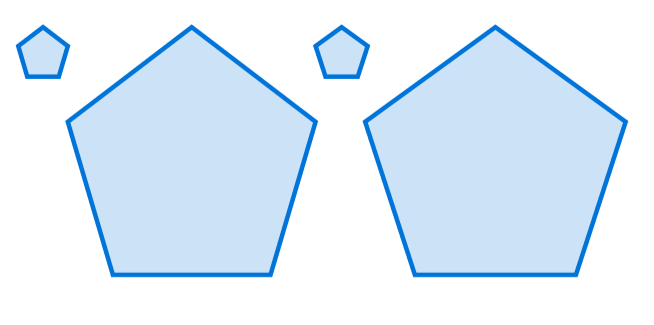
This is a nice suggestion, I couldn’t find an open issue about it. For now, the way to achieve it would be to apply a scaling factor,
#table(
  columns: 6,
  inset: 0pt,
  ..for num-vertices in range(3, 9) {

    let scaling-factor = if calc.odd(num-vertices) {
      2 / (1 + calc.cos(calc.pi / num-vertices))
    } else {
      1 / calc.cos(calc.pi / num-vertices)
    }

    (polygon.regular(
      fill: blue.lighten(40%),
      stroke: blue,
      size: 5em * scaling-factor,
      vertices: num-vertices
    ),)
  }
)