Interesting… As shown below, it works with both my original example and your final example.
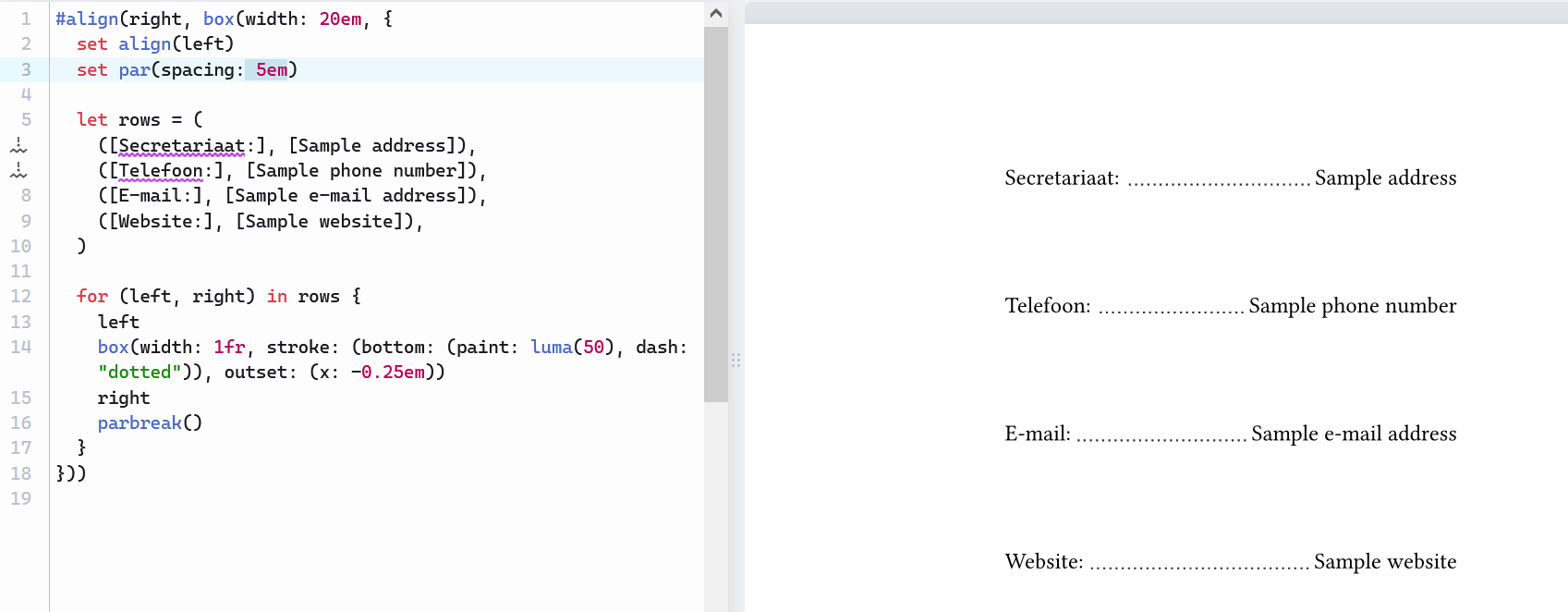
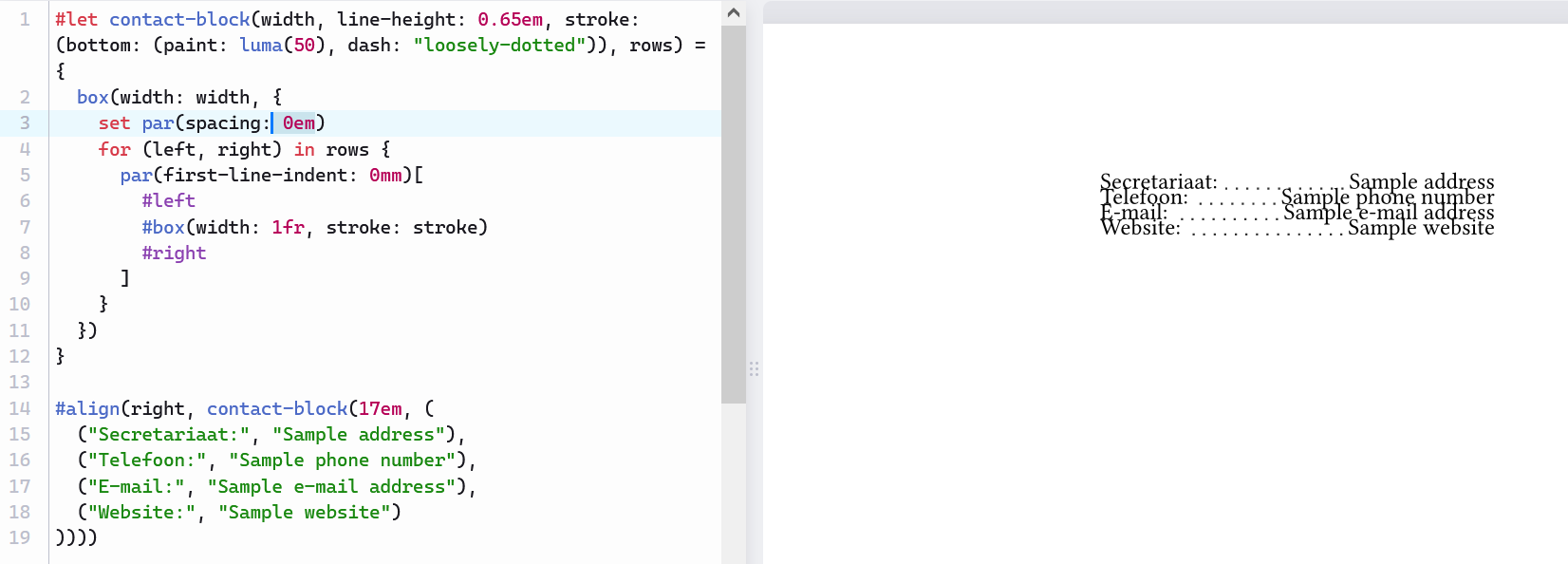
Perhaps it didn’t work because you had changed parbreak() to linebreak() when you were testing set par(…)?
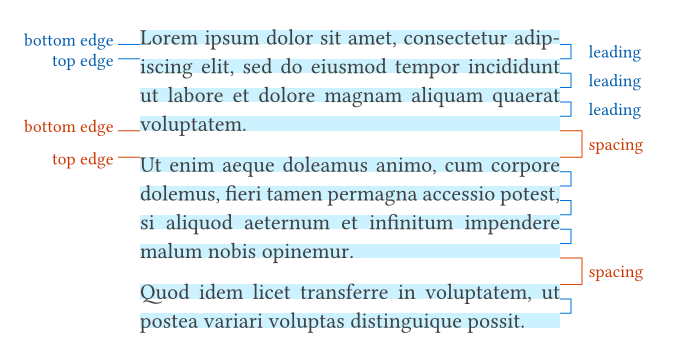
A paragraph may have multiple lines. Lines in the same paragraph are separated by par.leading, while the paragraphs as a whole are separated by par.spacing.
See the illustration in par.leading - Typst Documentation:
I also encountered this problem when I first used Typst.
The quirk is that Typst has three syntactical modes: markup, math, and code. Markup mode is the default in a Typst document, and it’s also the mode inside […]; code mode is the mode after # and inside {…}. In markup mode, spaces and newlines become spaces; but in code mode, they vanish.
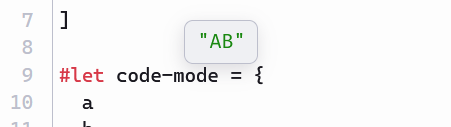
To see that, you can copy the following Typst document to your editor, and hover the variable markup-mode or code-mode. You’ll see that the value of markup-mode is a sequence of space, A, space, B, space, and that of code-mode is A and B concatenated without any space in between.
#let a = "A"
#let b = "B"

#let markup-mode = [
  #a
  #b
]

#let code-mode = {
  a
  b
}

In your case, try replacing par(…)[…] with par(…, {…}):
      par(spacing: line-height, first-line-indent: 0mm, {
        left
        box(width: 1fr, stroke: stroke)
        right
      })
(No particular reasons, just that it wasn’t noted before :-)