How can I allow for figures to overflow onto subsequent pages when employing a layout which places figures in wide margins?

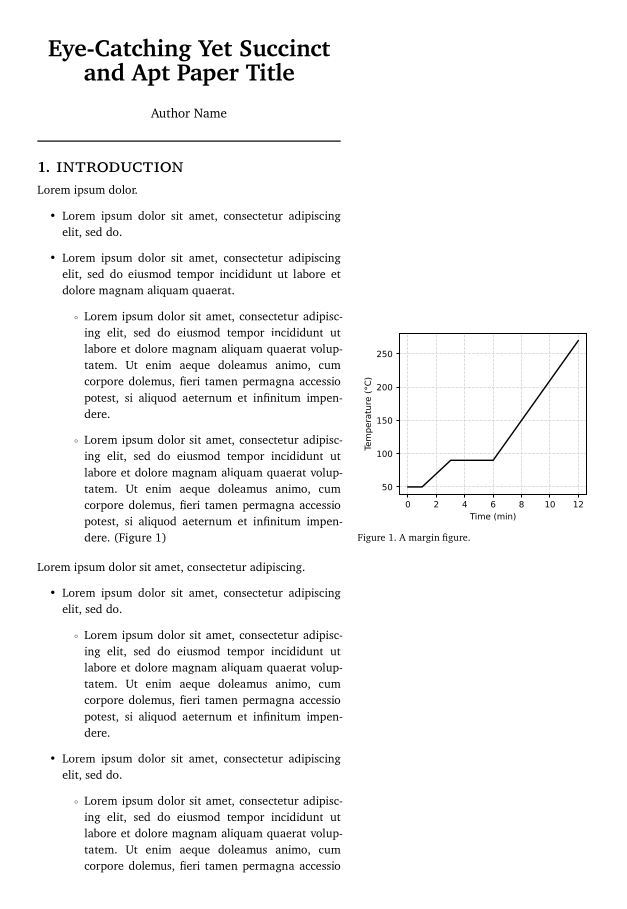
Hello, I am trying to create a template for the outlines of scientific papers. I’m envisioning an outline as being comprised of single narrow column of text on the left-hand side of the page with margin figures on the right-hand side of the page. I’ve made a mockup of this concept using Marginalia:

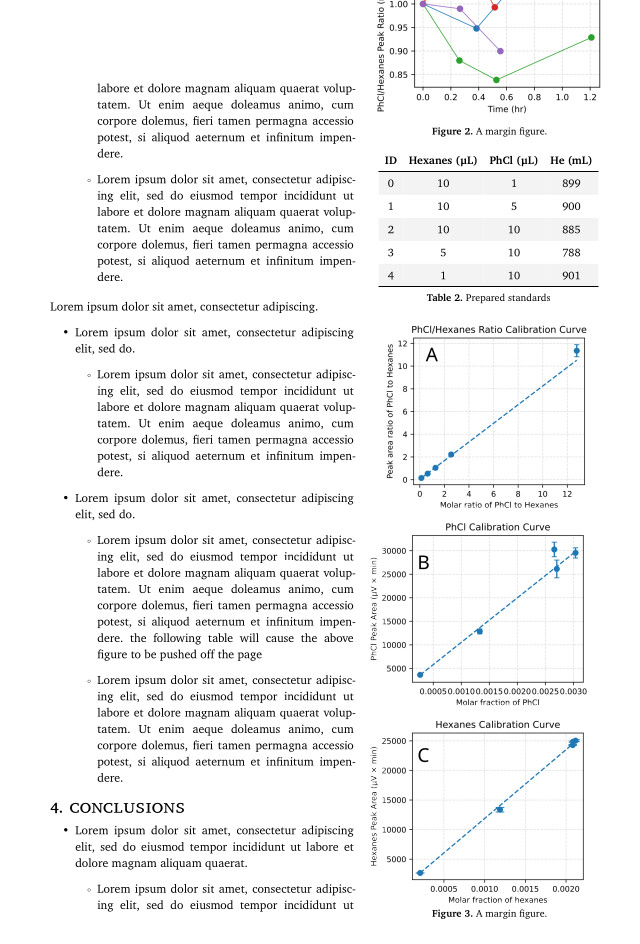
A problem arises when too many figures are placed on the same page: the figures get overcrowded and pushed vertically off the page, like so:

The behavior I want to achieve instead is for the figures to, in instances of overcrowding, be pushed into the margins of the subsequent page. Does anyone know if this is possible? Thanks.

Hello, could you post a minimal code sample where the issue appears (a MRE)? It’s hard to guess what the document is doing internally. Thanks!

Certainly. All I’m doing is setting up the Marginalia margins with

    show: marginalia.setup.with(
        inner: ( far: 5mm, width: 15mm, sep: 5mm ),
        outer: ( far: 2cm, width: 7cm, sep: 5mm ),
        top: 2.5cm,
        bottom: 2.5cm,
        book: false,
        clearance: 12pt,
    )

Then drawing the figures in the usual way with Marginalia

      #notefigure(
        image("sample document resources/temperature program.svg"),
        caption: [A margin figure.],
      ) <figure>

The issue can be replicated by drawing several figures in a row, as Marginalia (in my understanding) places each figure on the same page as the most recently occurring body text.