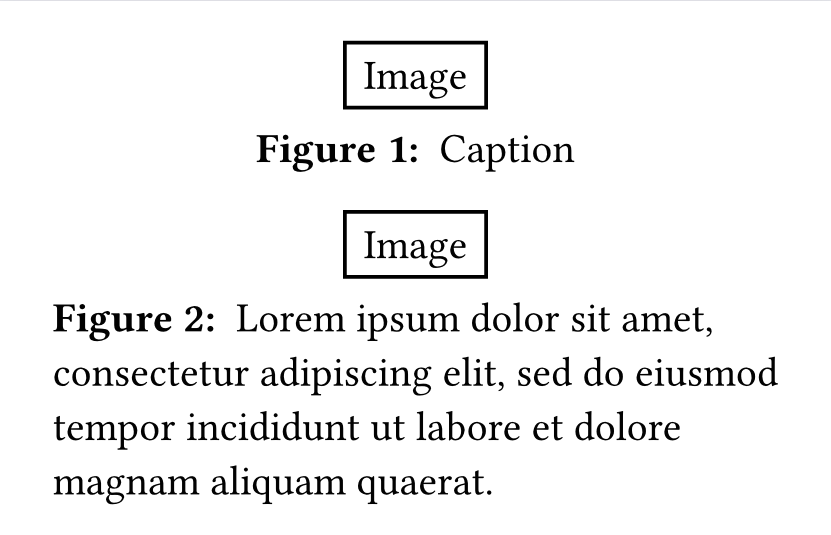
I want my figure captions to be centered if they occupy a single line, or left-aligned (or justified) if they span more than one line. I currently have a caption style that I want to preserve
show figure.caption: it => [
    #strong[#it.supplement
    #context it.counter.display(it.numbering)
    #it.separator]
    #it.body
 ]
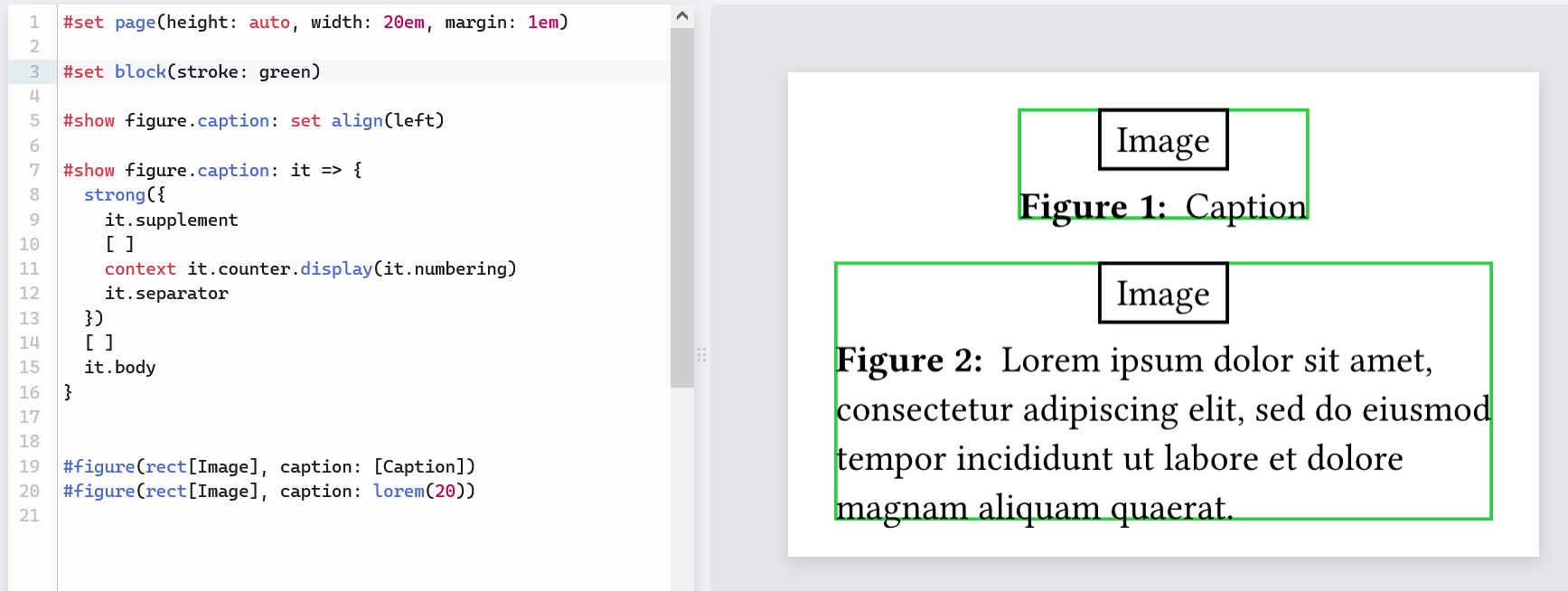
Would #show figure.caption: set align(left) suffice? It aligns the caption to the left of the figure block (the green rectangles in the second screenshot).
I also want it to be centered in case the figure is large but the description is short; is there any way to achieve this dynamically without having to change:
This is a great solution!
Is it possible to restrict the block to only a certain width while retaining the rest? Specifically, I’d love to insert shrink the width of the block statement as follows, but doing this leads to loss of the centering of the block in case of one-liners.
#set page(height: auto, width: 240pt, margin: 1em)

#show figure.caption: it => block(
width: 95%,
{
  set align(left)
  strong({
    it.supplement
    [ ]
    context it.counter.display(it.numbering)
    it.separator
  })
  [ ]
  it.body
})

#figure(rect[Image], caption: [Caption])
#figure(rect[A super large Image, very large], caption: [Caption])
#figure(rect[Image], caption: lorem(20))
#set page(height: auto, width: 240pt, margin: 1em)

#show figure.caption: it => block(
  width: 70%, // To make it more visible, I change it from 95% to 70%
  block({
    set align(left)
    strong({
      it.supplement
      [ ]
      context it.counter.display(it.numbering)
      it.separator
    })
    [ ]
    it.body
  }),
)

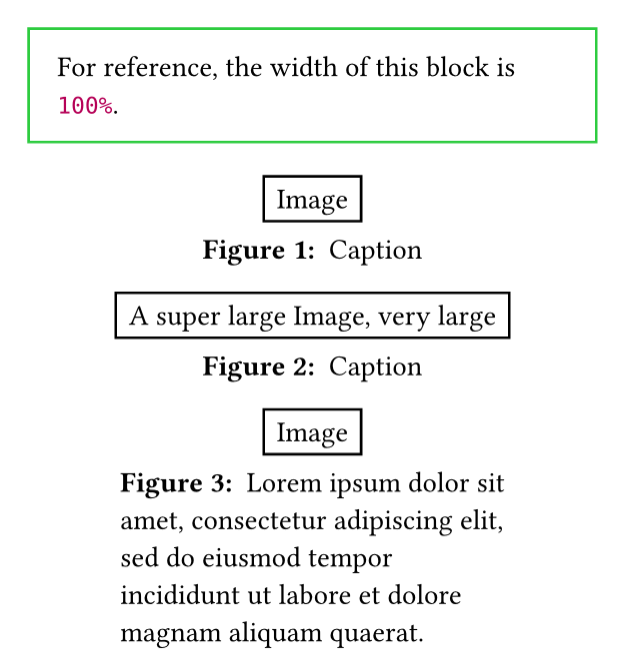
#block(width: 100%, stroke: green, inset: 1em)[
  For reference, the width of this block is #100%.
]

#figure(rect[Image], caption: [Caption])
#figure(rect[A super large Image, very large], caption: [Caption])
#figure(rect[Image], caption: lorem(20))
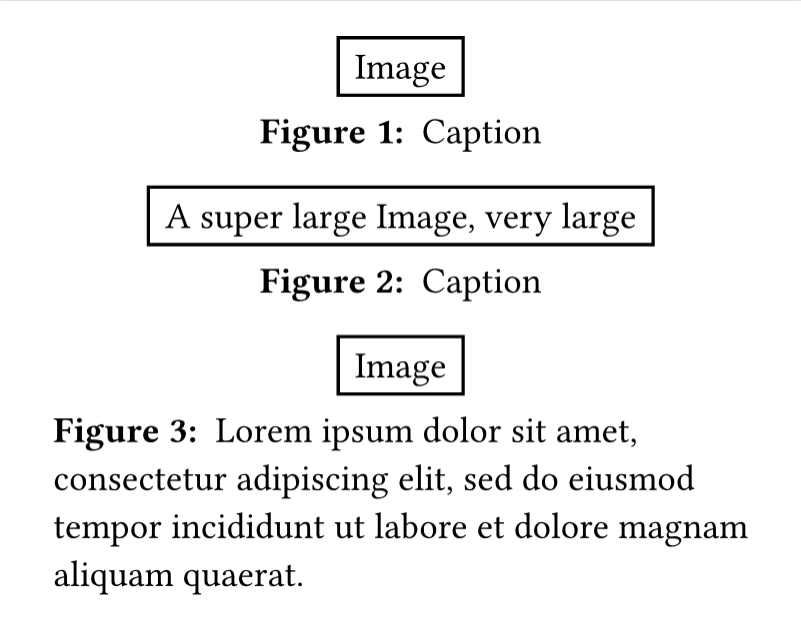
 . Yes, this solves the problem; I think it gives a better effect. Many books use this style.