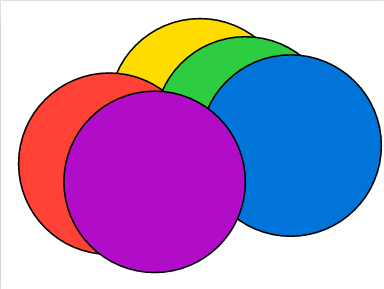
In the simplest case, suppose I wanted to render two circles, like so
canvas({
    circle((0, 0, 0), radius: 2, fill: orange)
    circle((0, 2, 2), radius: 2, fill: blue)
})
The problem I’m facing is that depending on the order of these lines, the blue circle can appear to be on ‘top’ of the orange one and the other way around. Instead, I would like it to be dependent on the coordinates and the camera position, i.e., an object that is closer to the camera is displayed ‘on top’.
Perhaps one way would be to order them based on their ‘depth’ from the camera, but I’m not sure how to do that. I also have a snippet I found from another post on how to position the camera, so ideally this depth would be calculated based on this new perspective.
let perspective() = {
    let FOVx = 90deg // field of view
    let FOVy = 70deg
    let near = 0.1
    let far = 1000
    draw.set-transform((
        (1 / calc.tan(FOVx / 2), 0, 0, 0),
        (0, 1 / calc.tan(FOVy / 2), 0, 0),
        (0, 0, -(far + near) / (far - near), -2 * (near * far) / (far - near)),
        (0, 0, -1, 0),
    ))
}
Any help appreciated.