I’m a new Typst user switching from LaTeX. Because I’m a teacher, I rely heavily on the LaTeX exam package, including the very useful command \fillwithdottedlines{$length}. Is there a way to replicate this command in Typst? I’m aware of the tutor package, which provides the command #lines(`count`), but (a) they’re solid lines, not dotted, and (b) I don’t actually need to specify the number of lines; it’s much more useful to have your answer lines fill a given space (e.g., the remaining vertical space on the page).
In my opinion, this is deceptively difficult, as there are bound to be spacings which could ruin the desired outcome, yet it’s still feasible.
I tried doing something along the lines of:
let repetitions = int(available.height / height-line)
But too many lines were being made. So here’s what I have come up with, combining the layout and repeat functions:
#let line-repeat(filling) = block(height: 1fr, layout(available => {
  let single-line = block(width: 100%, repeat(gap: 1em, justify: true, filling))
  let height-line = measure(single-line).height
  let i = 0
  while measure(single-line * i).height < available.height { i += 1 }
  single-line * i
}))

#line-repeat[.]
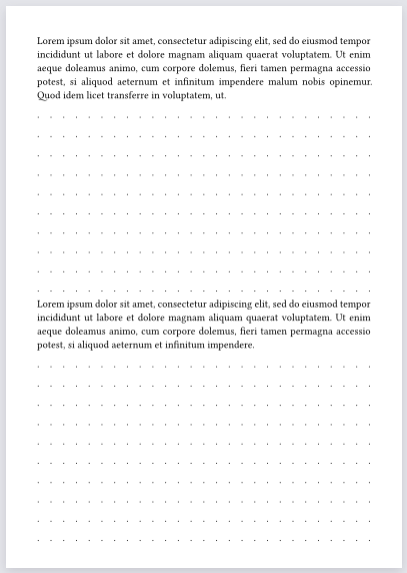
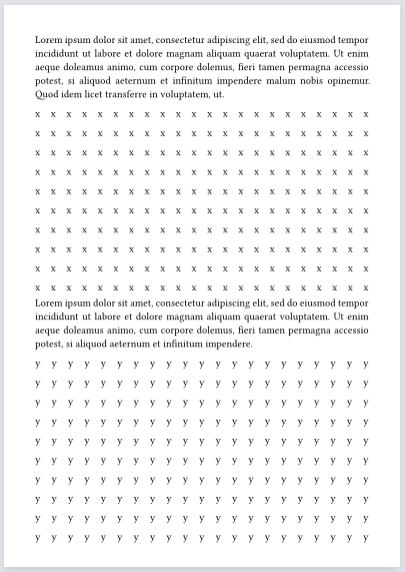
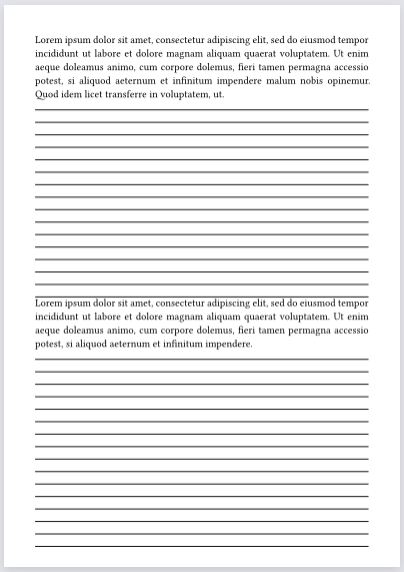
This takes for granted that:
- It’s being used as a block:
- No inline use, like in the middle of a paragraph.
- Takes the full width of its parent block.
- A solid lines equivalent can’t be made:
- But doing so is as simple as changing
single-line:let single-line = line(length: 100%)
- But doing so is as simple as changing
- Similarly to previous point, lines can be made to repeat
ntimes.
To clarify, this doesn’t implement the LaTeX command, instead it’s tailored for your purposes.
Spacings can and probably should be changed through block(above: ..., below: ...) or by reducing i by one. Whereas within repeating lines, spacing is affected by par(spacing: ...).
I see you already got familiar with Typst Universe. There most likely are dedicated exam packages, even specific to such line filling, that would suit your need, so hopefully recommendations come in over time.
I have a function that does something similar but to emulate grid paper:
#import "@preview/cetz:0.4.2"

#let fill-grid(height: 1fr, step: 4mm, in-margin: 0pt) = block(
  width: 100%,
  inset: (x: -in-margin),
  height: height,
  layout(((width: w, height: h)) => {
    let grid-w = calc.round(w/step) * step
    // Using floor here to preserve spacing between content and grid
    let grid-h = calc.floor(h/step) * step
     cetz.canvas({
      cetz.draw.grid((0, 0), (grid-w + 0.01pt, grid-h + 0.01pt),
        // For printing I actually use luma(247)
        step: step, stroke: luma(200) + 0.6pt)
    })
  })
)

#set page("a6", flipped: true)
#lorem(50)

// Grid that extends 5mm in the margins
#fill-grid(in-margin: 5mm)
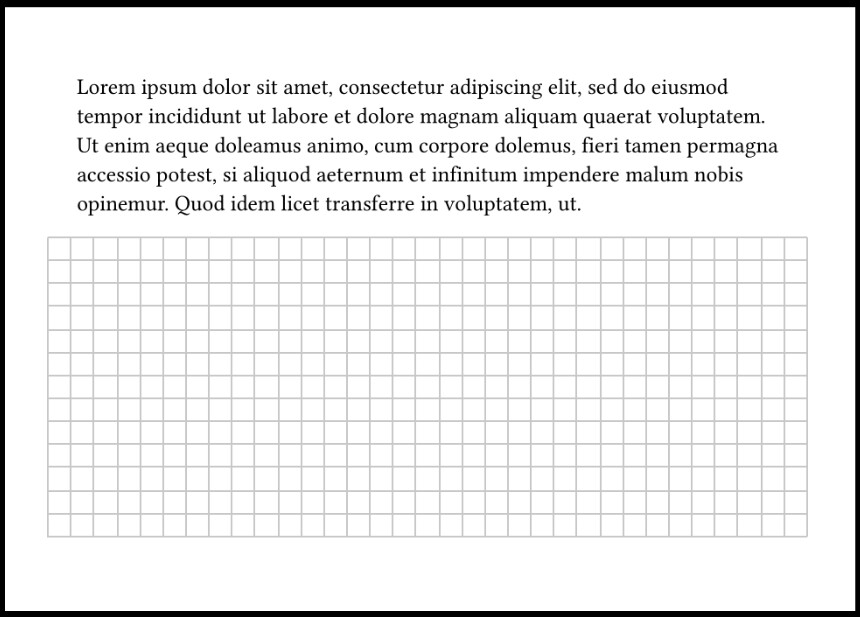
You can use e.g. fill-grid(height: 3cm) to set a fixed height rather than have it fill the available height.
A simpler alternative especially for dots could be to use a tiling:
#block(
  width: 100%,
  height: 3cm,
  fill: tiling(size: (8pt, 20pt))[.],
)
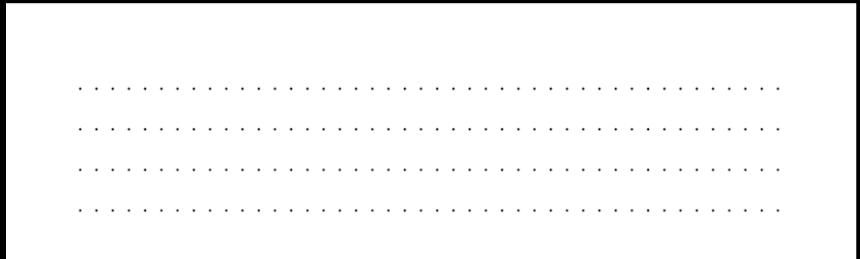
but note that when you use text in a tiling (like the period here) it doesn’t take the current text style into account! so if you want a different font or text size you have to set it in the tiling itself.
Grid one can also use tiling: How can I draw a "helper grid" across my page (or some part of my page) in 1 cm? - #2 by Andrew.