I have a function that does something similar but to emulate grid paper:
#import "@preview/cetz:0.4.2"

#let fill-grid(height: 1fr, step: 4mm, in-margin: 0pt) = block(
  width: 100%,
  inset: (x: -in-margin),
  height: height,
  layout(((width: w, height: h)) => {
    let grid-w = calc.round(w/step) * step
    // Using floor here to preserve spacing between content and grid
    let grid-h = calc.floor(h/step) * step
     cetz.canvas({
      cetz.draw.grid((0, 0), (grid-w + 0.01pt, grid-h + 0.01pt),
        // For printing I actually use luma(247)
        step: step, stroke: luma(200) + 0.6pt)
    })
  })
)

#set page("a6", flipped: true)
#lorem(50)

// Grid that extends 5mm in the margins
#fill-grid(in-margin: 5mm)
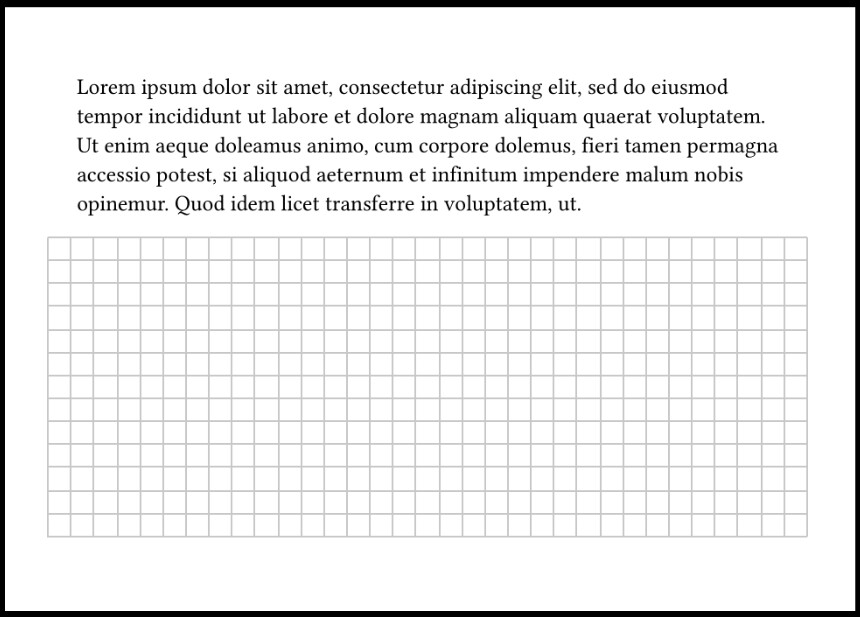
You can use e.g. fill-grid(height: 3cm) to set a fixed height rather than have it fill the available height.
A simpler alternative especially for dots could be to use a tiling:
#block(
  width: 100%,
  height: 3cm,
  fill: tiling(size: (8pt, 20pt))[.],
)
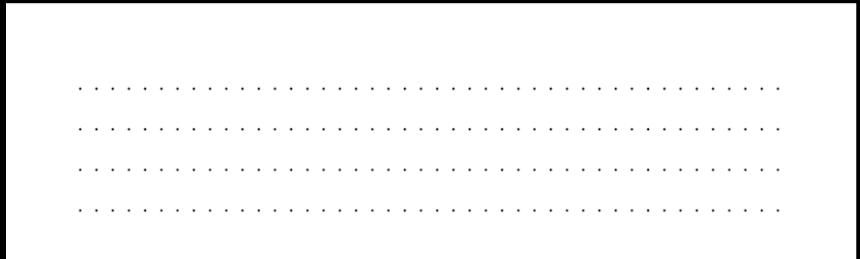
but note that when you use text in a tiling (like the period here) it doesn’t take the current text style into account! so if you want a different font or text size you have to set it in the tiling itself.