I assume that the preview by default has the same width as the text editor in the web app. When I change the size by dragging the border between them, how can I restore the default width of the preview?
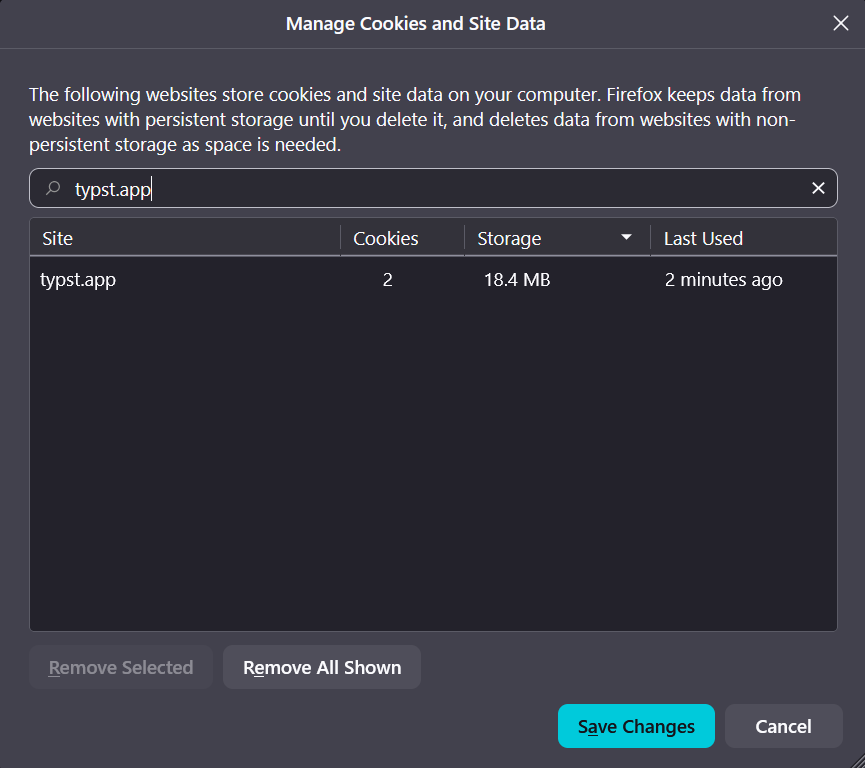
A bit drastic, but clearing the cookies for typst.app has done it for me in Firefox.
Run localStorage["editor-split-ratio"] = null in the console at https://typst.app and reload the page. Or set your own with localStorage["editor-split-ratio"] = "0.69".
This is not a public API, so it might not work at any moment.