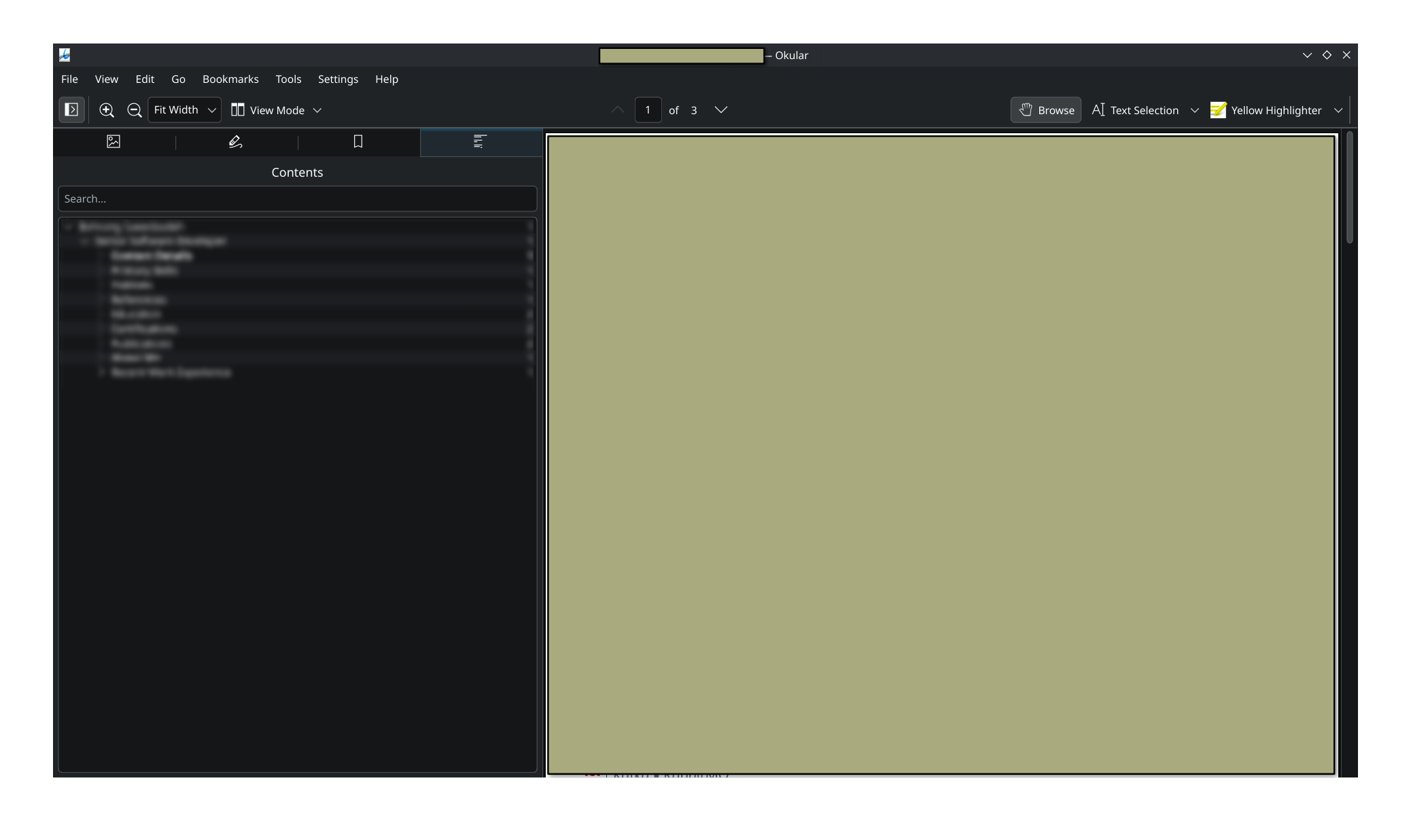
My document doesn’t have a ToC. However when I export it to PDF, it generates a nice outline that can be used by PDF viewers to jump to a specific heading (the left side of the screenshot):
I’ll assume that by “outline” you mean “bookmark” (If so, please edit your title to reflect this, it’ll be easier for future users to find).
As of now, this isn’t possible natively, see
and
However, we can take inspiration from this comment by Laurenz to both prevent the real heading from being bookmarked and create a new invisible heading that only shows up in the bookmarks:
#set heading(bookmarked: false)
#show heading: it => {
  if it.bookmarked != false {
    // If the heading's bookmark is not false,
    // assume the user wants to manually set
    // a bookmark for that heading, hence return
    // it without the invisible bookmark heading
    return it
  }
  // else
  {
    // create invisible heading that only shows up in the bookmarks
    show heading: none
    heading(
      bookmarked: true,
      numbering: none,
      outlined: false,
      /* body: */ it.supplement + " " + numbering(
        it.numbering,
        ..counter(heading).get()
      ),
    )
  }
  // also return the original heading
  it
}