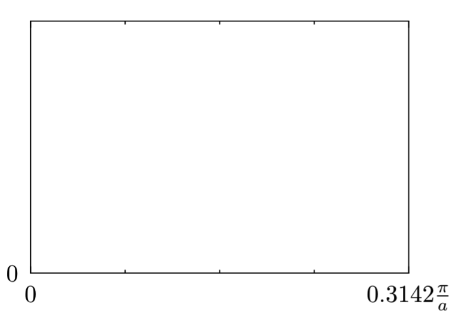
Does anyone have an idea why this doesn’t work? I would expect that it just says pi/a at the tick on the right. I mean pi/a is 0.314… It might be a rounding error
If you specify ticks manually through the ticks parameter, the manual tick locator is chosen. This overrides the setting for the tick locator, so that the unit that you set with the linear tick locator has no effect.
If you want to get rid of fractional ticks, instead of ticks: (0,1) you can set the tick distance to 1 or to (min: 0).
Thanks! Replaced ticks: (0,1) with tick-distance: 1. It worked perfectly :)
PS: It might be a good idea to tweak the docs that you can find lq.tick-locate.linear (docs) also under locate-ticks-linear with the search. That confused me a bit before looking at the source.
Actually format-ticks-linear has been sort of replaced by tick-format.linear in the latest release (but the former is kept for backwards compatibility for some time). This change goes towards when tick becomes a type and the formatters (hopefully) part of it’s namespace like tick.format.linear (currently this is not possible with Typst).
My idea is that the new scheme will improve discoverability: users can type tick. and get the suggestion tick.format. and then get the individual tick formatters as suggestions.
Edit: I just noticed that the docs accidentally still mention the old aliases in some places and guess that this led to the confusion?