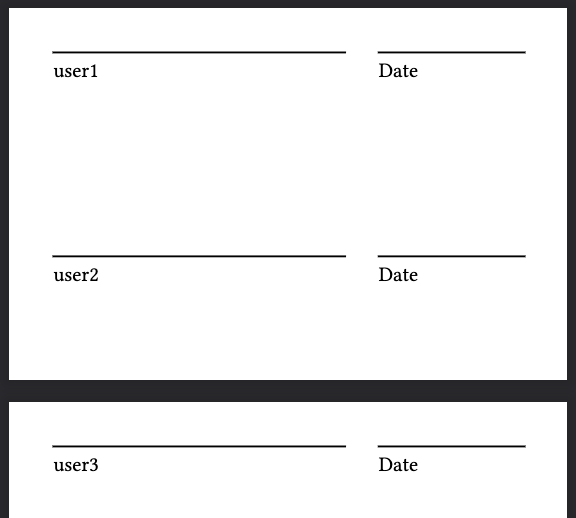
I’m using a grid and an array of names to create a series of placeholders for signatures in my document. I use the row-gutter parameter to provide the extra whitespace needed between entries. Something like this:
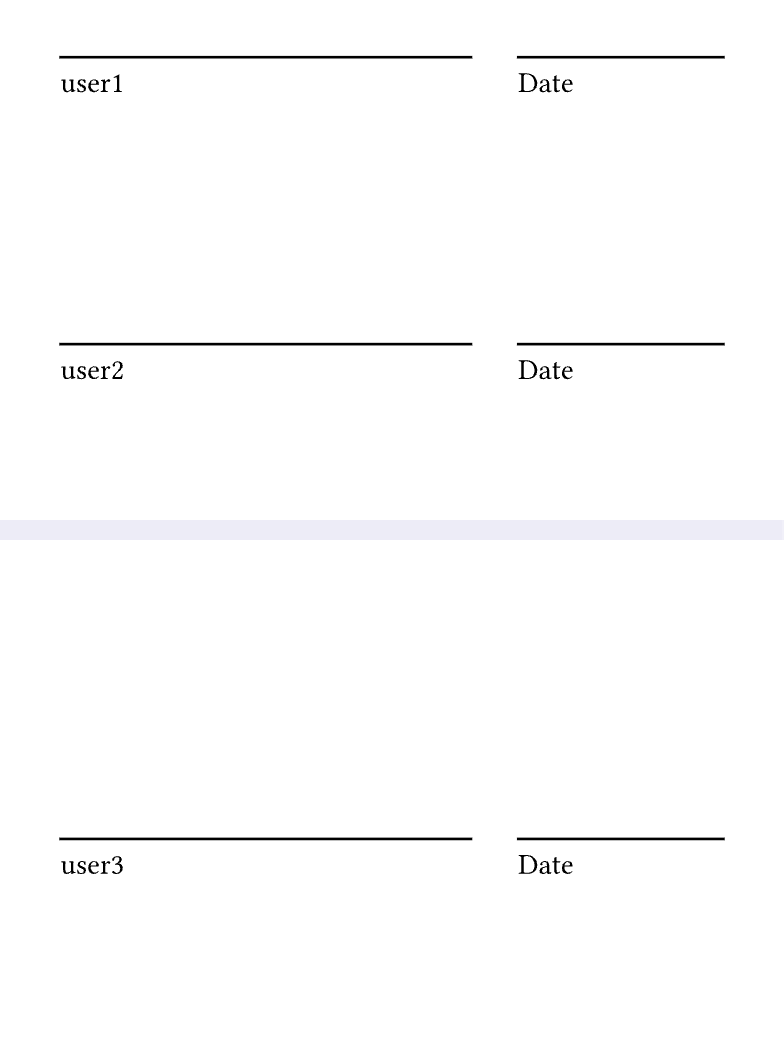
This approach works well until there are enough names to cause the grid to shift to another page. The first row that appears on the new page is very close to the header instead of having the expected amount of whitespace:
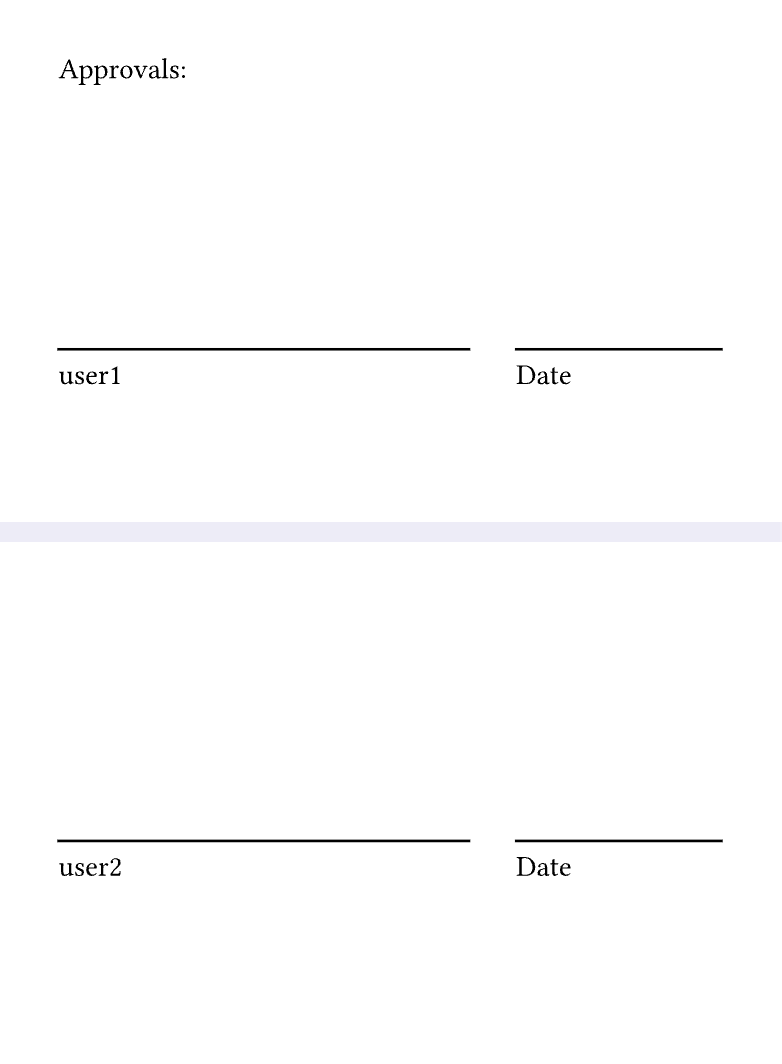
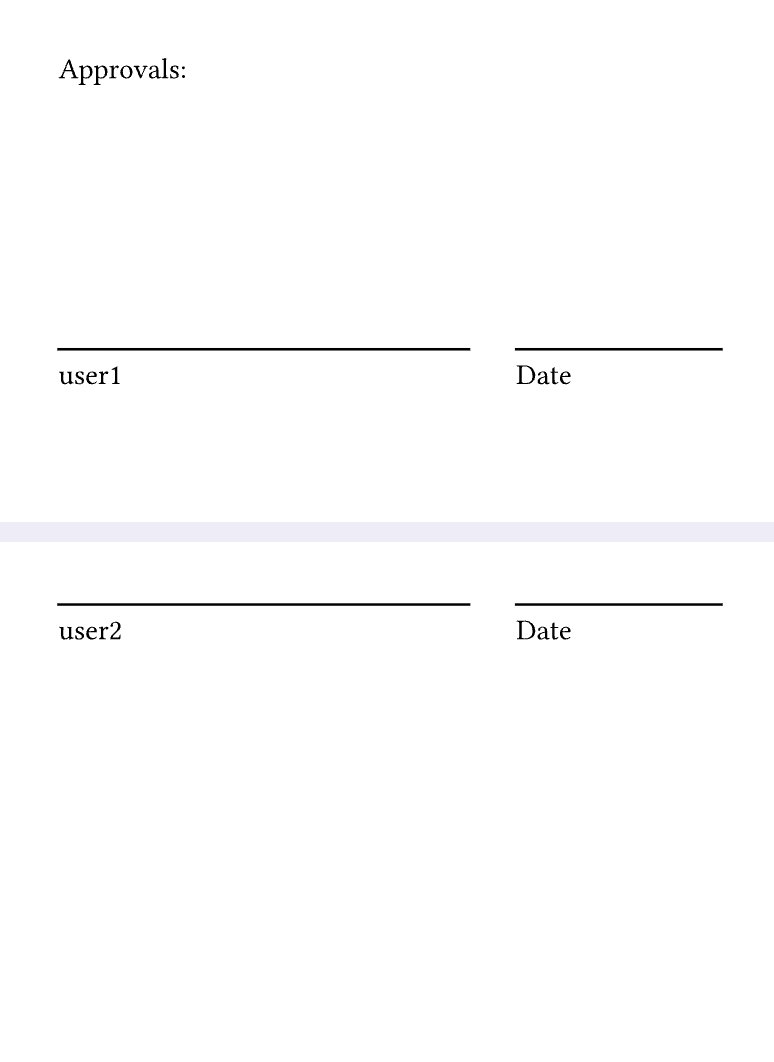
I think it is intended behaviour that a grid row wrapped over to a new page will have no gap above itself. It’s the same gap that user1 Date has to its page header, no?
Ultimately, if I have enough signatories to force the list to a new page, I need there to be enough space at the top of the second page to actually insert the signature.