Are you using Typst 0.15.1? Is that code originally included into a show rule? Can you try the code I have provided and confirm if you still get the issue?
This may well be of interest:
On a side note, if you could please edit the title of you post to be in accordance with our guidelines:
We hope that this will make it easier for others to find answers to the same question.
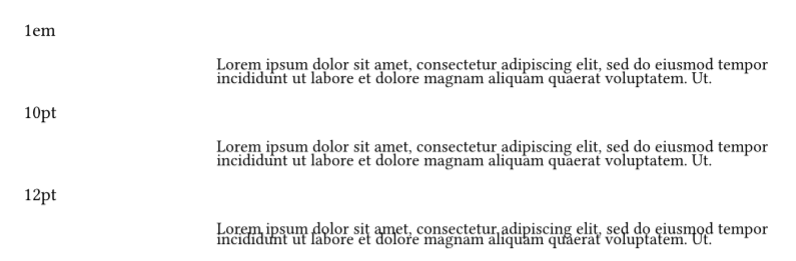
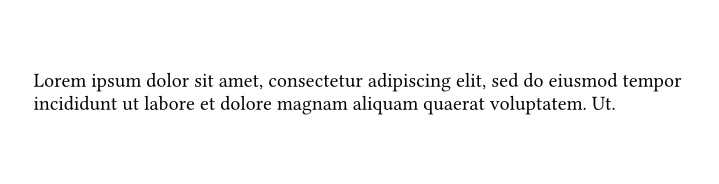
Im using Typst 0.15.1. The first image I sent was created in Typst. The second was created in LaTeX. I used the code you sent me, and the result was the same. I edited my title to make it clearer. I read a post about how to set the interlinespacing, but I didn’t understand it. I wouldn’t be able to say if it’s the same problem I’m facing.
#let leading = 1.5em // Your line spacing (1, 1.5, 2, etc.)
#let leading = leading - 0.75em // "Normalization"
#set par(leading: leading, spacing: leading)