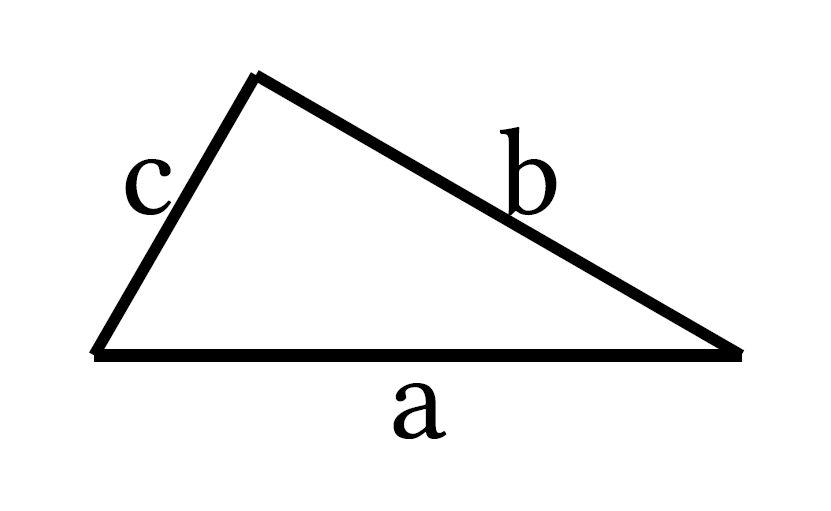
My code is:
#import "@preview/cetz:0.5.2"
#import cetz.draw: *

#cetz.canvas({
  hide(circle((2,0), name: "circle", radius: 1))
  line((1,0), (3,0),           name: "a")
  line((), "circle.120deg",    name: "b")
  line("circle.120deg", (1,0), name: "c")
  content("a", [a], anchor: "north")
  content("b", [b], anchor: "south-west")
  content("c", [c], anchor: "south-east")
})
Result:
Is there no way to replace the three line commands with a single one — like line((1,0), (3,0), "circle.120deg", closed: true) — while also naming each line so that the polygon’s sides can be labeled?
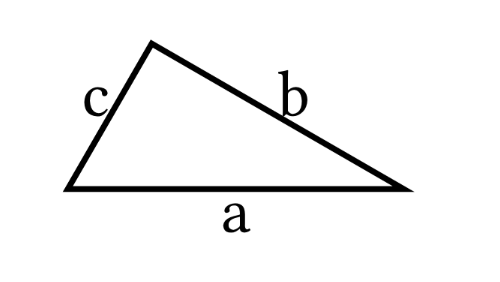
Yes you can. You are able to interpolate between the points for placing the labels:
#import "@preview/cetz:0.5.2"
#import cetz.draw: *

#cetz.canvas({
  hide(circle((2,0), name: "circle", radius: 1))
  line((1,0), (3,0), "circle.120deg", close: true)
  content((a: (1,0), number: 50%, b:(3,0)), [a], anchor: "north")
  content((a: (3,0), number: 50%, b:"circle.120deg"), [b], anchor: "south-west")
  content((a: (1,0), number: 50%, b:"circle.120deg"), [c], anchor: "south-east")
})
Hello Mathemensch. That works, thanks. Unfortunately, I have to go over all the points again, but that’s okay.
Edit 1: I opened an issue on the CeTZ GitHub repository regarding this matter. I suggested that perhaps a syntax like
line((1,0).A, (3,0).B, "circle.120deg".C, close: true)
might solve the issue. See Name points during the construction of line. · Issue #1135 · cetz-package/cetz