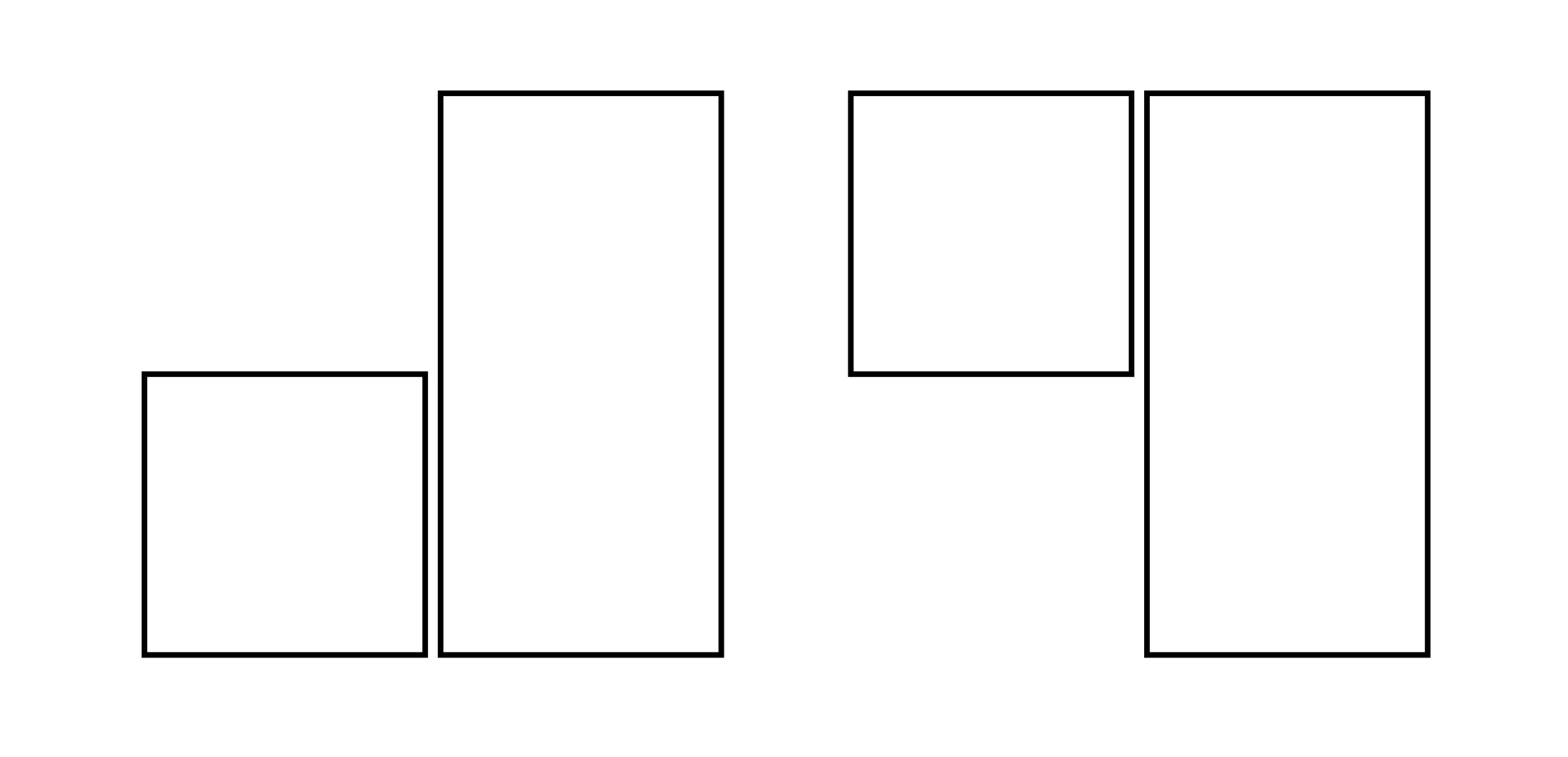
#let r1 = rect(width: 50pt, height: 50pt)
#let r2 = rect(width: 50pt, height: 100pt)

#box(r1)
#box(r2)
#h(1fr)
#box(height: 100pt, r1)
#box(r2)
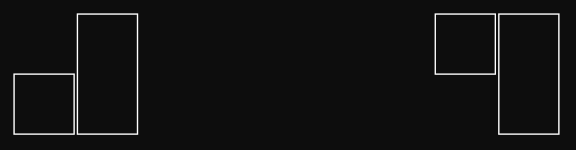
Basically, I want the boxes placed as on the right-hand side but without hardcoding a length. LaTeX lets you align boxes based on their bottom, center, or top, but I can’t seem to find the equivalent in Typst.
hpcfzl
March 25, 2026, 3:58pm
2
Hello, the simplest layout that I can think of is as follows:
block(
  align(
    ALIGNMENT,
    stack(
      dir: DIRECTION,
      BOX-1, BOX-2 ... BOX-N
    ),
  ),
)
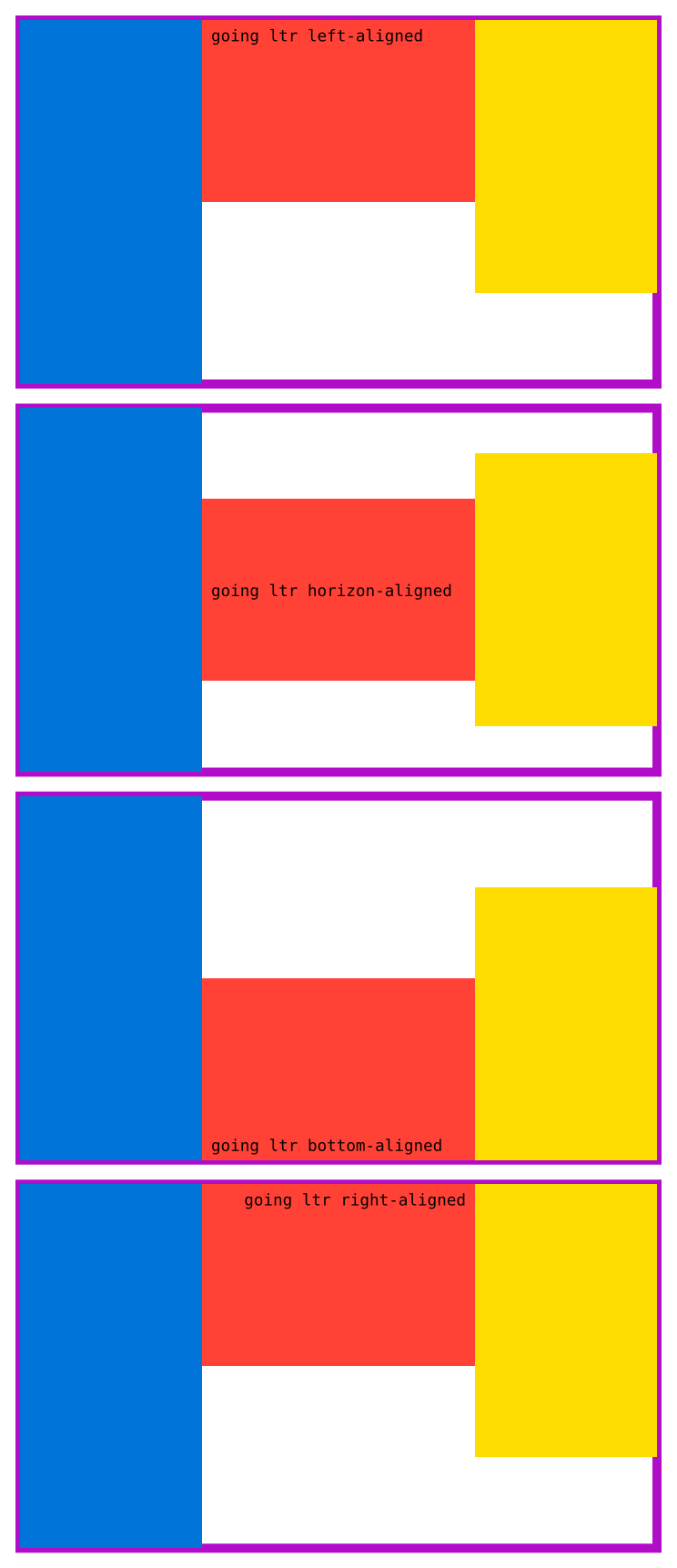
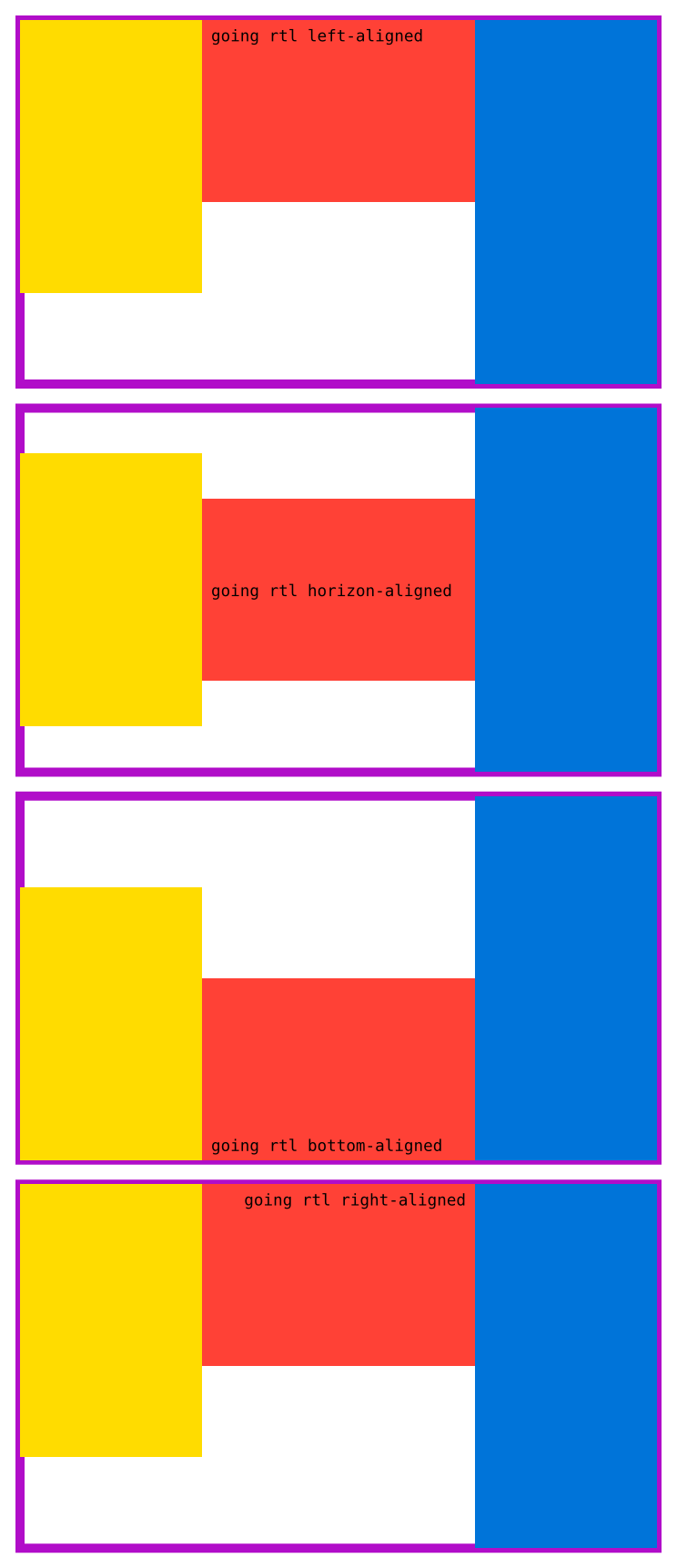
A few ALIGNMENT + DIRECTION combinations, as an example:
Code
#let brief(item, pos) = raw("going " + repr(item) + " " + repr(pos) + "-aligned")

#for item in (ltr, rtl, ttb, btt) {
  for pos in (left, horizon, bottom, right) {
    block(
      stroke: 5pt + purple,
      align(
        pos,
        stack(
          dir: item,
          rect(width: 100pt, height: 200pt, fill: blue),
          rect(width: 150pt, height: 100pt, fill: red, brief(item, pos)),
          rect(width: 100pt, height: 150pt, fill: yellow),
        ),
      ),
    )
  }
  pagebreak(weak: true)
}
Yours specifically is going ltr left-aligned.
See the docs for stackalign
2 Likes
Andrew
March 25, 2026, 4:05pm
3
I’m not sure why top is somehow the default alignment (here), but you can just use grid, where you can also specify that gap between the rectangles. For inline, can be wrapped in a box:
#let r1 = rect(width: 50pt, height: 50pt)
#let r2 = rect(width: 50pt, height: 100pt)

#box(r1)
#box(r2)
// #box(grid(columns: 2, align: bottom, gutter: 1mm, r1, r2))
#h(1fr)
#box(grid(columns: 2, gutter: 1mm, r1, r2))
2 Likes
Thanks @hpcfzl and @Andrew for your help!
I tried using align but was not aware of stack. Also, I’m still intimidated with grid for some reason… It worked pretty well in my case, though.
2 Likes