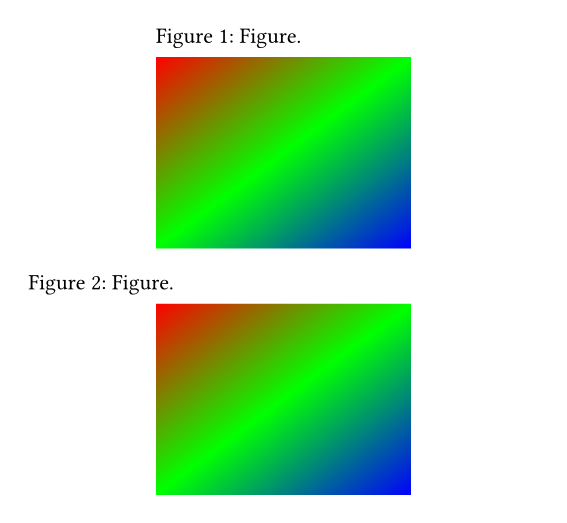
Normally, if #image is wrapped in #figure, the figure is aligned to the center of the page.
How can I align figures and their captions to the left instead, in the whole document?
Normally, if #image is wrapped in #figure, the figure is aligned to the center of the page.
How can I align figures and their captions to the left instead, in the whole document?
To align all figure kinds to the left you can use #show figure: set align(start), to only affect figures with images you can use #show figure.where(kind: image): set align(start).
Do you happen to know how to set figure in center but caption on the left? I also already have a function that positions caption on top of the figure. Thank you!
Sure, Typst has figure.caption to set caption specific properties. Depending on what exactly you want you have to also set the block width of the figure.
#show figure.caption: set align(left)
#set figure.caption(position: top)

#figure(
  caption: [Figure.],
  image("image.jpg", width: 50%)
)

#show figure: set block(width: 100%)

#figure(
  caption: [Figure.],
  image("image.jpg", width: 50%)
)
I may be missing something, but this works nicely. Until I change the figure placement to anything except “none” then the figure becomes centered.
In other words this works for the caption, but not the figure itself. Is there a fix fo this?
Hmm true, I’m not sure why it doesn’t work for figures with placement. You can use:
#show figure.where(kind: image): it => {
  set block(width: 100%)
  show image: set align(left)
  it
}
With the above, the line #show figure: set block(width: 100%) is no longer needed.
Thanks!
This seems like an unwanted behaviour/bug to report.