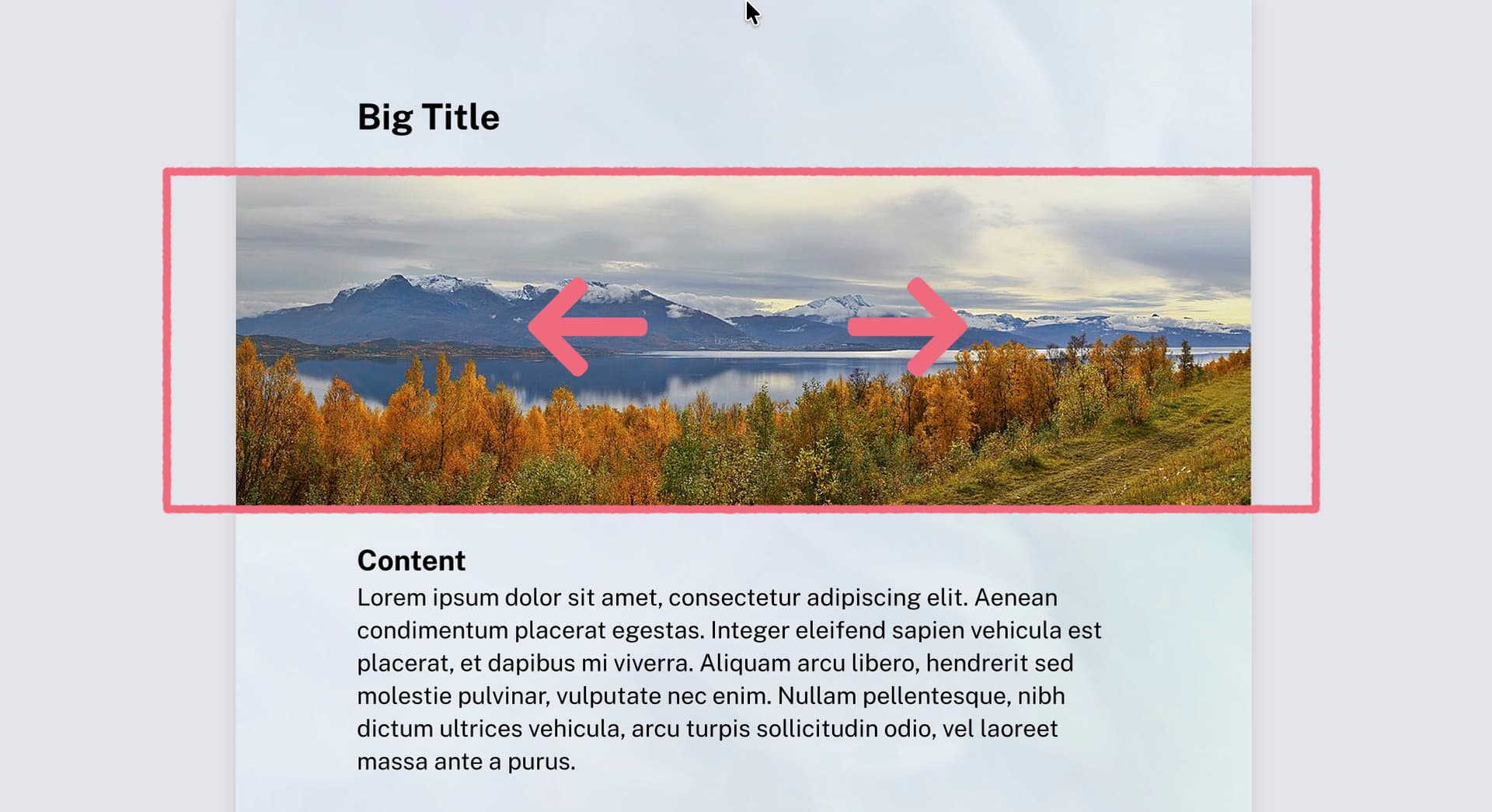
For those familiar with CSS, when using object-fit: cover, object-position: right top can be used to position the item. I am looking for the equivalent of that.
I thought about this before, but never took the time to code up a solution… the problem is that image tries to be smart and will itself crop the image, meaning that the required dimensions of the image can’t be taken into account for further layout. The solution is to manually size the image to take up this extra space. My take would be this:
#let overflowing-image(img) = layout(container => {
  let dim = measure(img)
  let container-ratio = container.width / container.height
  let img-ratio = dim.width / dim.height

  if img-ratio > container-ratio {
    // the image will have horizontal overflow; set the width according to the aspect ratio
    set image(height: 100%, width: container.height * img-ratio)
    img
  } else {
    // the image will have vertical overflow; set the height according to the aspect ratio
    set image(width: 100%, height: container.width / img-ratio)
    img
  }
})
You now have an image element that fits exactly in one dimension, and overflows in the other, meaning you can now control what part of the image is visible within its (cropped) container by using set align, or even move.
Personally I would restructure the code you have a bit, but the original code should also work with overflowing-image:
instead of nesting function calls, I use show: elem.with() to keep it flat
move doesn’t affect overall layout and literally moves everything to the left. I instead use pad with negative horizontal padding to give your banner more space
that means that the width of 100% is now what you need and you don’t need to contextually access page.width any more.
you can now add the alignment commands (move or set align) to your liking
finally the thing placed in all this is the overflowing image