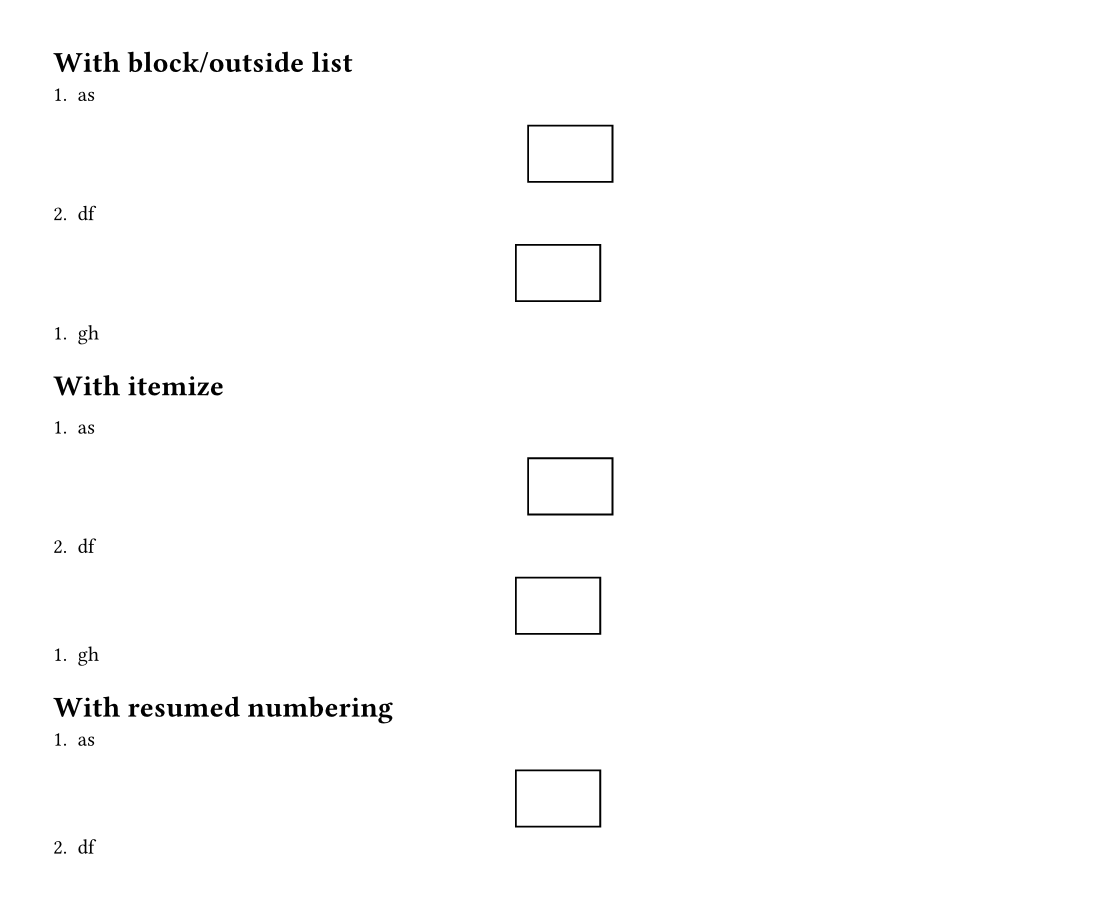
I indented the table into numbered list, so the numbering continues. Without this indentation, the number always starts from 1 after the table.
But I also want to put table in the middle of the page, and I have not found a good way to do it. using align[center] only put it to the center of bullet list text width, not page width.
My understanding is the itemize package also handles this problem.
But, if you want your figure to be properly centered on the page (not within the list item) you’ll need to put the figure outside the list. Compare these:
#import "@preview/itemize:0.2.0" as el

#set page(height: auto, margin: 1cm)

= With block/outside list

+ as

  #block(width: 100%)[
    #figure(rect())
  ]

+ df

#figure(rect())

+ gh

= With itemize

#[
  #show: el.default-enum-list

  + as

    #figure(rect())

  + df

  #figure(rect())

  + gh
]
Luckily, itemize can also help with resuming an interrupted list’s numbering:
= With resumed numbering

#[
  #show: el.default-enum-list.with(auto-resuming: auto)

  + as

  #figure(rect())

  #el.resume()
  + df
]