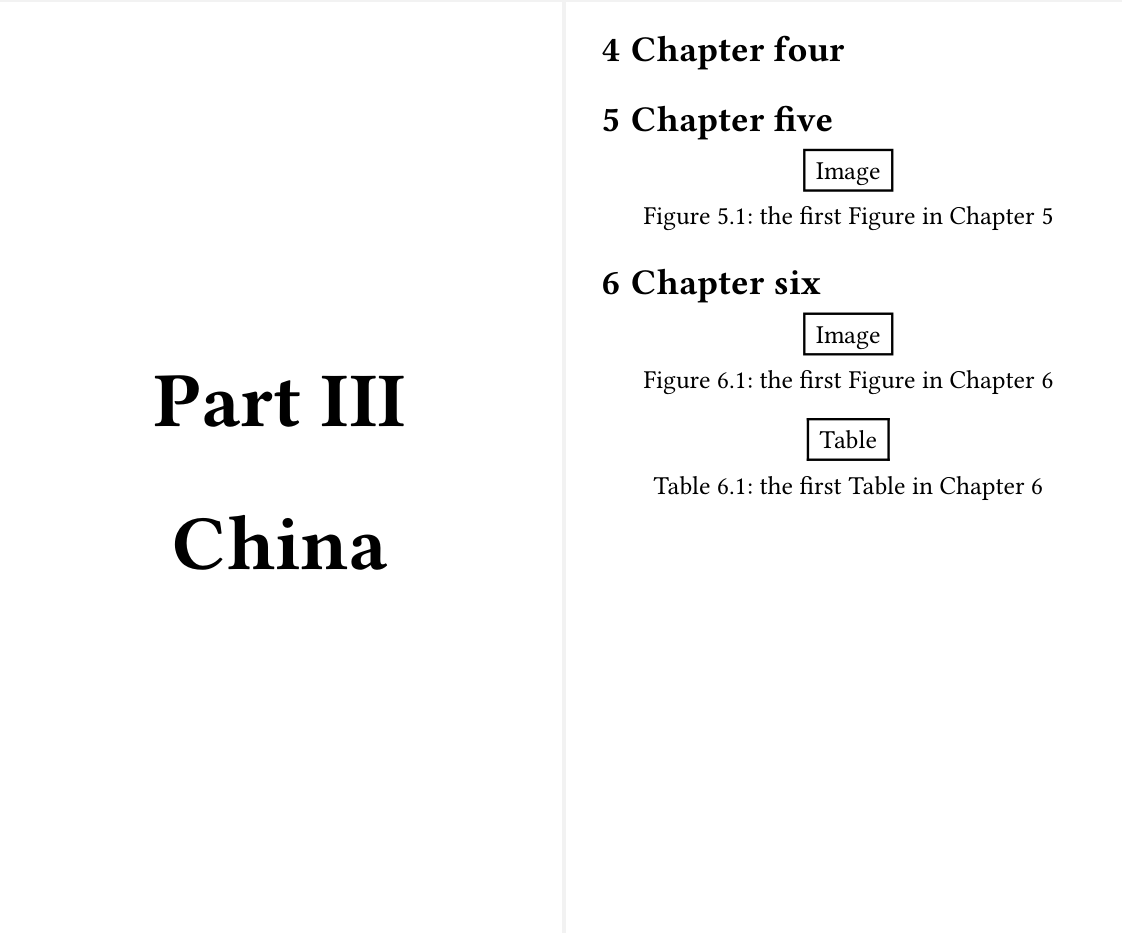
How to config typst files so that:
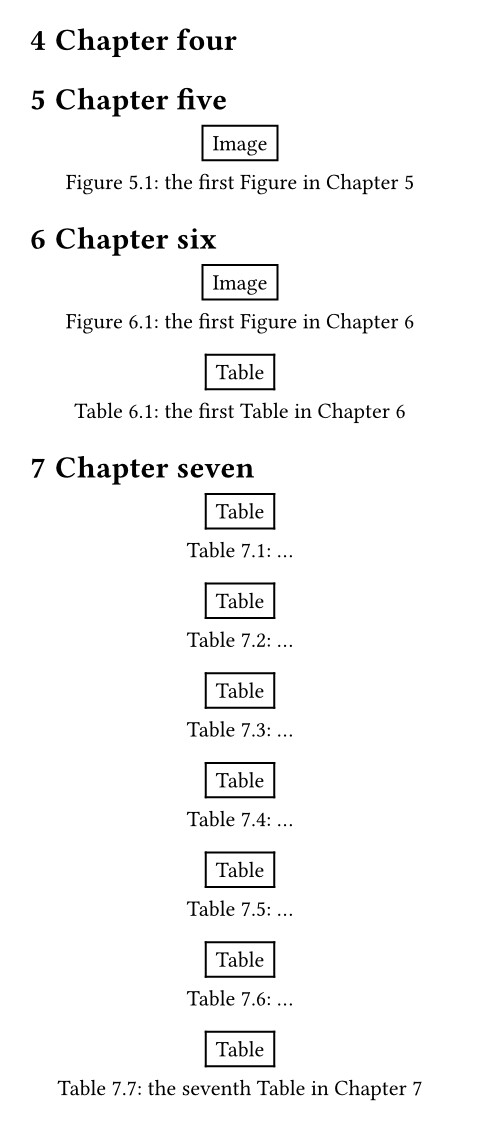
(i) the first Figure in Chapter 5 is numbered as “Figure 5.1”;
(ii) the first Figure in Chapter 6 is numbered as “Figure 6.1”;
(iii) the First Table in Chapter 6 is numbered as “Table 6.1”
(iv) the seventh Table in Chapter 7 is numbered as “Table 7.7”
Now, I have all tables numbered from 1 to end, for example Table 2.1, Table 2.2, … Table 3.34 … whilst the prefix X of “X.Y” changes, not in accordance with Chapter number. Now it works this way: if a figure is the third figure in the entire series, and it appears in Chapter 3, whilst the first and second figure appear in Chapter 1, Typst assumes Chapter 3 is Chapter 2.
The last number “Y” of X.Y is the sequential number of the the total series.
The prefix of “2” for Table 2.1 is not because of Chapter 2.
The prefix of “3” for Table 3.34 is not because of Chapter 3. It is Chapter 9.
The prefix of “2” for Figure 2.9 is not because of Chapter 2. It is Chapter 7.
I want a set of sequential number for Table in a chapter. I want a set of sequential number for Figure in the same chapter.
When the chapter changes, the number (the count) starts afresh together with the chapter number.
Here’s an initial solution. If you need further help, please create a new topic and link to this old post.
Code
// Use a small page for testing
#set page(height: 400pt, width: 240pt, margin: 15pt)


#let part-figure = figure.where(kind: "part")
#show part-figure: set figure(numbering: "I", supplement: [Part])
#show part-figure: it => page({
  set align(center + horizon)
  set text(3em, weight: "black")

  context [Part #numbering("I", ..counter(part-figure).get())]
  parbreak()
  it.caption.body
})

/// Start a new part and write the part title in a standalone page
#let part-page(body) = figure({}, kind: "part", caption: body)

/// Wrapper of the main chapters
#let main-matter(body) = {
  import "@preview/headcount:0.1.0": dependent-numbering, reset-counter

  set heading(numbering: "1.1")
  show selector.or(
    figure.where(kind: image),
    figure.where(kind: table),
  ): set figure(numbering: dependent-numbering("1.1"))
  show heading: reset-counter(counter(figure.where(kind: image)))
  show heading: reset-counter(counter(figure.where(kind: table)))

  pagebreak(weak: true)

  body
}

// We prefer manual titles here, because we want them appear in `outline`.
#set outline(title: none)

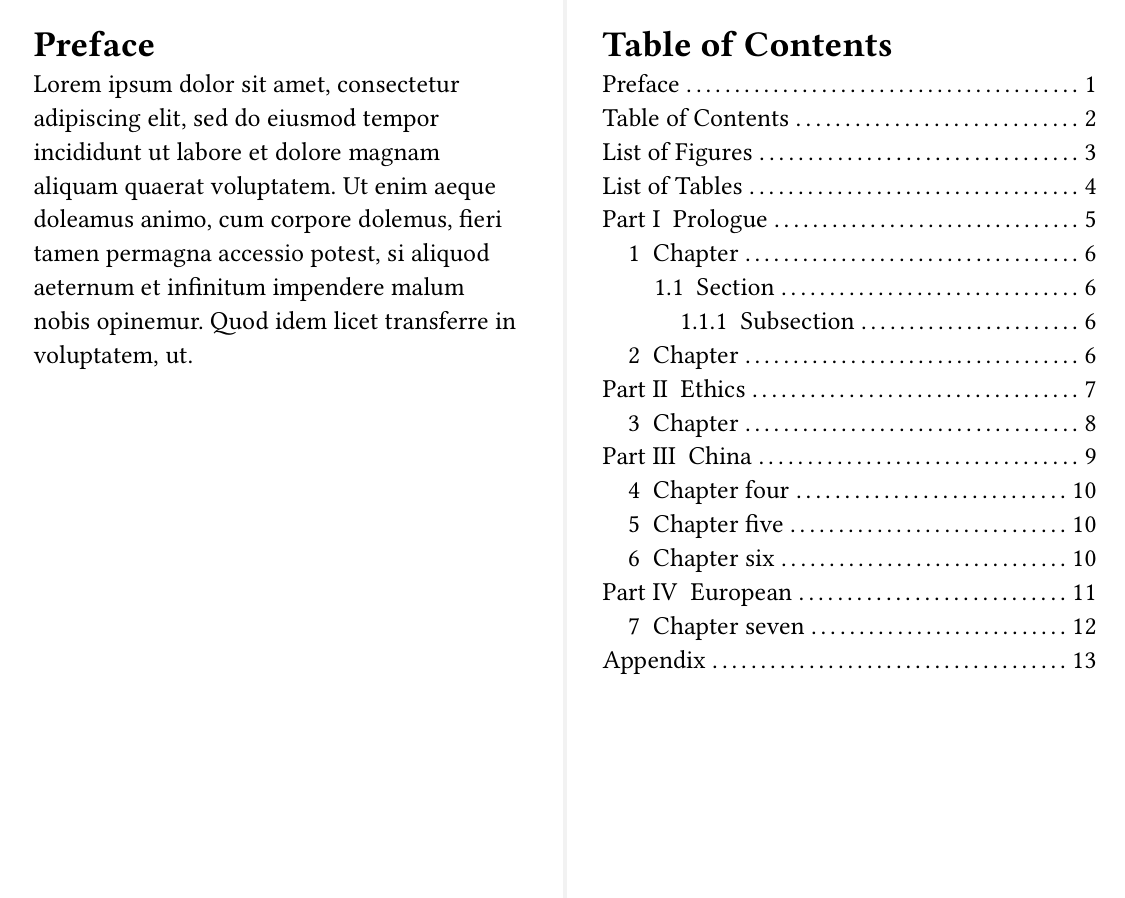
= Preface
#lorem(50)

#{
  pagebreak(weak: true)
  [= Table of Contents]

  let indent = 1em

  show outline.entry: it => {
    let el = it.element
    // If you want additional styling, `is-part` might be helpful
    let is-part = el.func() == figure and el.kind == "part"
    let is-main-chapter = el.func() == heading and el.numbering != none

    link(el.location(), it.indented(
      {
        // Add an extra indent for main chapters
        if is-main-chapter { h(indent) }
        it.prefix()
      },
      it.inner(),
    ))
  }

  outline(indent: indent, target: selector.or(heading, part-figure))
}

#pagebreak(weak: true)
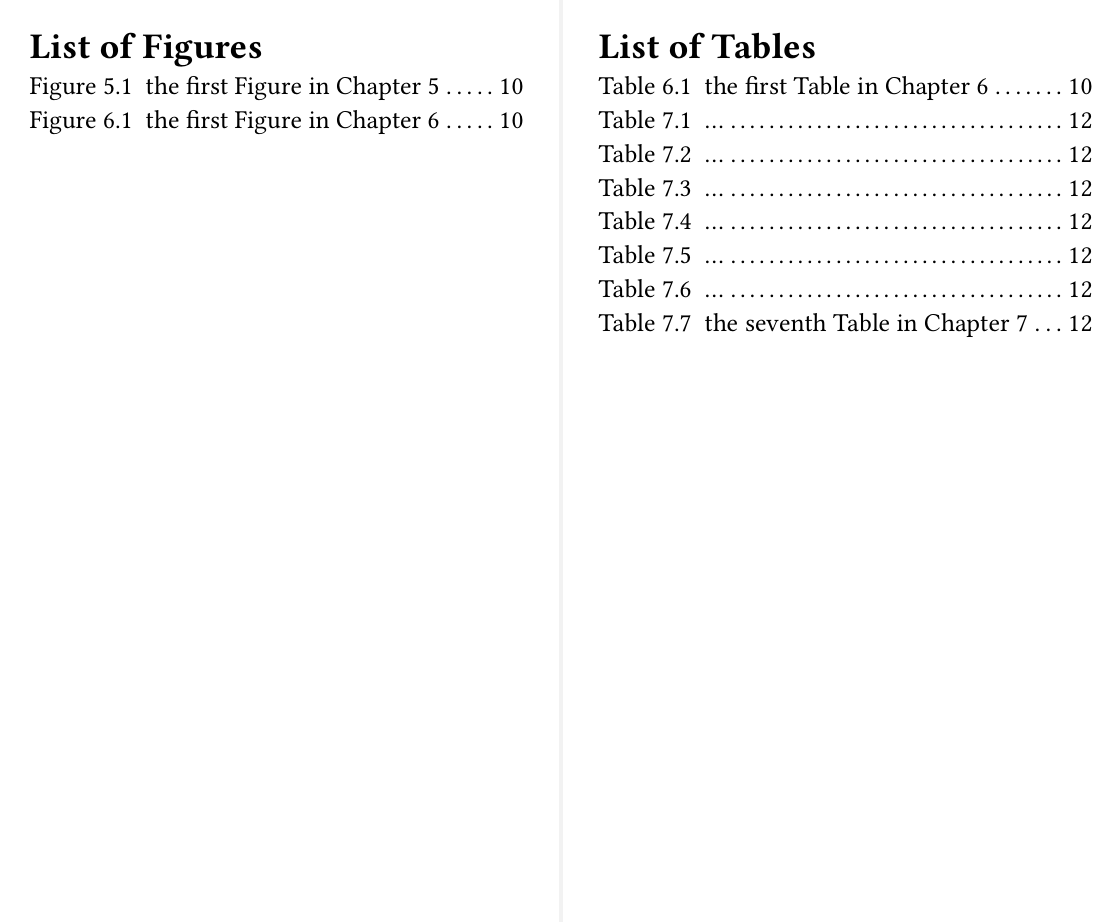
= List of Figures
#outline(target: figure.where(kind: image))

#pagebreak(weak: true)
= List of Tables
#outline(target: figure.where(kind: table))
#main-matter[
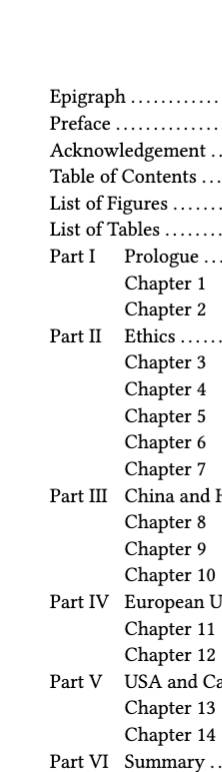
  #part-page[Prologue]

  = Chapter
  == Section
  === Subsection
  = Chapter

  #part-page[Ethics]

  = Chapter

  #part-page[China]

  = Chapter four

  = Chapter five
  #figure(rect[Image], caption: [the first Figure in Chapter 5])

  = Chapter six
  #figure(rect[Image], caption: [the first Figure in Chapter 6])
  #figure(table[Table], caption: [the first Table in Chapter 6])

  #part-page[European]
  = Chapter seven
  #figure(table[Table], caption: [...])
  #figure(table[Table], caption: [...])
  #figure(table[Table], caption: [...])
  #figure(table[Table], caption: [...])
  #figure(table[Table], caption: [...])
  #figure(table[Table], caption: [...])
  #figure(table[Table], caption: [the seventh Table in Chapter 7])
]

#pagebreak(weak: true)
= Appendix
#lorem(50)

#lorem(30)