Currently I use
#import "@preview/fletcher:0.5.8": *

#diagram(
  edge((0, 0), (0, 1), $~$, label-angle: right),
  edge((1, 0), (1, 1), $~$, label-angle: right, label-side: left),
)
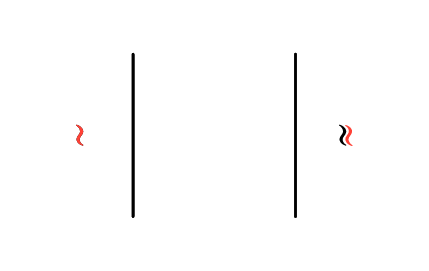
However in the maths font, ~ isn’t centered, resulting in the left and right labels having a different gap size.
gezepi
March 6, 2026, 7:32am
2
It’s a bit hacky but if the second tilde is rotated 180° then the centering of the character isn’t important. Normal in black, second one rotated in red:
I also measured the distance from each red tilde to the corresponding line and they match.
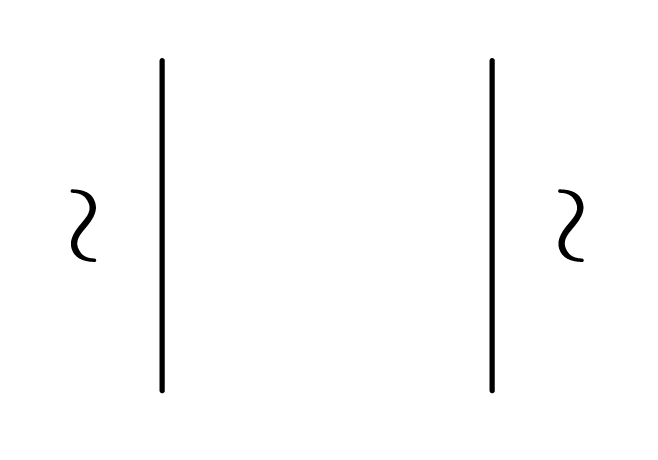
Also try using display math for the tildes, as then the optical bounding box is used:
#import "@preview/fletcher:0.5.8": *

#diagram(
  edge((0, 0), (0, 1), $ ~ $, label-angle: right),
  edge((1, 0), (1, 1), $ ~ $, label-angle: right, label-side: left),
)