How to create headings in the side margin

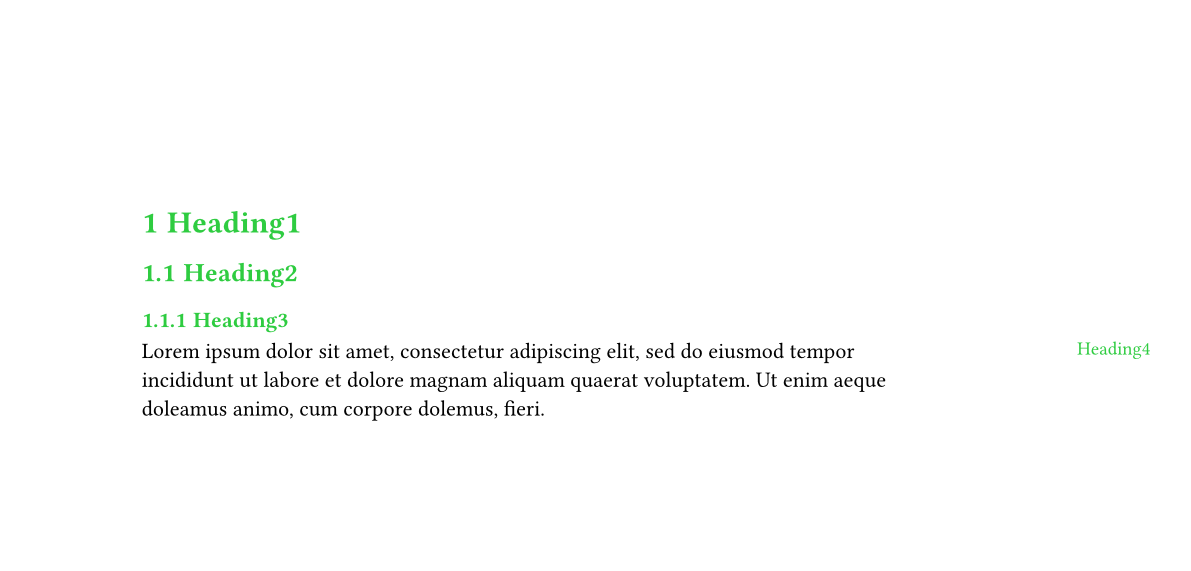
I’m trying to create a document where level 4 headings are placed without numbering in the right margin with the body text on the same vertical level.
Here is what it should look like:
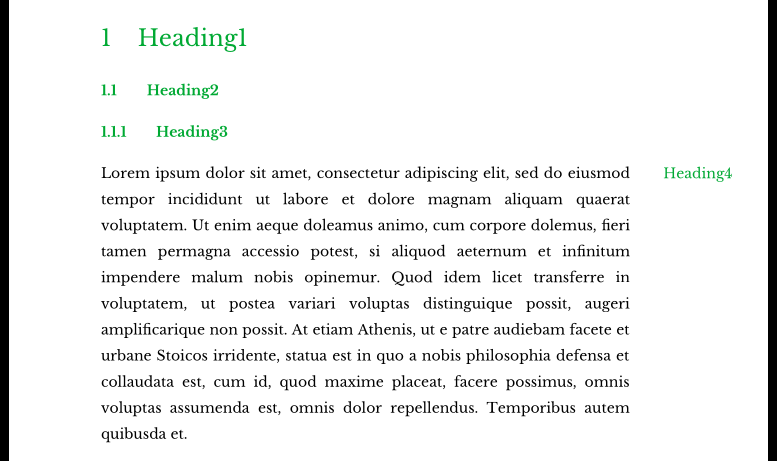
Here’s what I have so far.

#set page(
    paper: "a4",
    margin: (top: 3.75cm, bottom: 2.75cm, left: 2.5cm, right: 5cm),
)
#let customnumbering(..n) = {
    if n.pos().len() == 1 { return numbering("1", ..n) }
    if n.pos().len() == 2 { return numbering("1.1", ..n) }
    if n.pos().len() == 3 { return numbering("1.1.1", ..n) }
    if n.pos().len() == 4 { return "" }
    return ""
}
#set heading(
    numbering: customnumbering,
    depth: 4,
    outlined: true,
    bookmarked: true,
)
#show heading: set text(fill: green)

= Heading1
== Heading2
=== Heading3
==== Heading4
#lorem(30)

How would I go about doing this?
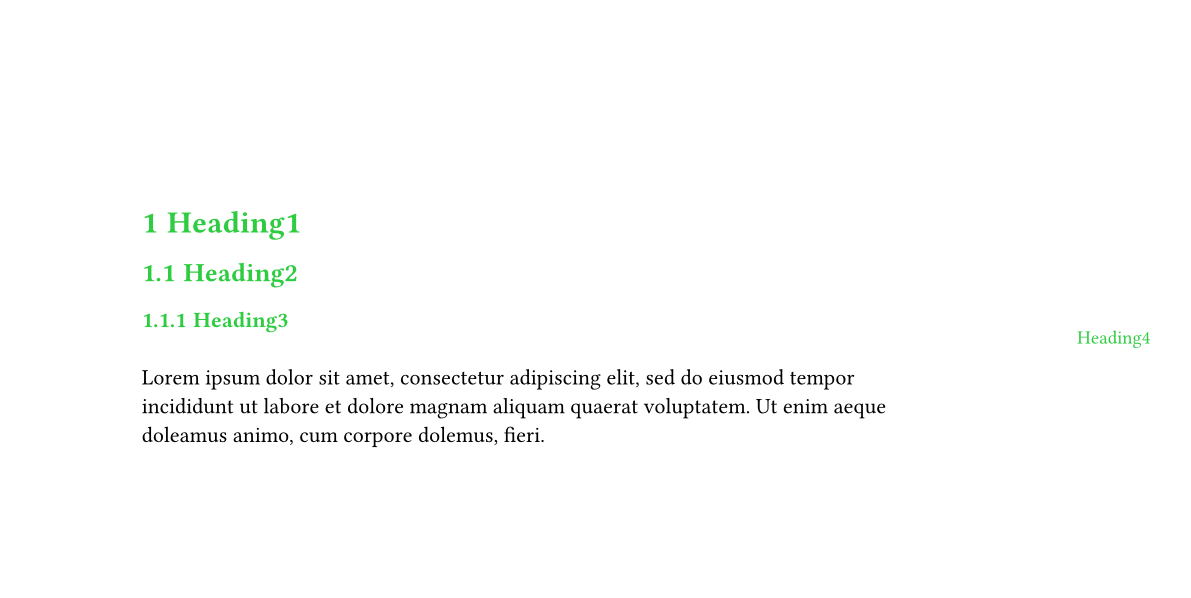
you can simplify your heading rules. a pattern like "1.1" is already interpreted the way you want it for levels 1–3, and for level 4 you can just use a show-set rule instead:

#set heading(numbering: "1.1")
#show heading.where(level: 4): set heading(numbering: none)

(also, you shouldn’t set depth, and outlined and bookmarked already default to true).


as for your main question, i would use a package because this sort of layout can be a bit hacky to implement. marginalia is great, it lets you do something like this:

#note("hiii", numbering: none)

knowing this, we can write a simple show rule that displays all h4’s as margin notes:

#import "@preview/marginalia:0.3.1": note
#show heading.where(level: 4): note.with(numbering: none)

(we use .with() to simplify the definition, which wraps the whole heading in note). feel free to further customize the output using marginalia’s parameters (see the v0.3.1 manual), or typst’s layout primitives, e.g.:

#show heading.where(level: 4): it => place(dy: .5em, note(it, numbering: none))
first rule second rule

full code
#import "@preview/marginalia:0.3.1": note

#set page(paper: "a4", margin: (top: 3.75cm, bottom: 2.75cm, left: 2.5cm, right: 5cm))

#set heading(numbering: "1.1", )
#show heading: set text(fill: green)
#show heading.where(level: 4): set heading(numbering: none)
#show heading.where(level: 4): note.with(numbering: none)

= Heading1
== Heading2
=== Heading3
==== Heading4

#lorem(30)
3 Likes

That’s perfect, thanks!

(also, you shouldn’t set depth, and outlined and bookmarked already default to true).

Why shouldn’t I set those, because it’s the default? I thought I would explicitly set them to see what the value is and to easily be able to change them in the future.