I am fairly new to writing in typst and i just started using the tinymist extension within vs code.
When typing normal text, i get an instant preview window, that is quite annoying while typing a longer section without using formulas / special formatting options. Is there a way to disable the feature in the editor?
If you want to disable these suggestions only for typst documents and keep them for others (e.g. programming languages), you can insert this block into your settings.json:

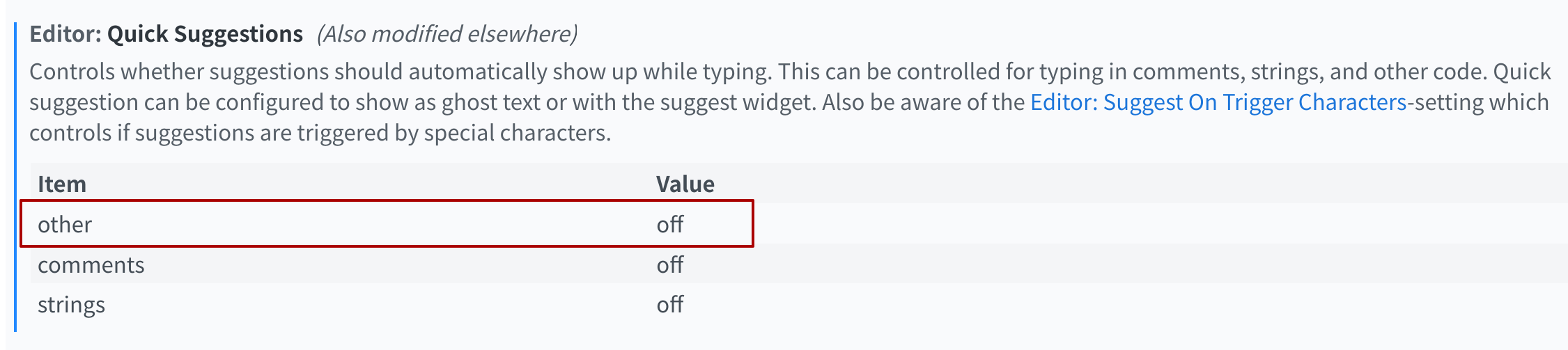
 solution for others to find quickly?