I’m using a local development build of typst-cli (installed via cargo, git hash 721a7b18) to write my PhD thesis. My workflow relies on VSCode with the Tinymist extension for real-time previews.
The issue: While the document compiles without errors, clicking “Preview” in VSCode fails with:
unknown image format typst [Ln 67, Col 3]
This happens when I try to include PDF files as images. The compilation itself works, but the preview breaks.
Question: How can I smoothly preview PDFs-as-images in VSCode while writing?
You have to use the latest version of Typst within Tinymist. AFAIK, it hasn’t been updated yet. Not sure how easy it is to do it by yourself, last time I tried it, I failed miserably.
You have to use latest version of Typst within Tinymist
Sorry, I do not understand this statement. I installed the latest development version of typst-cli already. The git hash I provide is from last Monday as we speak currently.
Not sure what happens if Tinymist and Typst versions are not aligned as described below:
The release cycle is as follows:
If there is a typst version update, a new major or minor version will be released intermediately. This means tinymist will always align the minor version with typst.
If there is at least a bug or feature added this week, a new patch version will be released.
Tinymist uses an embedded Typst compiler. Nightly builds are published regularly, the exact versioning is explained in Introduction - Tinymist Docs.
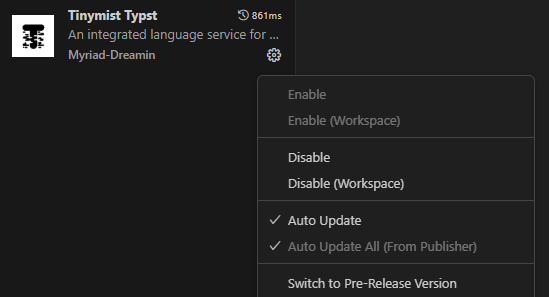
You can install a nightly version of Tinymist in VS Code by right-clicking the extension, switching to Pre-Release and installing a specific version.