I have a single-column document with multiple floating figures. Some of these are <50% of the width of the page and of similar height, and as such could float next to each other. By default Typst seems only to place these vertically beneath each other, no matter how thin they are.
I suppose more generally this is a two-dimensional bin-packing problem, for packing multiple floats onto a page.
I’ve never seen or think it would look good if two unrelated figures are shown side by side in one column document. Floating probably won’t cut it, but meander – Typst Universe might to the trick, I think.
Hi, I want to follow up on this question since I ran into the problem myself. I have two images that I would like to show side by side. However, despite the width of them being well-within the bounds of my page, I can’t figure out how to do it.
My attempt to use box did not solve the problem
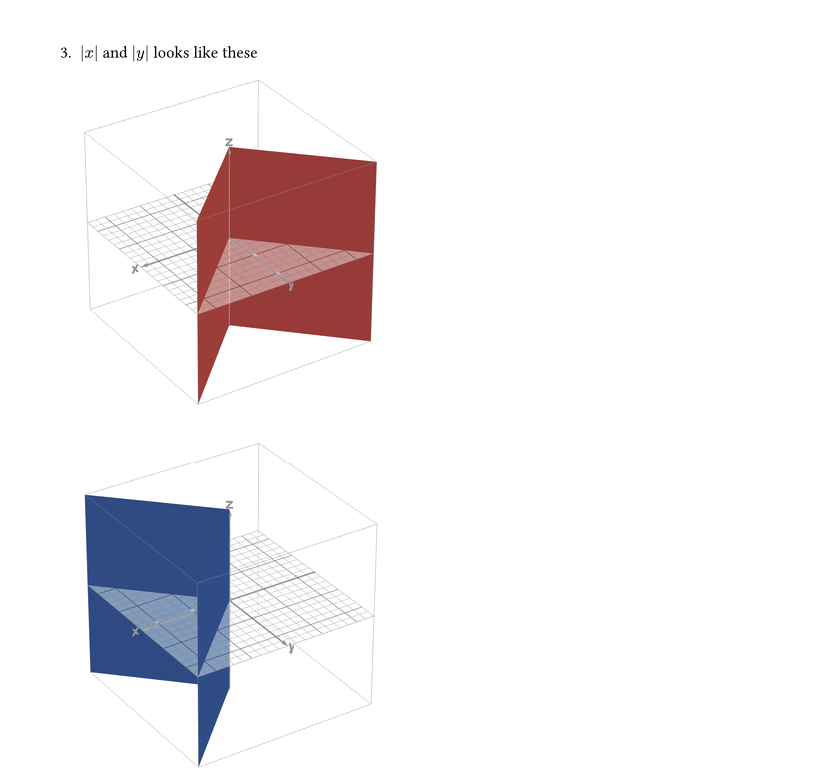
3. $abs(x)$ and $abs(y)$ looks like these
   #box(image("Screenshot 2026-07-02 at 11.45.53.png", width: 200pt) + image("Screenshot 2026-07-02 at 11.46.52.png", width: 200pt), width: 400pt)
meander seems like overkill for this, since I’m not doing anything complicated like wrapping text around an image. Can I do this with just the built-in functions?
@Jas, your images aren’t floating figures, the issue in your case is, that images are block level elements by default. You can wrap each image individually in a box to convert them into inline elements.
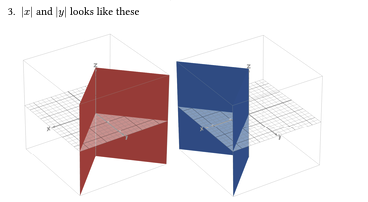
3. $abs(x)$ and $abs(y)$ looks like these

   #box(image("Screenshot 2026-07-02 at 11.45.53.png", width: 150pt))
   #box(image("Screenshot 2026-07-02 at 11.46.52.png", width: 150pt))