How to handle a header in a csv?

I’m getting an “Unknown variable: header” error in load-txt:
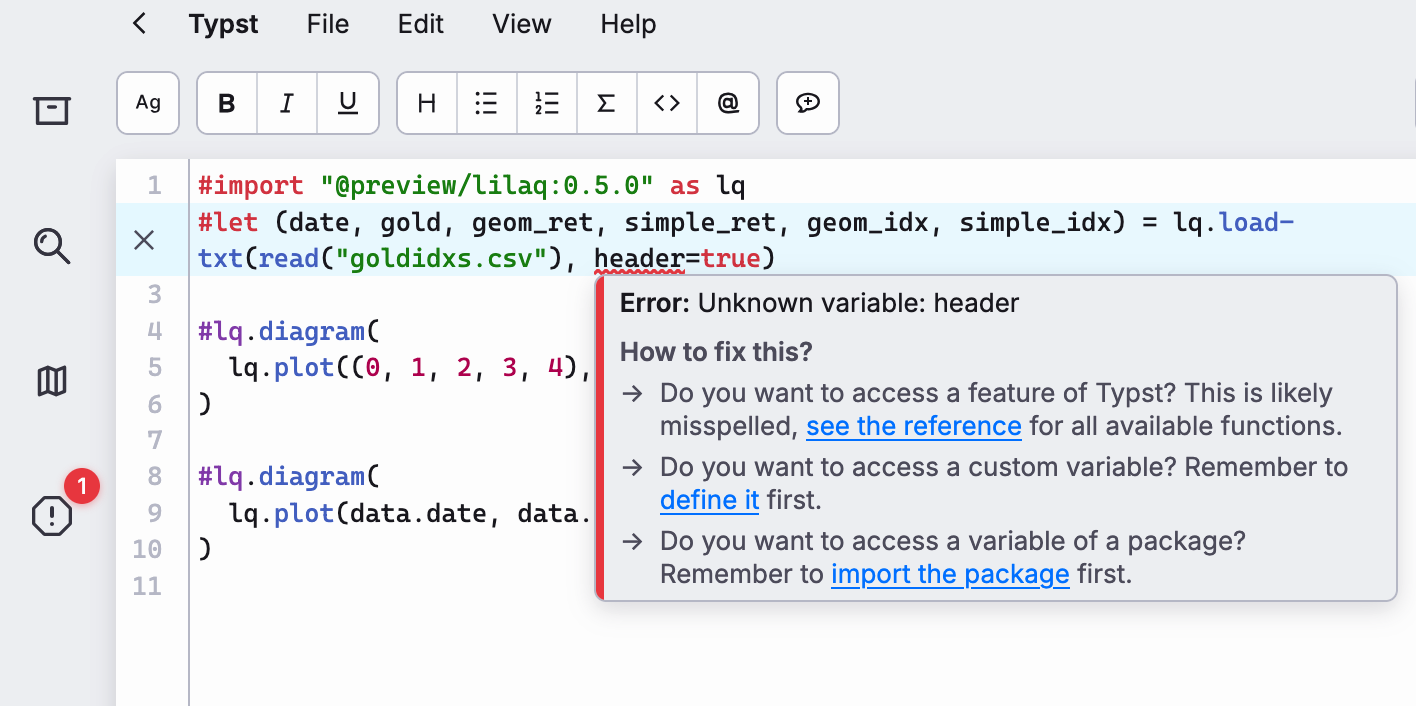
Is there something I’m missing here? I could just kill the header I guess.
Documentation seems to say a header parameter is available.

My csv looks like this:

date,gold,geom_ret,simple_ret,geom_idx,simple_idx
2025-02-02,2793.645,1.0,0.0,1.0,1.0
2025-02-03,2814.02,1.0072933389890268,0.007293338989026881,1.0072933389890268,1.0072933389890268
2025-02-04,2841.26,1.0096801017761068,0.009680101776106865,1.017044041028835,1.0169734407651339
2025-02-05,2869.24,1.0098477436067095,0.009847743606709545,1.0270596299816188,1.0268211843718433
2025-02-06,2858.04,0.9960965273033975,-0.0039034726966025216,1.023050530758203,1.0229177116752408
2025-02-07,2860.73,1.000941204461799,0.0009412044617990142,1.0240134304823982,1.0238589161370397
2025-02-09,2867.7,1.0024364410482638,0.002436441048263835,1.026508378838399,1.0262953571853035
....
The correct syntax is header: true. Typst thinks here that header is a variable instead of a named parameter you try to set.

3 Likes

schoolboy error. Too much python! My muscle-memory brain language server is leaking across languages.

Thank you.

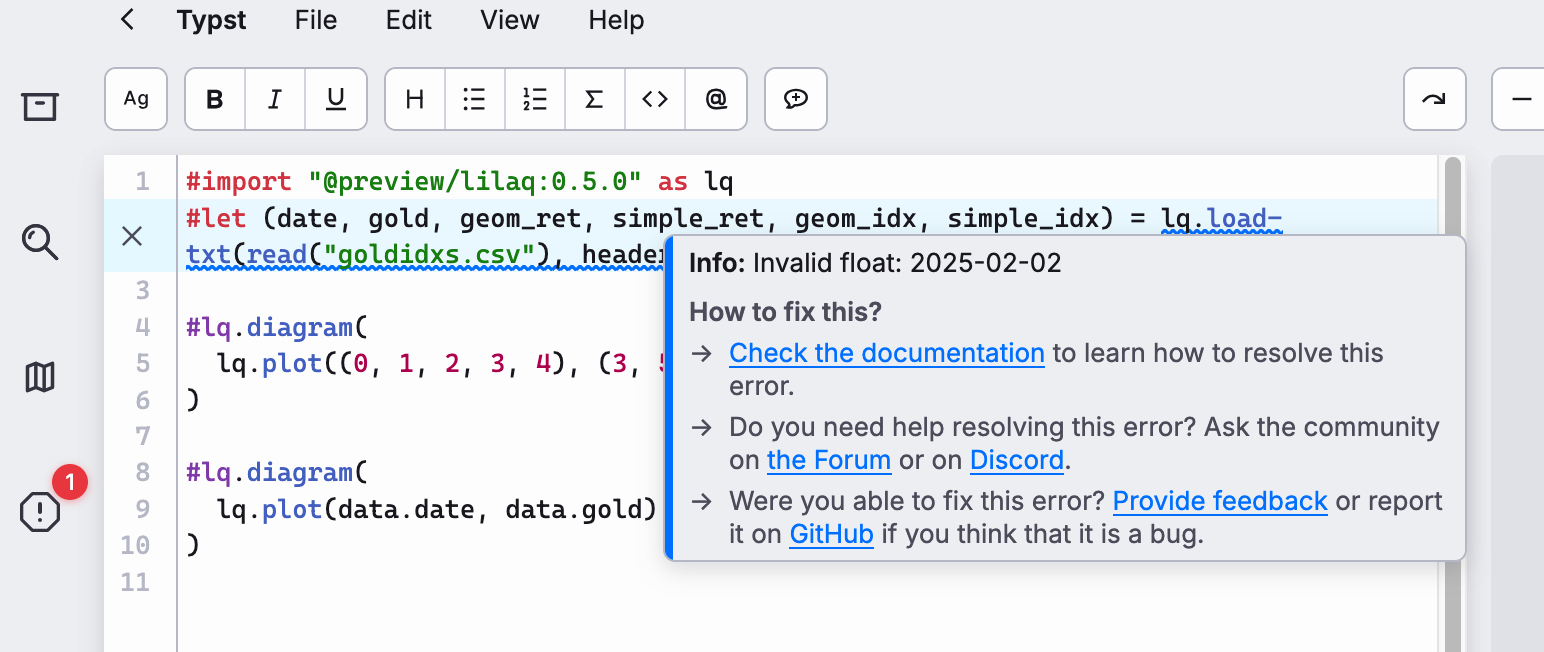
That said, the first field is a a datetime string from Python which the load-txt is choking on. What’s the canoncial way of handling this? Should I turn this into a Linux timestamp and convert it typst-side?

The issue here is that lilaq defaults to interpreting all data values as floats. When it hits your first column—which is a date string—it doesn’t know how to handle it automatically.

To fix this, you need to define a custom converter to tell lilaq exactly how to turn those strings into proper datetime objects.

Here is how you can set that up:

  1. Define a Converter: Create a small helper function that splits your date string (e.g., “2024-02-01”) and converts the parts into integers for Typst’s datetime type.

  2. Pass it to load-txt: Use the converters parameter to map your column name (e.g., “date”) to that function.

#import "@preview/lilaq:0.5.0" as lq

// 1. Define the helper function to convert strings to dates
#let convert-string-to-date(str) = {
  let values = str.split("-")
  return datetime(
    year: int(values.at(0)),
    month: int(values.at(1)),
    day: int(values.at(2))
  )
}

// 2. Load the data using the converter for the specific column
#let data = lq.load-txt(
  read("data.csv"), 
  converters: ("date": convert-string-to-date), 
  header: true
)

// 3. Plot the data
#lq.diagram(
  lq.plot(data.date, data.value)
)

Why this works:

• str.split(“-”): Breaks your date string into a list of strings like (“2024”, “02”, “01”).

• int(…): Converts those strings into integers, which the datetime function requires.

• converters: This argument acts as a “translation layer” that lilaq runs before it tries to plot anything.

3 Likes

The date parsing can be done with a simple one-liner:

#import "@preview/lilaq:0.5.0" as lq

#let parse-date(str) = toml(bytes("v=" + str)).v

#let data = lq.load-txt(
  "numbers,date\n2.67,2025-02-02",
  converters: ("date": parse-date),
  header: true,
)

(
  numbers: (2.67,),
  date: (datetime(year: 2025, month: 2, day: 2),),
)