I have a ~900 page Thai document that I am beginning to typeset. In the first paragraph I notice that the lines are sometimes breaking mid-word. Thai, like its cousin Lao, spaces at the phrasal and clausal level. Recently I typeset a 700 page Lao book using luaLaTeX. Using a script and working off of a dictionary file, I wrapped each word in a macro \lw{} (lao word) and put in weighted hyphenation points. That was the only work around I could find. The document turned out very nice. For this Thai book, I want to use typst. What are my options? Melchizedek, Chedorlaomer, and Nebuchadnezzer are not in most dictionaries. Also a word that I would expect to be in the dictionary, สดุดี, is splitting mid-word.
How can I get typst to recognize a dictionary of Thai words so that it doesn’t split in the middle of a word unless there is a hyphenation point there (at which point it enters a hyphen.)
Here is my current set up in case there is something of interest.
Hi! Unfortunately, it looks like that hypher, Typst’s library for separating words into syllables, does not support Thai.
I suggest you open an issue in that repo, so that Thai people can have a central place to discuss it and get it implemented.
recognize a dictionary of Thai words
The hyphenation algorithm is based on patterns instead of a dictionary.
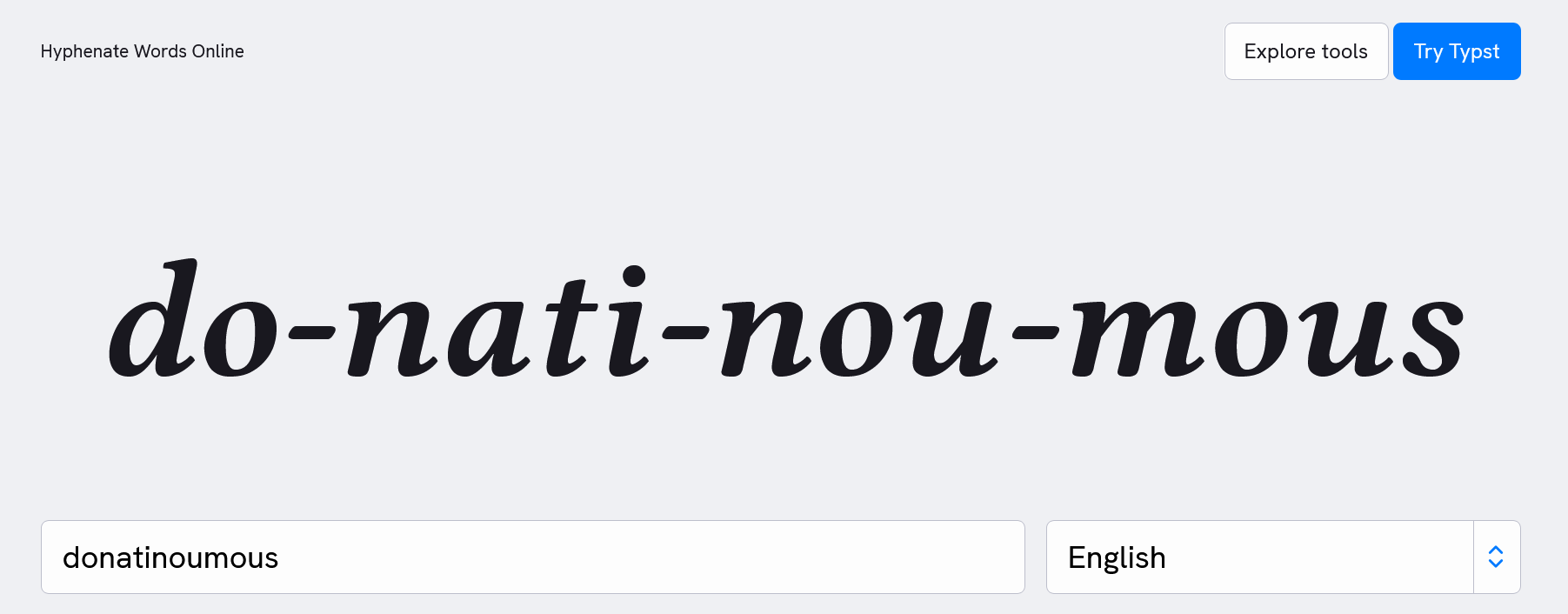
For example, I coin the word donatinoumous and paste it onto typst.app/tools/hyphenate. The result looks fine.
Thank you for your reply. Being able to control where hyphens and word breaks are possible and where they are forbidden is necessary for Thai, Lao, Khmer type setting.
I followed the links in the repositories you linked to, but do not understand the patterns.
I can create the dictionary files, but knowing how to compile them for local use in a way that typst can access them is beyond my understanding. (My long list of proper names is not relevant to the majority of users and shouldn’t clunk up the general code.)
Would I need to recompile typst each time I add a word to a dictionary or change a hyphenation point? There must be a better way.