How to put inline square in a heading

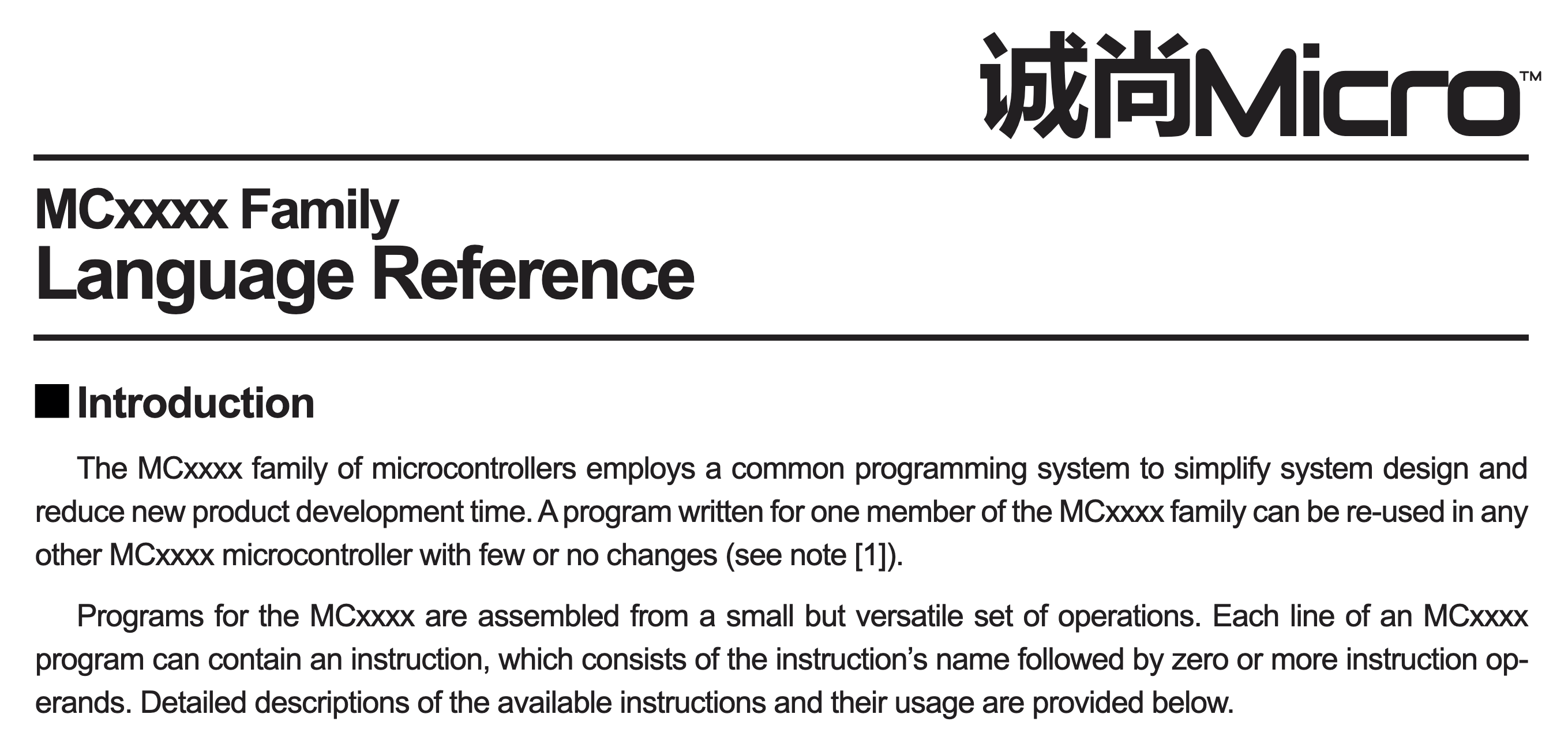
I’m trying to reproduce a Shenzhen IO datasheet layout:

I’m stuck on the heading. It should be straightforward but i can’t find a way to put a square before the heading text. It puts a newline after the square:

#show heading.where(level: 3): it => {
  set text(size: 15.1pt, tracking: -0.9pt)
  square(fill: black, size: 11pt)
  it.body
}

I’ve tried multiple things but it breaks after the square everytime. What am I missing here?

You could use a stack or a grid, to place multiple items on one line:


#show heading.where(level: 3): it => {
  set text(size: 15.1pt, tracking: -0.9pt)
  stack(
    dir: ltr,
    spacing: 0.25em,
    square(fill: black, size: 11pt),
    it.body
  )
}

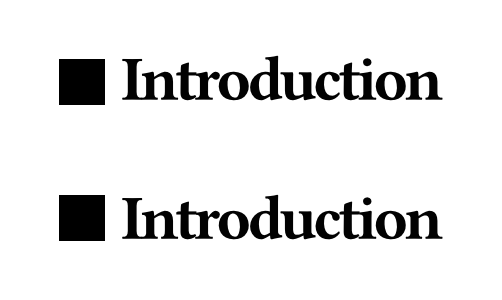
=== Introduction

#show heading.where(level: 3): it => {
  set text(size: 15.1pt, tracking: -0.9pt)
  grid(
    columns: 2,
    align: horizon,
    gutter: 0.25em,
    square(fill: black, size: 11pt),
    it.body
  )
}

=== Introduction

This results on the following output:

1 Like

Another solution is to use box to force the square and heading to be inline, then just wrap that in a block to prevent the text from going on the same line as the heading:

#show heading.where(level: 3): it => {
  set text(size: 15.1pt, tracking: -0.9pt)
  block(
    box(fill: black, width: 11pt, height: 11pt) +
    h(0.2em) +
    box(it)
  )
}
1 Like

Another alternative is to insert a character in a font that has the appropriate box (U25A0, U25AA, U25FC, and U25FE are all possibilities).

1 Like

Thanks for your suggestions.
The #stack() method works great.