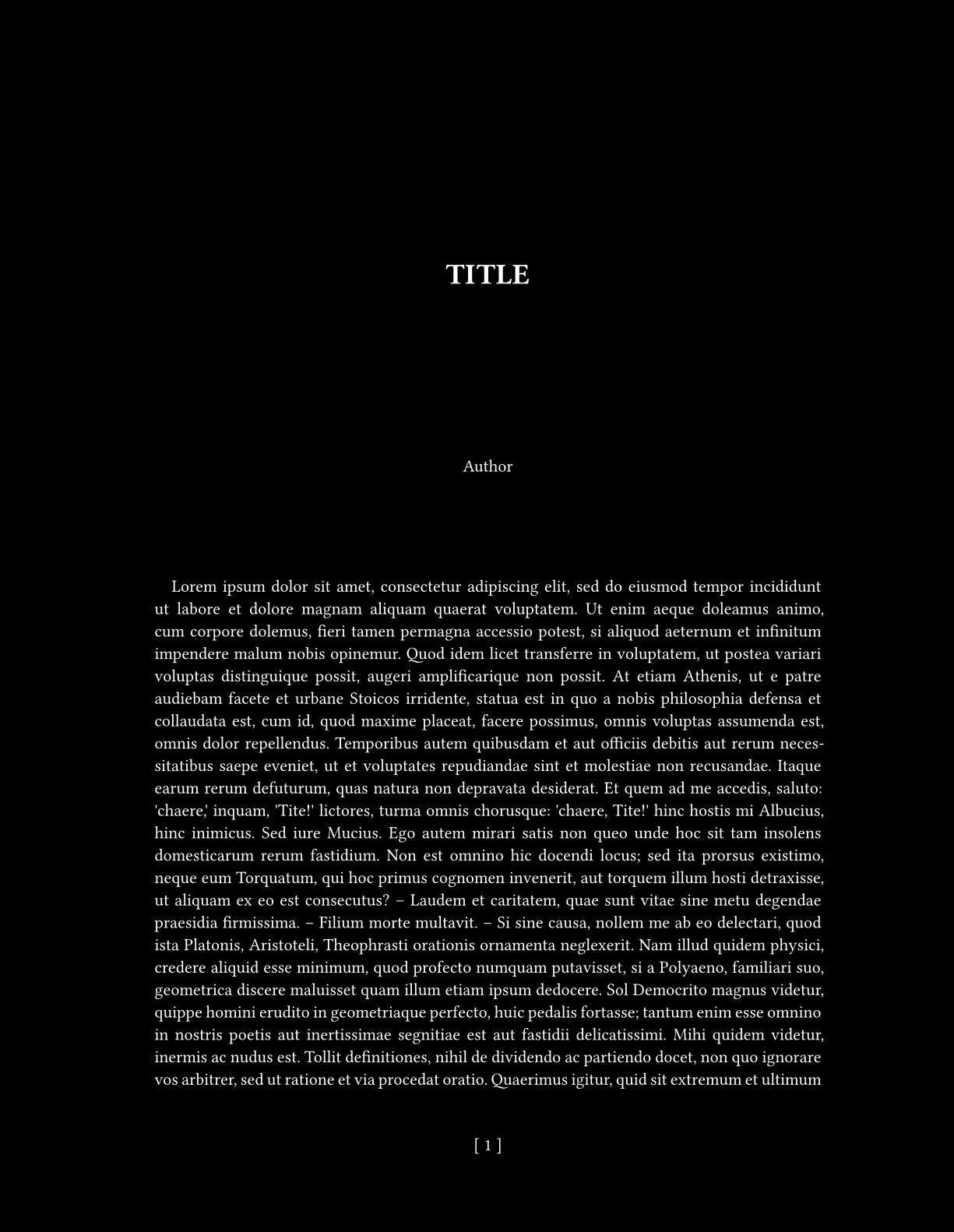
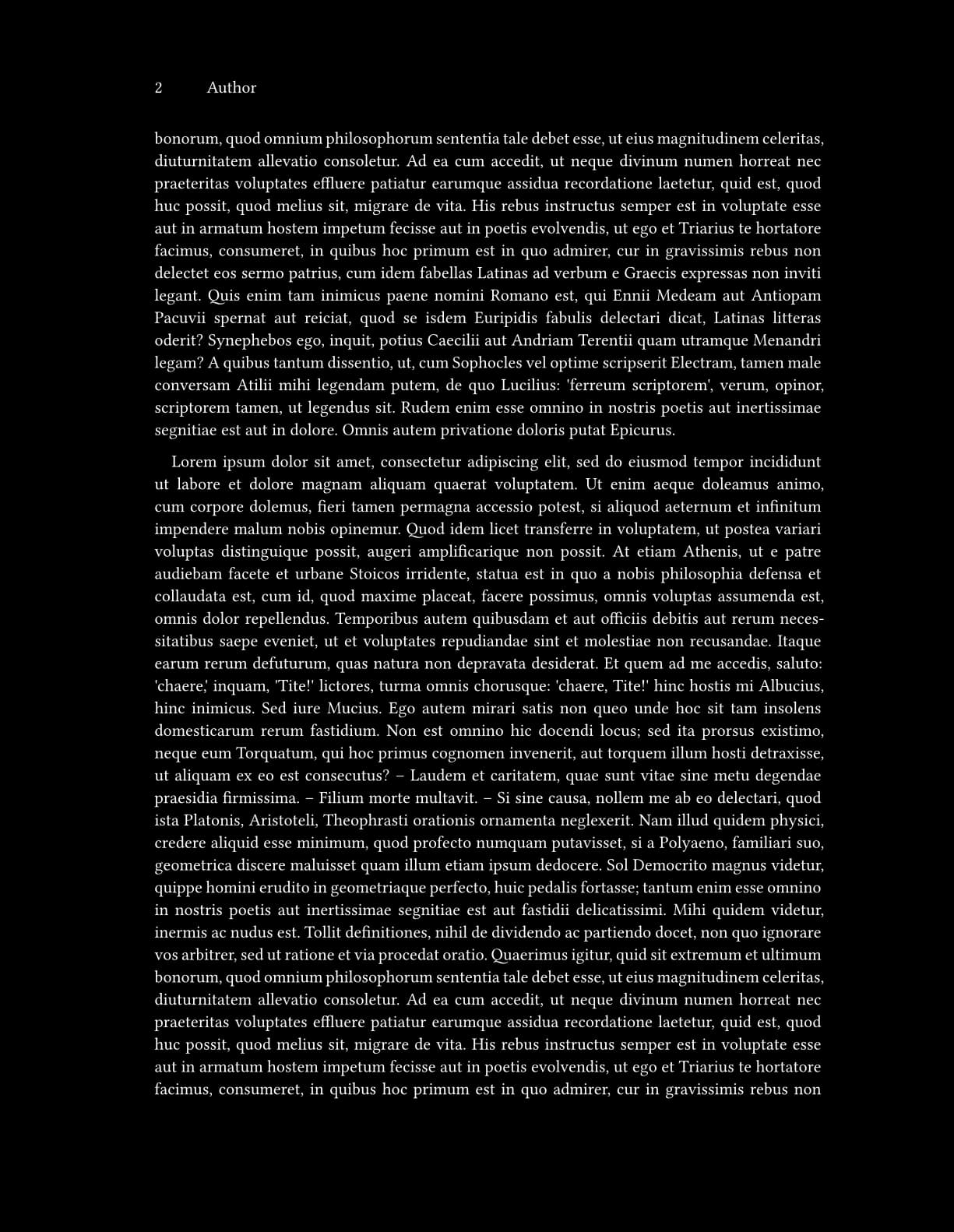
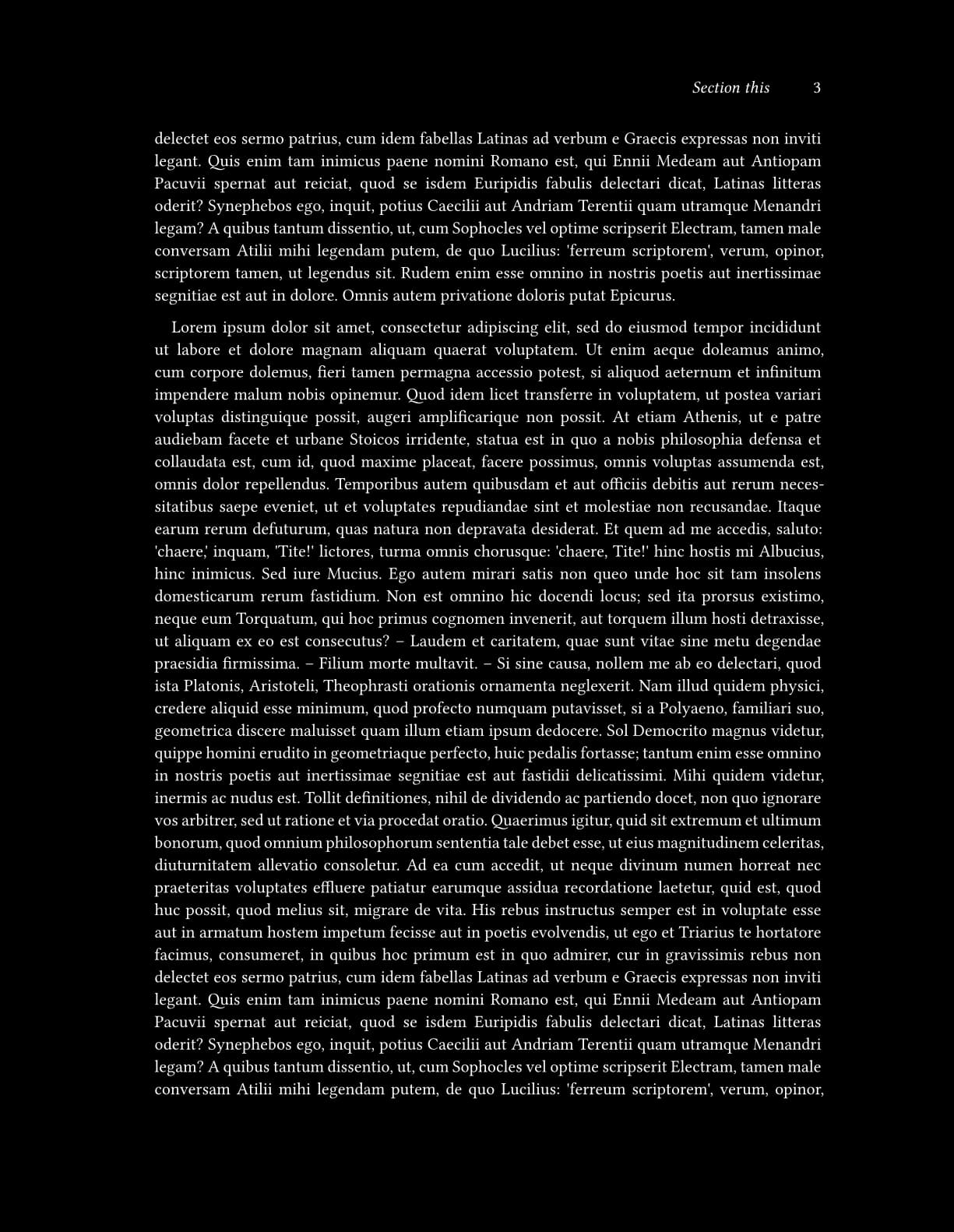
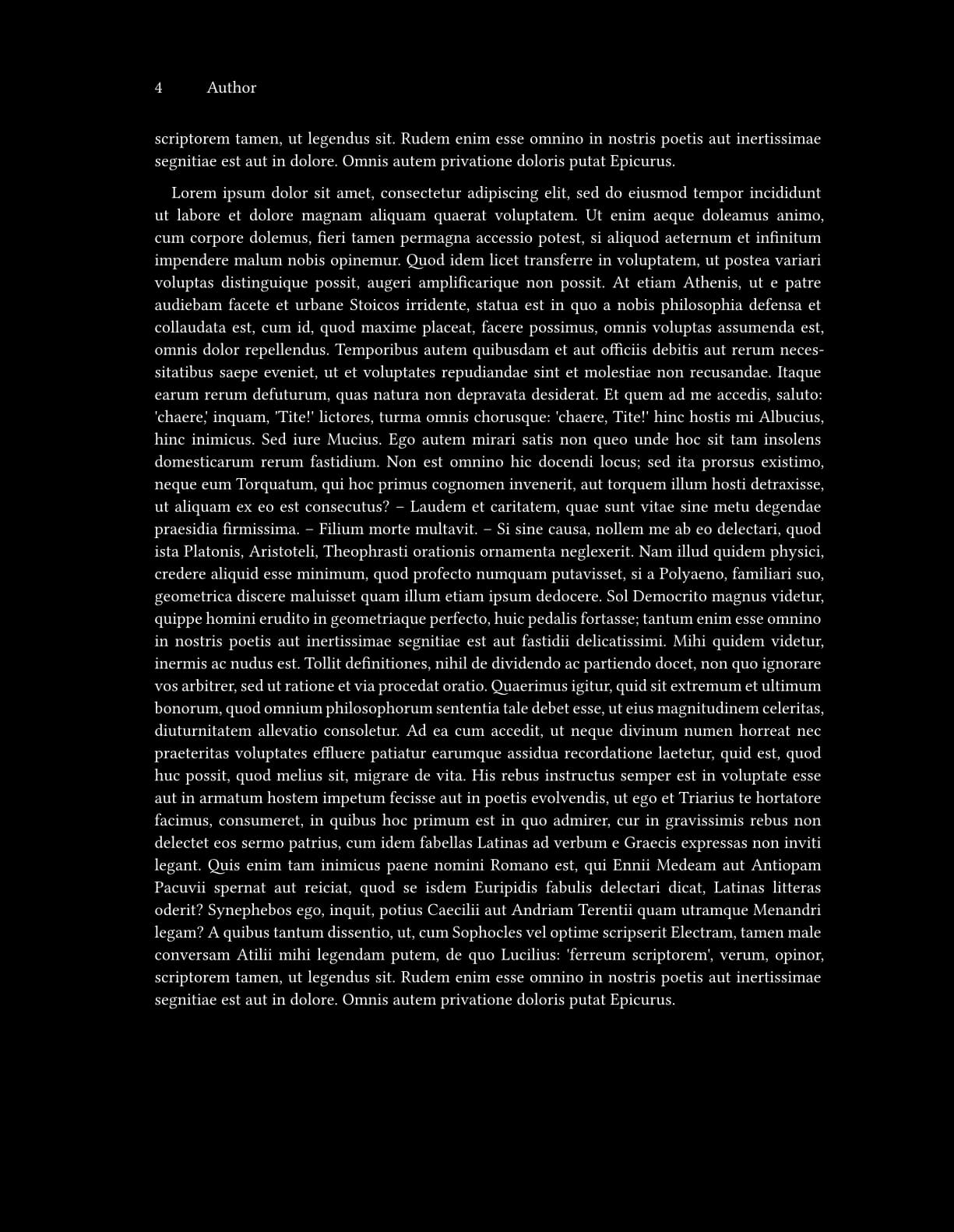
Hi. I want to set different number position for first page. In the first page I want to set number at the bottom whit square bracktes [ # ] and the rest of pages in top - right without brackets and with author’s name in odd pages and with seccion’s tittle in even. I can’t control where finish the first page and I can’t use pagebreak, the reason for that is that my text body is an #include "foo_file". Here share an image for explain my doubt.
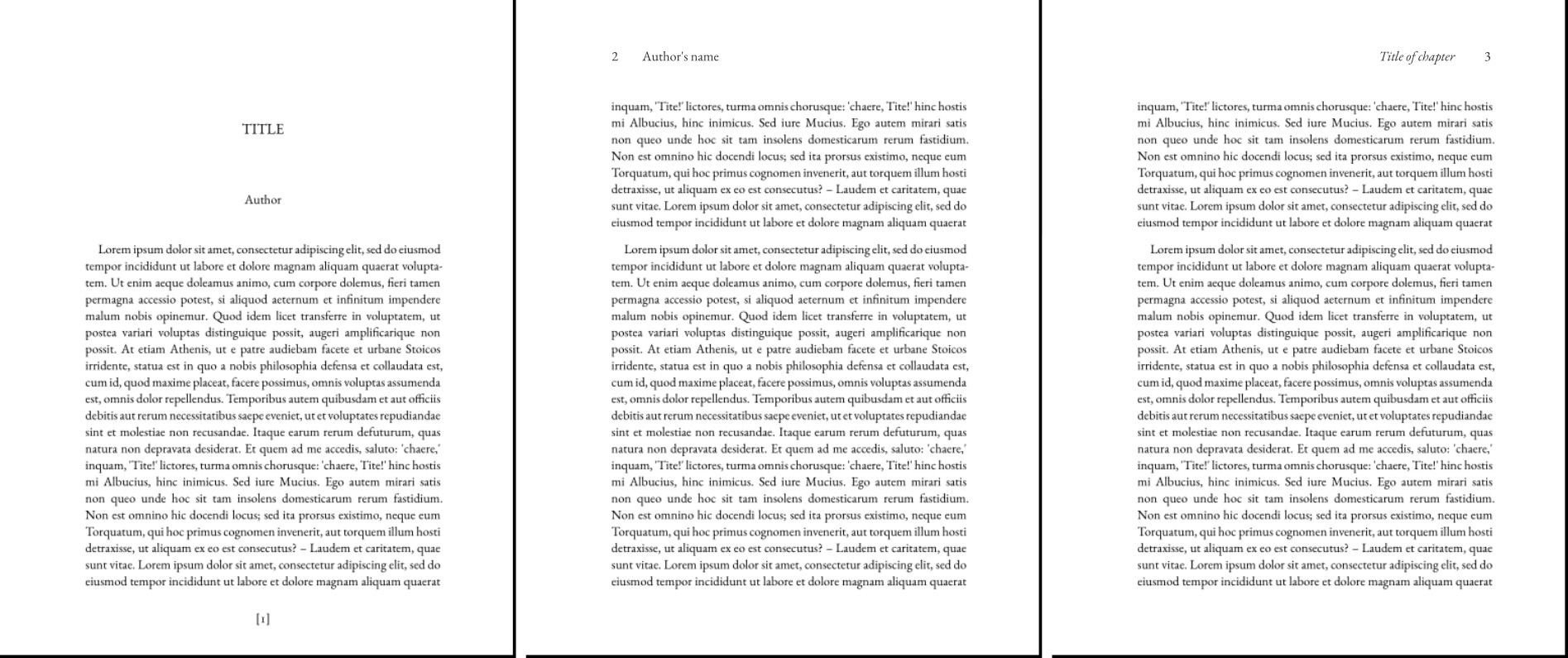
Hi @Lic, the Page Setup Guide has most of the answers.
And the rest
#import "@preview/hydra:0.6.2": *

#set page(
  header: context {
    let page-num = counter(page).get().first()
    if page-num != 1 {
      if calc.even(page-num) {
        set align(left)
        counter(page).display("1")
        h(1cm)
        [Author Name]
      } else {
        set align(right)
        hydra(1) // heading lvl 1
        h(1cm)
        counter(page).display("1")
      }
    }
  },
  footer: context {
    let page-num = counter(page).get().first()
    if page-num == 1 {
      set align(center)
      counter(page).display("[1]")
    }
  }
)
Hi. I don’t understand where the headings disappeared to.
#import "@preview/hydra:0.6.2": hydra

#let footer = context if here().page() == 1 {
  align(center)[[ #here().page() ]]
}
#let header = context {
  if here().page() == 1 { return }
  if calc.even(here().page()) {
    str(here().page())
    h(1cm)
    document.author.join(", ")
  } else {
    set align(right)
    emph(hydra(1))
    h(1cm)
    str(here().page())
  }
}

#let template(doc) = {
  set document(title: [Title], author: "Author")
  set page(
    paper: "ansi-a",
    margin: (left: 35mm, rest: 3cm),
    header: header,
    footer: footer,
  )
  set par(justify: true, first-line-indent: (amount: 1em, all: true))
  show heading: none
  show title: upper

  {
    set align(center)
    v(3cm)
    title()
    v(4cm, weak: true)
    context document.author.join(", ")
    v(2cm)
  }

  doc
}

#show: template

= Section this
#lorem(500)

#lorem(500)

= Section that
#lorem(500)

#lorem(500)