I have simple inline equations that I want to type
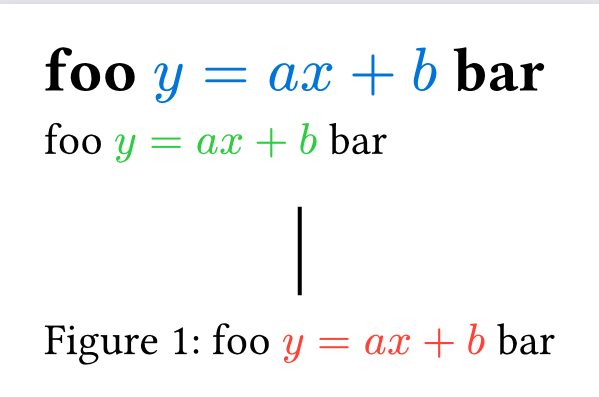
- in normal text blocks (in the document’s regular serif font)
- in section headings (in my case, using a bold sans font)
- in figure captions (in my case, using a normal weight sans font)
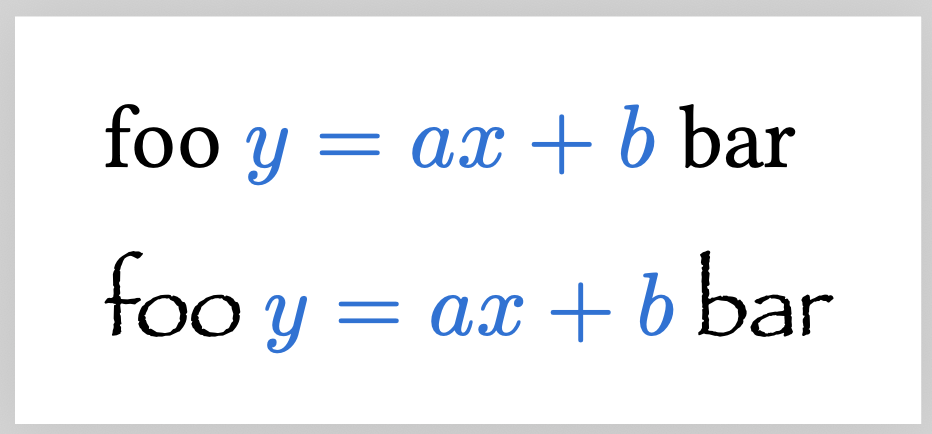
Whenever I type foo $y = a x + b$ bar, the math gets typeset in New Computer Modern Math. I can change this with a show rule, but I don’t know how to check the surrounding text’s font:
#set page(width: auto, height: auto, margin: 1em)

#show math.equation: it => context {
  if text.font == "new computer modern math" {
    text(fill: blue, it)
  } else {
    text(fill: red, it)
  }
}

foo $y = a x + b$ bar

#set text(font: "Papyrus")
foo $y = a x + b$ bar