I want to get the same stroke thickness for lines and marks.
set lq.style(stroke: 0.4pt) works but
set lq.mark(stroke: 0.4pt) does not.
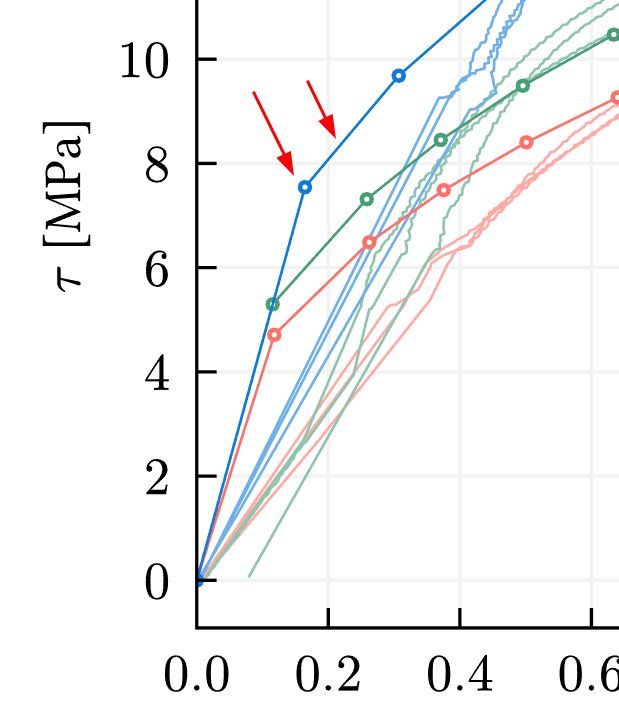
Is there any other way of set it?
Thanks!
I want to get the same stroke thickness for lines and marks.
set lq.style(stroke: 0.4pt) works but
set lq.mark(stroke: 0.4pt) does not.
Is there any other way of set it?
Thanks!
Hi @Raul_Durand ,
it would help if you provided a minimal version of your code so we can see how you used these two set rules. You can either use them globally or in a style cycle rule.
Note that lq.style and lq.mark are not fully functional yet, more precisely: they really only work in the context of cycles described here. The reason is that Typst doesn’t support defining custom types at the moment. Both lq.style and lq.mark are faked elements and are in fact aliases of existing elements.
Please see a minimal version below.
#set lq.style(stroke: 2pt)
#set lq.mark(stroke: (thickness:2pt)) // does not work

#lq.diagram(
    lq.plot((0,1), (0,1), color:blue, mark-size:10pt, mark-color:white),
   // many other plots, some with repeated color lines
)
Based on what you said, I believe that set lq.mark does not work here.
I hope Typst will support custom types and show rules soon.
I might propose a more general argument, such as mark-stroke in the plot function. This could be a dictionary containing entries like color and thickness. Alternatively, an even broader option could be a mark-style argument.
Yes, something like this is planned. However, I would like to go a more general way and allow something like
#lq.diagram(
  lq.plot(..), // normal plot
  {
    set lq.mark(fill: red, stroke: black)
    lq.plot(..)
  }
)
which is far more powerful and can also be used with other plot types without increasing the list of parameters.