How to stop codly from overlapping with the text above it?

I write a two columns documents with some text and code blocks using codly and the bottom of the text and the top of the codly block are overlapping. How can I stop this? I tried to add a #linebreak() but it doesn’t change anything.

EDIT: adding a #v(0.5em) helped but this is not clean solution

Hard to tell from just an image. This isn’t the default behavior, you’ve probably set the block spacing or above to 0 or a very low value somewhere. Or did you use a grid?

If you are unable to find the problem, please post a minimal working example.
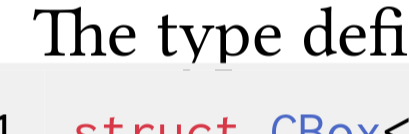
I finally fixed it using:

#show raw.where(lang: "rust"): r => {
  set block(spacing: 1em)
  r
}

I used clean-acmart template and codly defaults so I don’t know how the block spacing is set to 0.

EDIT: the block spacing is set to 0.2em in the acmart function from the template I don’t understand why it does that but it is what it is.

Global set block is discouraged, so that’s a problem with that template. Use

#show raw.where(block: true): set block(spacing: 1em)

instead. Or just set block(1.2em) back.