So I tried my hand at making the terms in a terms list right aligned. This is what I ended up:
#set par(
  justify: true,
  //spacing: 0.65em,
  first-line-indent: 1.2em,
)

#set terms(
  separator: [:#h(.65em)],
  hanging-indent: 6em,
  indent: 4em,
)

#let rightalignedterms(body) = {
    show terms.item: it => context{
      let label = strong[#it.term#terms.separator]
      let width = measure(label).width.to-absolute()
      let indent = terms.hanging-indent.to-absolute()
      let lspace = 0pt
      let rspace = 0pt
      if width < indent {
        lspace = indent - width
      } else if width > indent {
        rspace = width - indent
      }
      pad(left: terms.indent, {
        place(float: false, [#h(lspace)#label])
        pad(left: indent, [#h(rspace)#it.description])
        //if terms.tight { linebreak() } else { parbreak() }
      })
    }
  body
}

#let termtest = [
  / term1: test #lorem(60)
  / term2: test test

   #lorem(90)
  / term3 #lorem(5): #lorem(60)
]

#termtest
#rightalignedterms[#termtest]
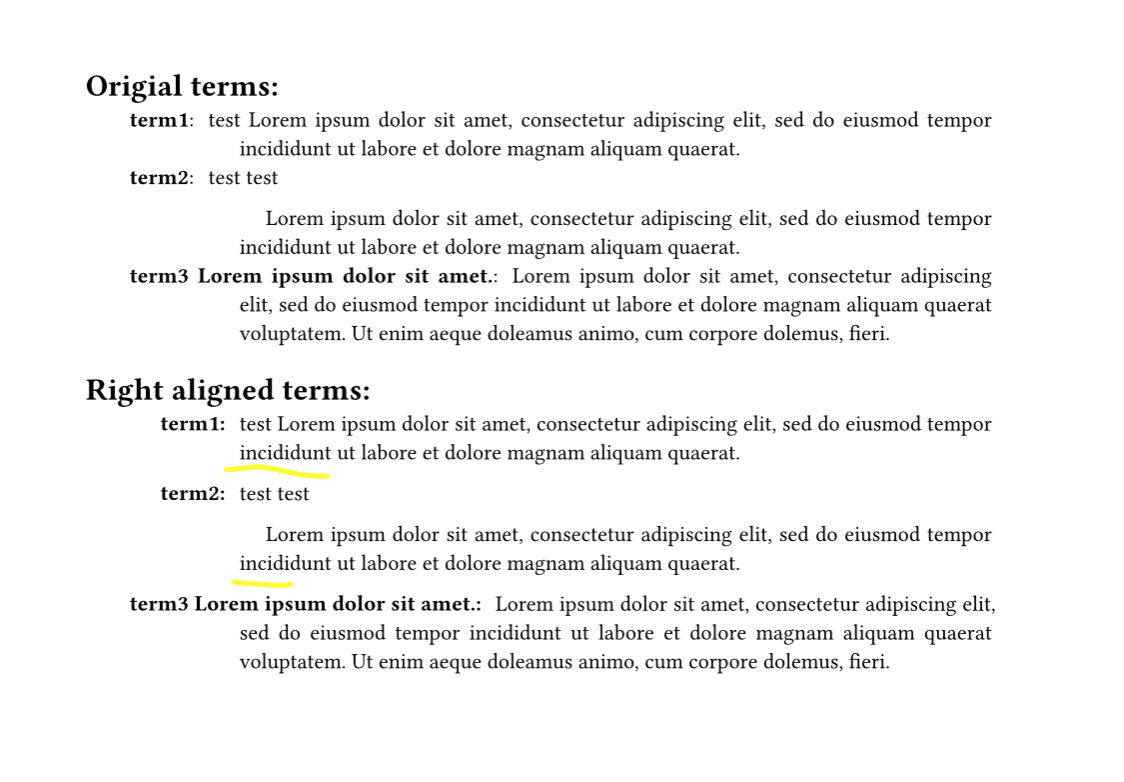
As you can see, it does not respect the inline vs block appearance of the terms list. I guess it is because of the multiple pads forcing a block level layout?
The place(float: false) with spacing underneath is really ugly, but if I use float: true, the terms end up grouped together at the top of the page. I would prefer to make new paragraphs for each term with a hanging indent, but my major problem with that is it.description itself can contain multiple paragrahps that will get the same hanging indent.
(I know that this solution won’t work with multiline terms)
You can use terms.property in many places instead of it.property.
Both solutions still, although artificially, respect the set terms rule. That is, with the exception of tight and spacing.
In the first attempt, I suppose the loop isn’t strictly necessary, but I also couldn’t find away to merge it with the rest of the solution.
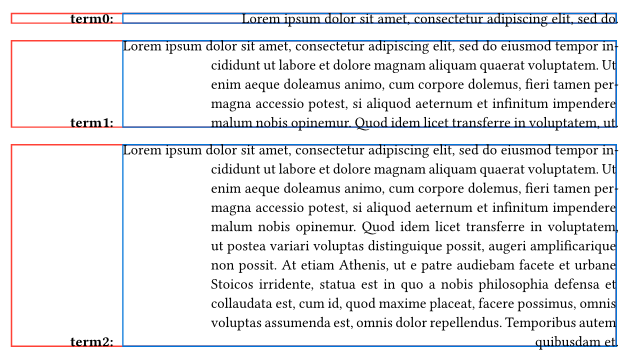
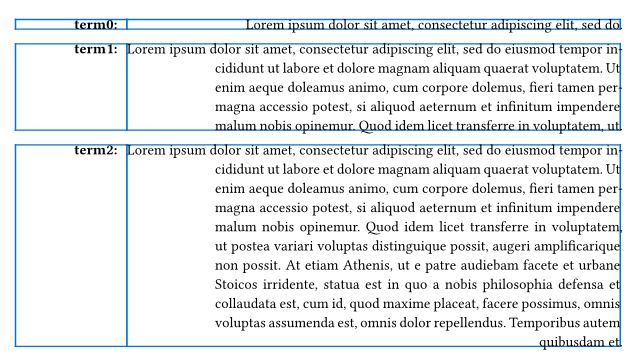
The second solution involving a grid is partly inspired by @PgBiel at the Typst Discord on July 13, 2025. At the moment, I believe this is the best you can do to customise terms. It might as well be comparable to the situation with list and enum items which are bound to become more customisable in the future.
Thank you very much for your answers but this is not what I’m looking for. I want a terms list that looks just the same as the standard terms list, but with the term right aligned up to the hanging indent. Crucially, if the term is too long for the indent, it should flow into the paragraph, like the standard terms list.
My code does what I want, except for the extra spacing between the terms. It does not respect the tightness of the terms list and I don’t know how to do that.
I think you can add the following first in your context block to adjust the spacing:
set block(spacing: par.leading) if terms.tight
Each pad is a block in this case. Switching between using par.leading and par.spacing between the parts is more or less exactly what the tight toggle does.
Perhaps you would consider renaming your question to something more in line with what you were looking for? The accepted answer is not about “styling the terms right align in a terms list”.
I don’t know, I didn’t write this title in the first place. The original title of this topic was changed underneath me, so whoever did that can do it again, I guess?
For what it’s worth, this is the full working code if you want the terms in a term list right aligned.
#let rightalignedterms(body) = {
    show terms.item: it => context{
      set block(spacing: par.leading) if terms.tight
      let label = strong[#it.term#terms.separator]
      let width = measure(label).width.to-absolute()
      let indent = terms.hanging-indent.to-absolute()
      let lspace = 0pt
      let rspace = 0pt
      if width < indent {
        lspace = indent - width
      } else if width > indent {
        rspace = width - indent
      }
      pad(left: terms.indent, {
        place(float: false, [#h(lspace)#label])
        pad(left: indent, [#h(rspace)#it.description])
      })
    }
  body
}
The effect will only show itself if terms.hanging-indent is larger than the majority of the terms in your list.
Then t1 and t2 specifically are the terms, where I hope you agree? I didn’t read the question correctly on the first try either but I think with context that the title is correct, it’s about the terms specifically being right aligned.
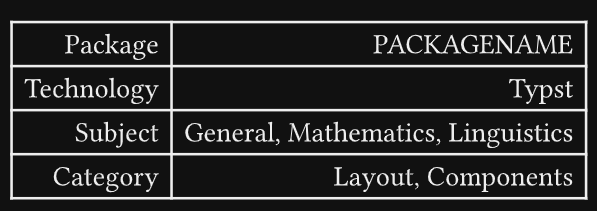
The picture in a previous bdr post provided the necessary context for me, for one, for example it provides an interpretation what right aligning terms means and how to handle too-long terms. (We could squint and see that we have one “column” of terms, right-aligned, standing against one “column” of descriptions, left-aligned.)