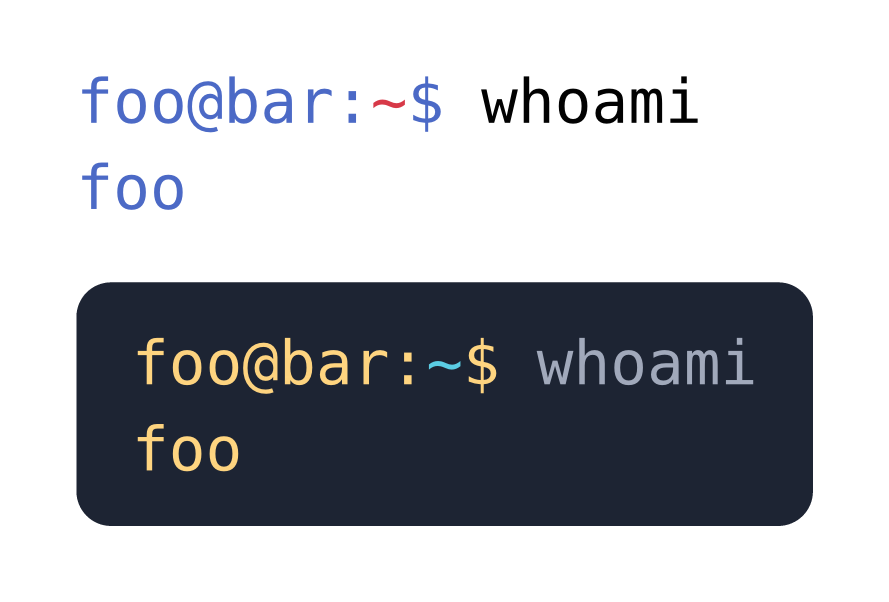
I’d like to include a series of shell session commands in my document; however, although GitHub flavored markdown supports the console identifier (from here, and if I understand correctly they use pygments), this isn’t the case for Typst. I saw that we can provide a custom theme, and that the underlying syntax highlighter syntect accepts tmLanguage files, but I couldn’t find any example of such file to add to my project.
I found this topic which describes a hack, but I couldn’t reproduce it and would like to do it more cleanly.
If it’s a bash session, shouldn’t the bash language identifier work?
```bash
foo@bar:~$ whoami
foo
```

#set raw(theme: "halcyon.tmTheme")
#show raw: it => block(
  fill: rgb("#1d2433"),
  inset: 8pt,
  radius: 5pt,
  text(fill: rgb("#a2aabc"), it)
)

```bash
foo@bar:~$ whoami
foo
```
The .tmTheme file can be found on the dev-assets repo: typst-dev-assets/files/themes/halcyon.tmTheme at main · typst/typst-dev-assets · GitHub
The typst documentation you mentioned also links to the following documentation on .thTheme files: .tmTheme Color Schemes – Sublime Text Documentation
The problem is that bash only considers pure bash syntax, not shell syntax.
Replacing the example with
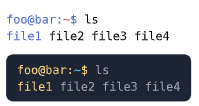
foo@bar:~$ ls
file1 file2 file3 file4
I get
Only the first “word” is in color (I didn’t find how to include raw blocks and escape backticks in code here…).
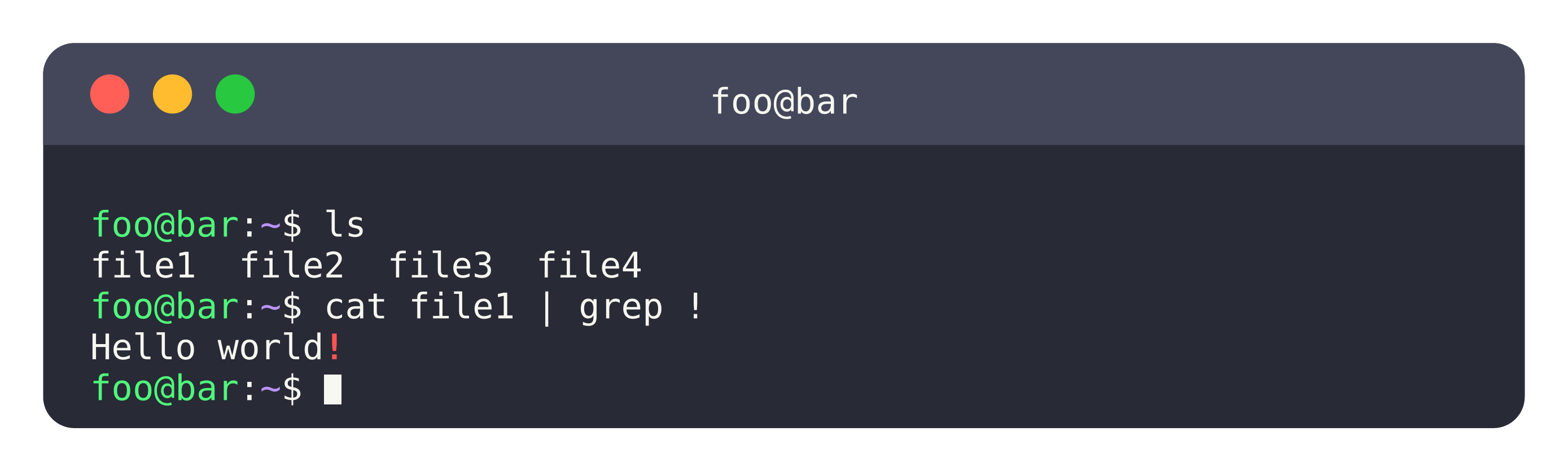
I see. The “best” answer for you is kind of dependent on what kind of syntax highlighting you seek, and your use case. I was looking on the universe if someone has made a theme for this, and stumbled upon a package called conch, which would probably be a nice fit for you.
Beyond syntax highlighting, it is actually able to run the terminal commands for you from a simulated filesystem
#import "@preview/conch:0.1.0": *

#show raw.where(lang: "console"): terminal-block.with(
  width: 100%,
  system: system(
    files: (
      "file1": "Hello world!",
      "file2": "Hi mom!",
      "file3": "Hello world!",
      "file4": "Hello world!",
    ),
    hostname: "bar"
  ),
  user: "foo",
)


```console
ls
cat file1 | grep !
```
You can embed your raw blocks in quadruple backticks to escape triple backticks:
````
#show raw.where(lang: "test"): set text(fill: red)

```test
def main()
    ...
```
````
(and in general you can use n + 1 backticks to escape n backticks, for n >= 3)
Conch would work indeed, by faking commands with typst functions (their “plugins”). I will probably add some syntax highlight by hand, this will be the best replacement for a .sublime-syntax file right now.
Damn thank you!