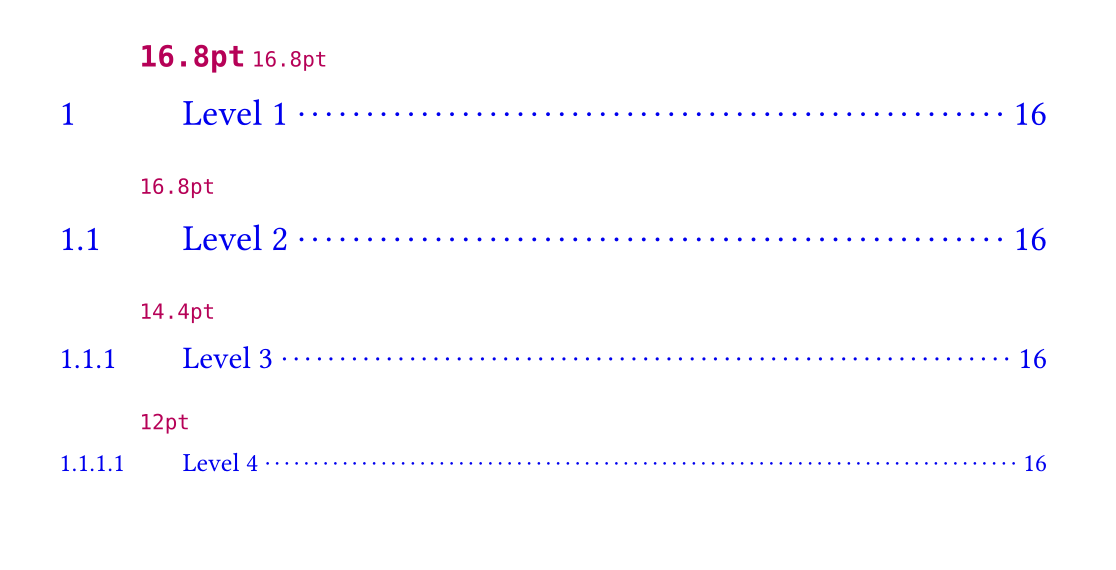
I was trying to modify the table of contents in my document such that each entry has the same typographical styling as the headings they reference. This is important to abide by some styling rules in academia.
I suppose that it.element are the heading elements in my document, however, their font size is not preserved if I were to use it.prefix() or it.inner().
Not only that, I was trying to add a title element to my document, but setting it’s size with show title: set text(size: 1em) doesn’t give me text with the same size as the currently set size.
I image there’s some factor that multiplies the current font size prior to the set text(size: 1em), but I can’t tell by the documentation. I don’t know how I could use context to figure it out either.
Nice, I can figure out how to get what I want with this!
I’m just interested in a further understanding: changing the font size to 1em doesn’t actually override this 1.4em factor, right? So, if I wanted my heading element to have the same font size as normal text, I would need to show heading.where(level: 1): set text(size: 0.7143em)?
You can interrogate your template’s text sizes this way:
(I don’t think you should use advanced state contraptions to adapt heading styles after this, prefer to keep it simple if you can.)
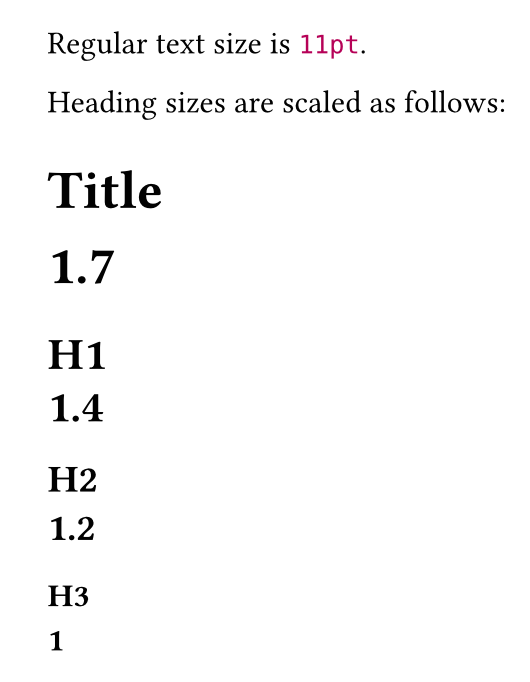
Regular text size is #context text.size.
#let tsize = state("plain-text-size")
#context tsize.update(text.size)

Heading sizes are scaled as follows:
#show heading: it => it + context (text.size/tsize.get())
#show title: it => it + context (text.size/tsize.get())
#title[Title]
= H1
== H2
=== H3
Are these factors something I can change or are they set in Rust without a Typst function to modify them? If I can’t modify them, how sure can I be they’ll remain the same over updates?
You can modify them only by setting a style in the ways we discussed. It’s possible that these default styles will change in a new Typst version. Not likely, but not impossible.
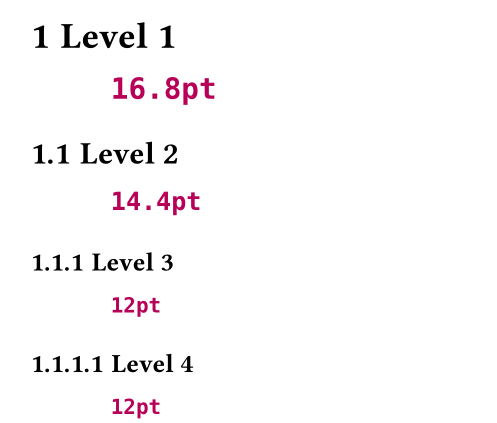
I understand. However, I’m still finding trouble to fix the issue with regards to the table of contents. I’m writting a template, so there’s no guarantee that the end user won’t change the default font size from 1.4em to something else. So I need a way to tell the font size of each heading, which is something I imagine is achievable with context and state but I’m not sure how.
I’m hesitant about trying to solve this with state. It’s your template, so you can have the template dictate the heading sizes (or ask the user to configure them through the template).
I have this way to solve your state problem, using final values and one variable per heading level. That assumes heading sizes don’t change through the document though.
The explanation for the off by one problem in state is, I think: think of the .at(location) as pointing to a location where the header starts. That happens to be just before where the state update happens. That’s my guess.