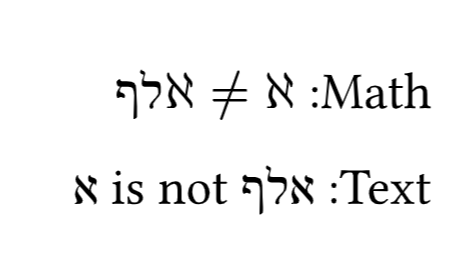
How to use hebrew text in math mode?

I’m trying to use Hebrew text in math mode, but some of the letters appear wrong, its seems like they don’t exit the math mode as its using the א of math notation. is this a bug?
the following is two lines that should give the same result (I think) but they don’t.
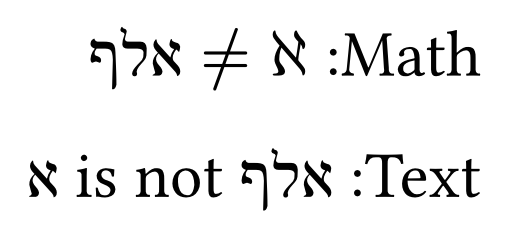
#set text(lang: "he")

$#text()[אלף]$
אלף

thanks!

Hi, welcome to the forum!

Could you share a screenshot? Do you have any special font settings?
I can’t reproduce your description on typst.app.

#set text(lang: "he")

Math: $#[אלף] != aleph$

Text: אלף is not #sym.aleph

seems like it was fixed because I can’t reproduce either :person_shrugging:
its there only when I’m using TypstPreview.nvim. maybe its not up to date

thank you!

1 Like