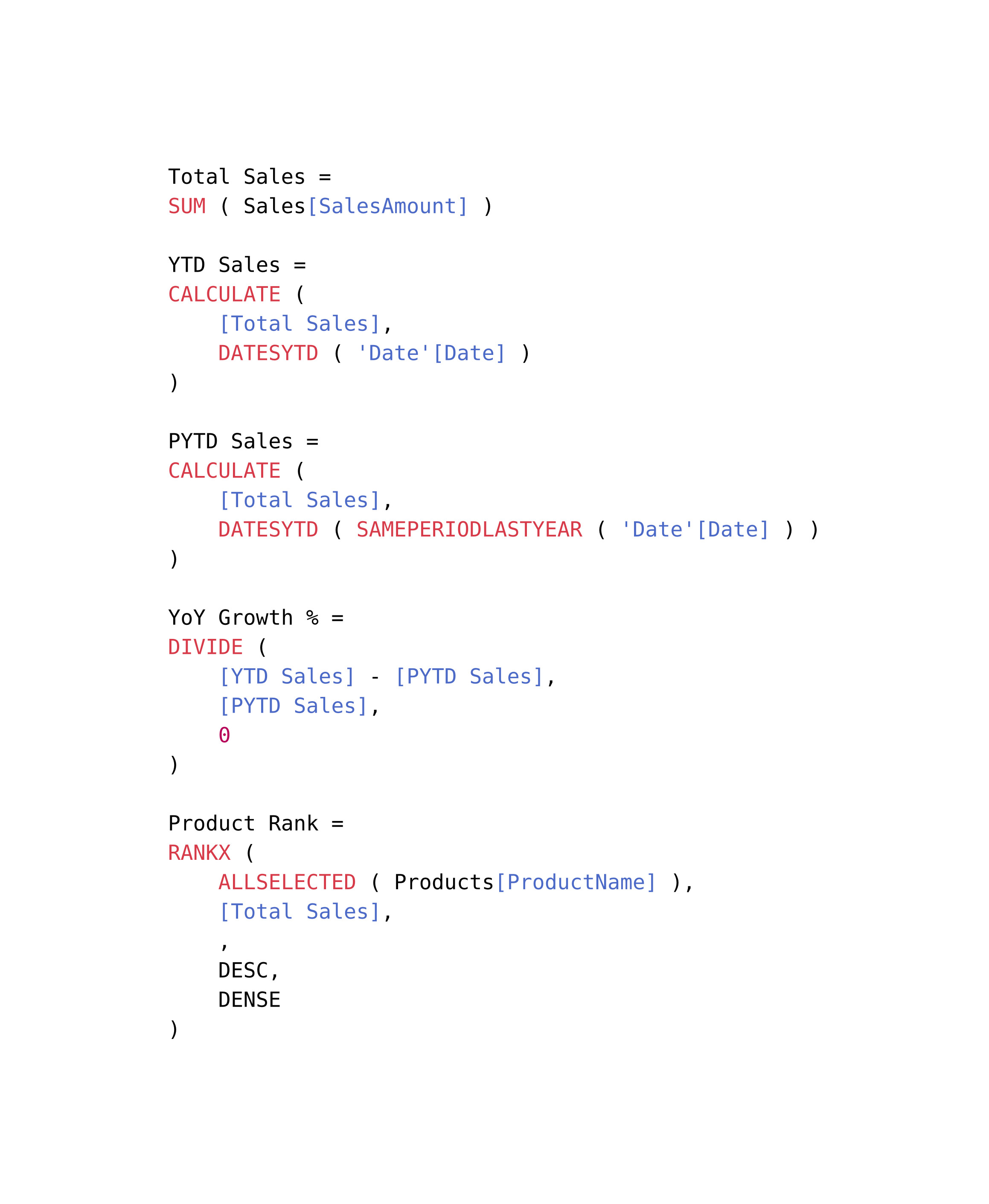
I’m preparing lecture notes and other teaching materials in Typst, and many of my examples involve DAX code from Power BI. At the moment, Typst doesn’t seem to support syntax highlighting for DAX out of the box.
Has anyone already tried to define a custom highlighter for DAX, or is there a recommended way to add syntax highlighting for languages that Typst doesn’t yet support? Ideally, I’d like something similar to how SQL or Python are highlighted.
If there isn’t an existing solution, would it be feasible to extend Typst’s highlighting system (e.g., via custom definitions or community packages) so that we can highlight DAX formulas properly?
I was looking into something similar for the Nu language. The answer I believe is under the syntaxes section of the raw function. For syntax highlighting, you need a .sublime-syntax file. A quick look doesn’t pull up anything obvious for DAX, so you might have to define your own.
i started by looking for a VS Code extension for DAX highlighting, turns out there’s DAX for Power BI by jianfajun. doesn’t seem to be hosted publicly so i installed it and got the source from ~/.vscode, which includes the .tmLanguage file. then i converted this file to .sublime-syntax using pitkley’s online tool, which leverages aziz’s Ruby gem, and then i made some fixes.
i put these files into a gist: dax.sublime-syntax. you should be able to add this to your project and use it like so:
#set raw(syntaxes: "dax.sublime-syntax")

```dax
some code here
```