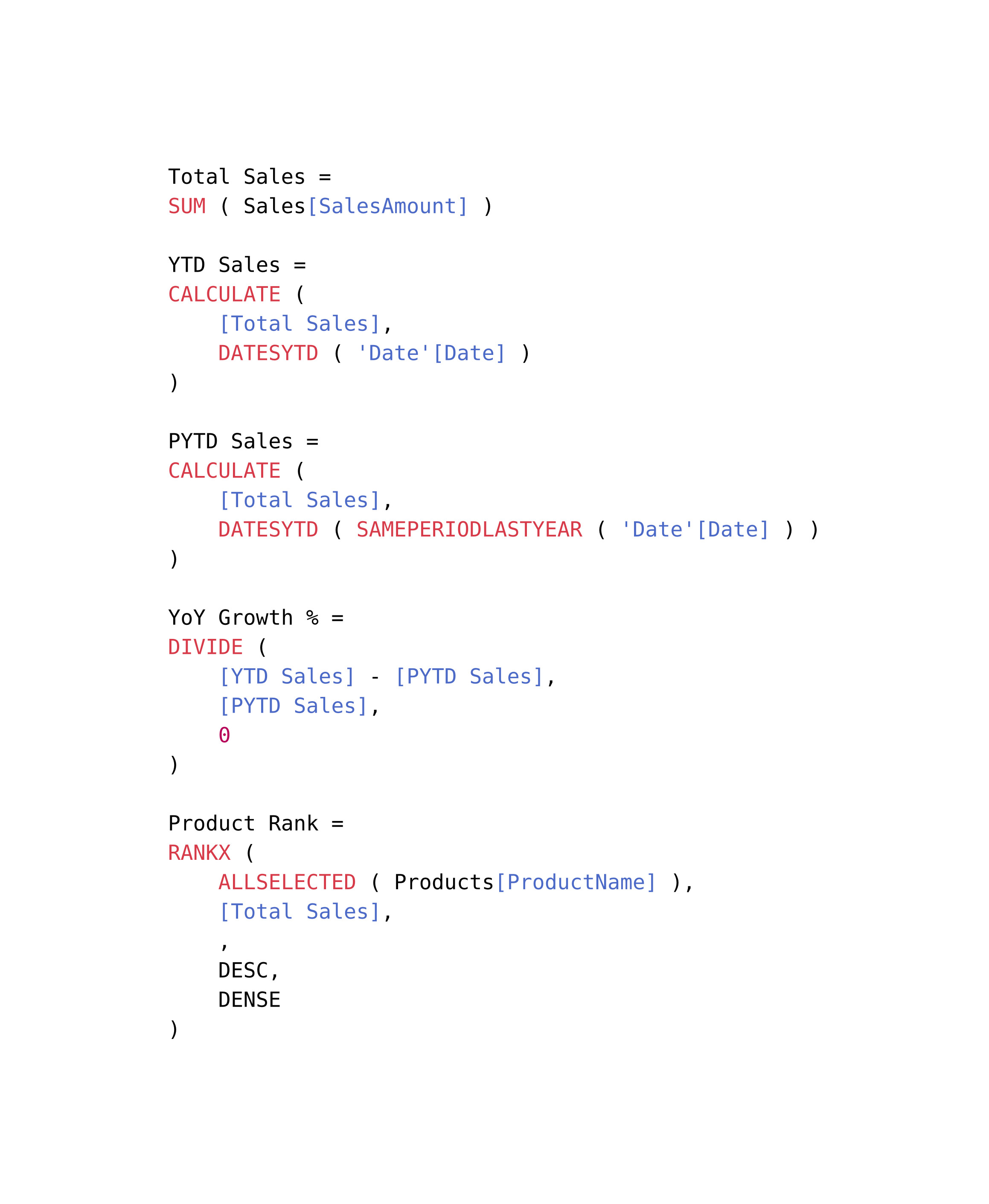
i started by looking for a VS Code extension for DAX highlighting, turns out there’s DAX for Power BI by jianfajun. doesn’t seem to be hosted publicly so i installed it and got the source from ~/.vscode, which includes the .tmLanguage file. then i converted this file to .sublime-syntax using pitkley’s online tool, which leverages aziz’s Ruby gem, and then i made some fixes.
i put these files into a gist: dax.sublime-syntax. you should be able to add this to your project and use it like so:
#set raw(syntaxes: "dax.sublime-syntax")

```dax
some code here
```
ymmv. not a daxer so no clue if this looks right!