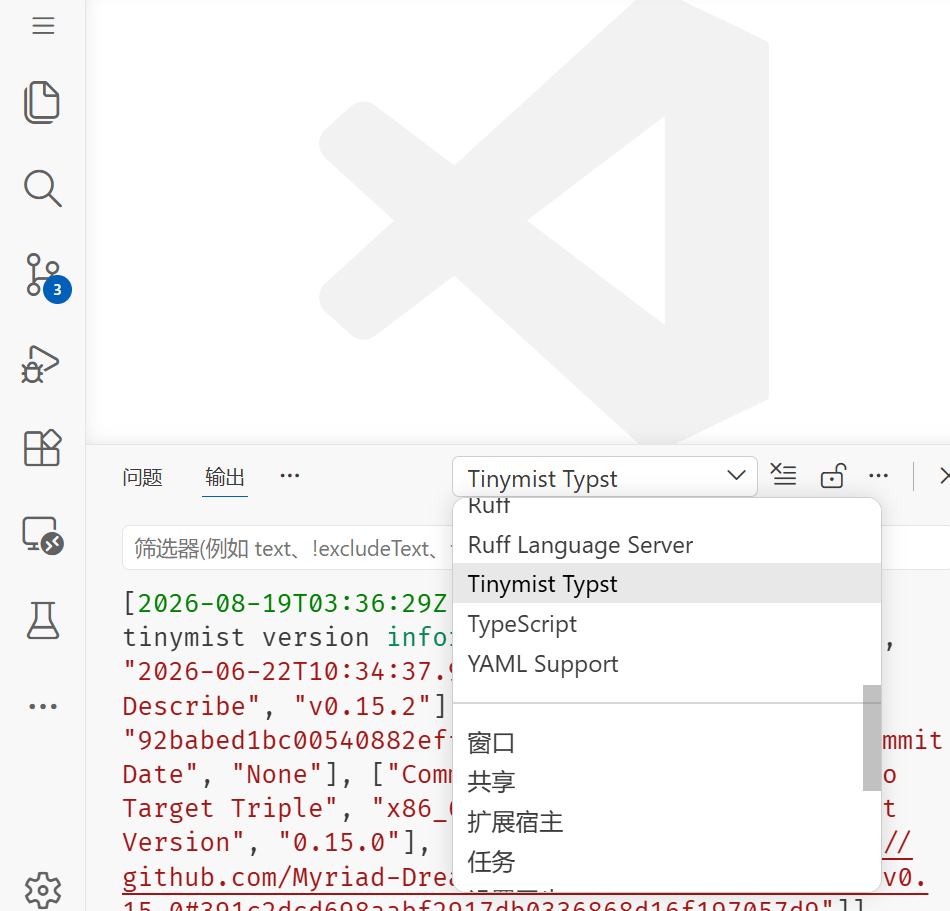
Typst works fine with VSCode when I install it on my home computer. However on my work computer will not allow me to install executable files so I’ve been using a portable version of VSCode from a usb. I am able to open VSCode and install Tinymist fine, however when I want to preview the pdf file I get the following error
I once encountered a similar error on my home computer, and it turned out that I have to save the file before starting the preview.
At that time I contacted the authors of tinymist. They replied that previewing Untitled-n files could be supported, but was never tested seriously (say, what does image("a.png") in an Untitled file mean?). Therefore, the relevant code path was disabled. If more people want to use this feature, tinymist is open to support that.
(Be aware that the conversation happened months ago. I don’t know if the situation has changed.)
Saving seems to work ok on my home computer however on my work computer I get a different error message which is
Cannot find a valid tinymist binary. Some features like auto-formatting on Enter may not work. Please check your tinymist.serverPath configuration. Exception: Error: Could not find a valid tinymist binary.
Bundled (‘d:\VSCode-win32-x64-1.124.2\data\extensions\myriad-dreamin.tinymist-0.15.2-win32-x64\out\tinymist.exe’): failed to probe:
error: spawnSync d:\VSCode-win32-x64-1.124.2\data\extensions\myriad-dreamin.tinymist-0.15.2-win32-x64\out\tinymist.exe UNKNOWN
In PATH (‘tinymist.exe’): failed to probe:
error: spawnSync tinymist.exe ENOENT
I’m not sure if it is looking in the wrong place and there is a way I can update the path?
If I remember correctly, that d:\VSCode-win32-x64-1.124.2\data\extensions\myriad-dreamin.tinymist-0.15.2-win32-x64\out\tinymist.exe should be downloaded automatically when installing the VS Code extension. Usually there’s no need to change the path.
Could you check if that file exists and is valid? Execute path/to/tinymist.exe --version in PowerShell, and it should output something like the following.
I’m not sure, but perhaps you can try to download a standalone tinymist.exe.
To do so, visit Release v0.15.2 · Myriad-Dreamin/tinymist · GitHub, click Download Binary, scroll to Download tinymist 0.15.2, and choose x64 Windows. If tinymist.exe in the downloaded ZIP can be executed on your work computer, then there might be a way to let VS Code use that.
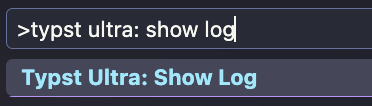
Try this Typst Ultra - Visual Studio Marketplace
it’s a pure WASM version which is portable and it doesn’t need any external binaries to be installed on your computer.
Not only does it work on the USB/portable version of VSCode but is also works on my work computer too (where I am, strangely enough, allowed to have VSCode but not any extensions).
I’m just having one issue with this however. There seems to be a grey underline that appears on the active live on the live preview. I’m finding it rather distracting as I’m typing, is there an option to turn this off?
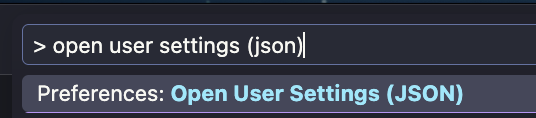
Thanks for the feedback. There is a vscode config option typstUltra.preview.cursorIndicator , set it to false to turn it off.
I will turn it off by default in the next version.
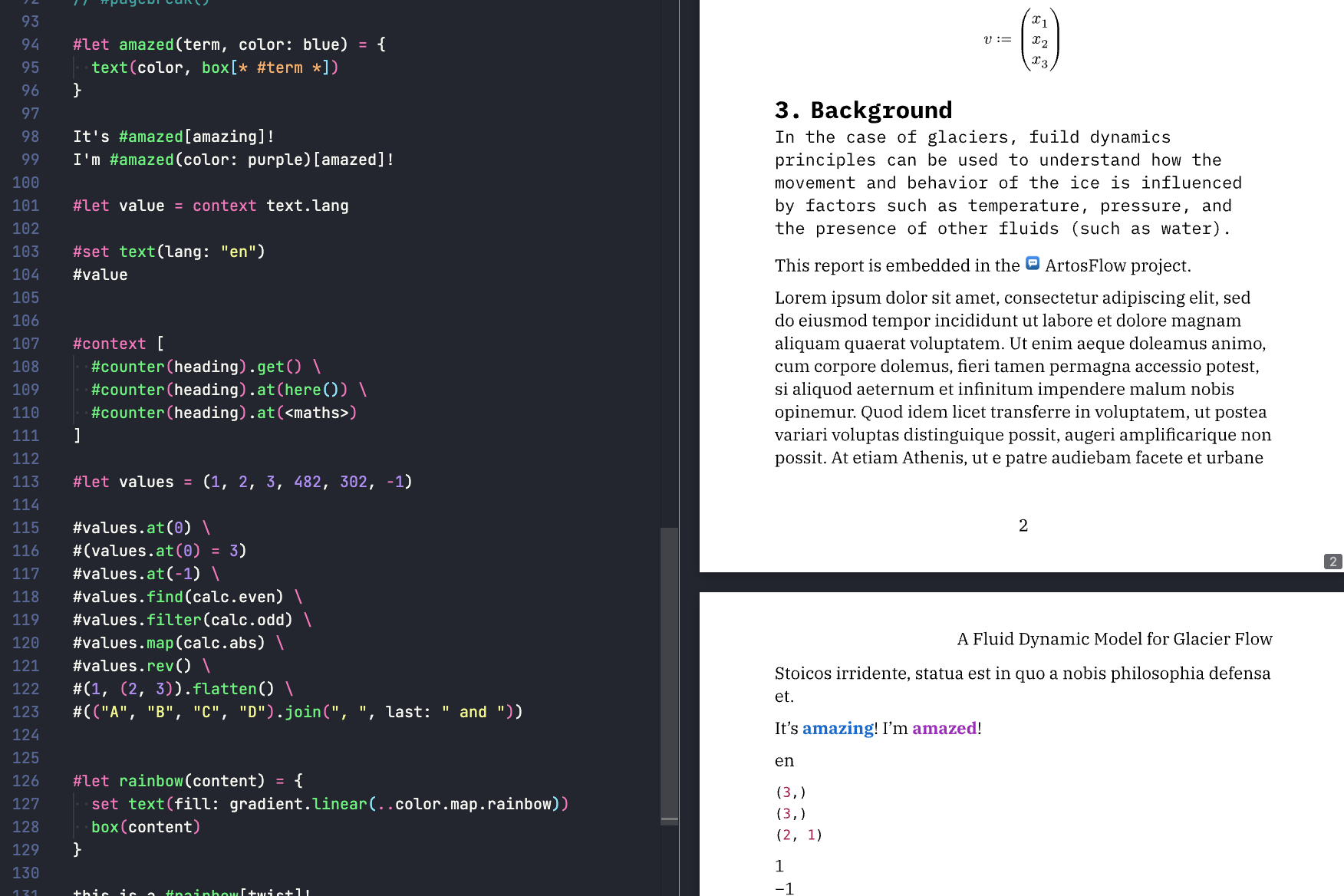
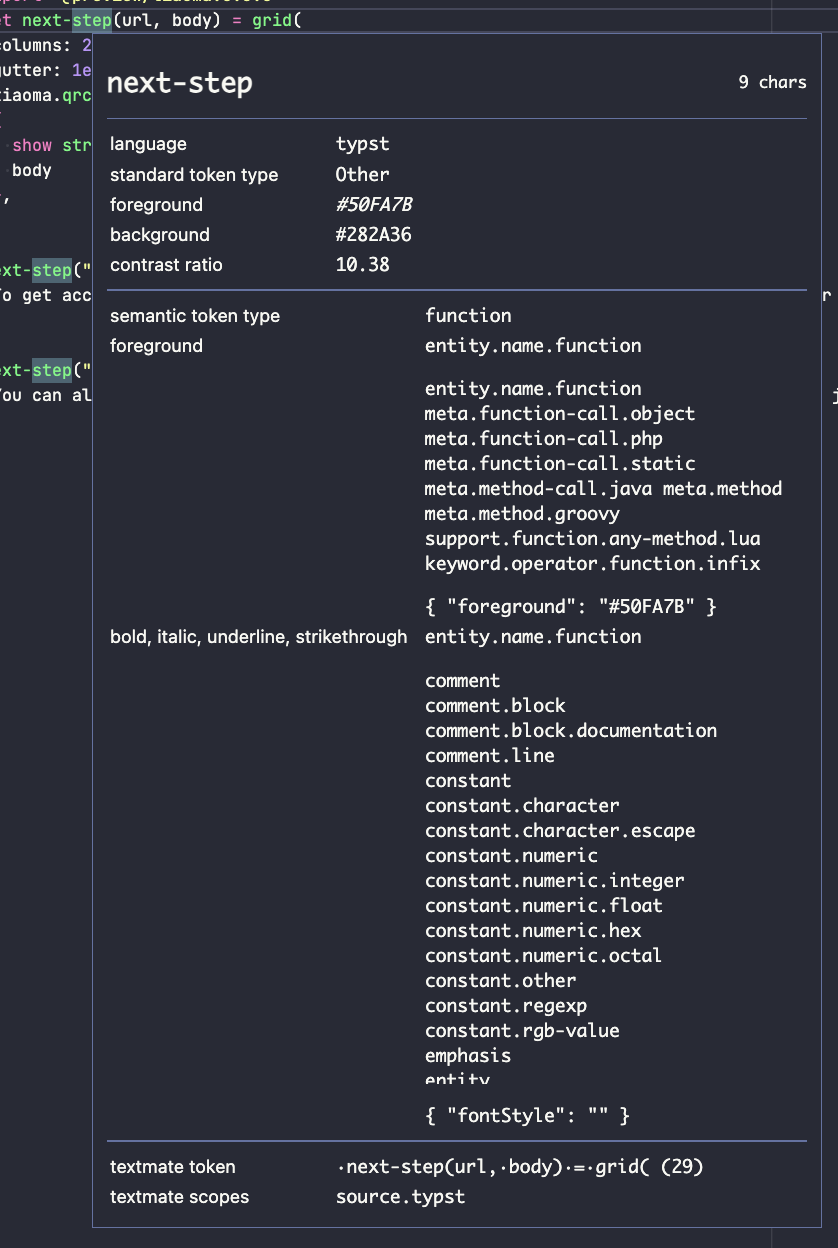
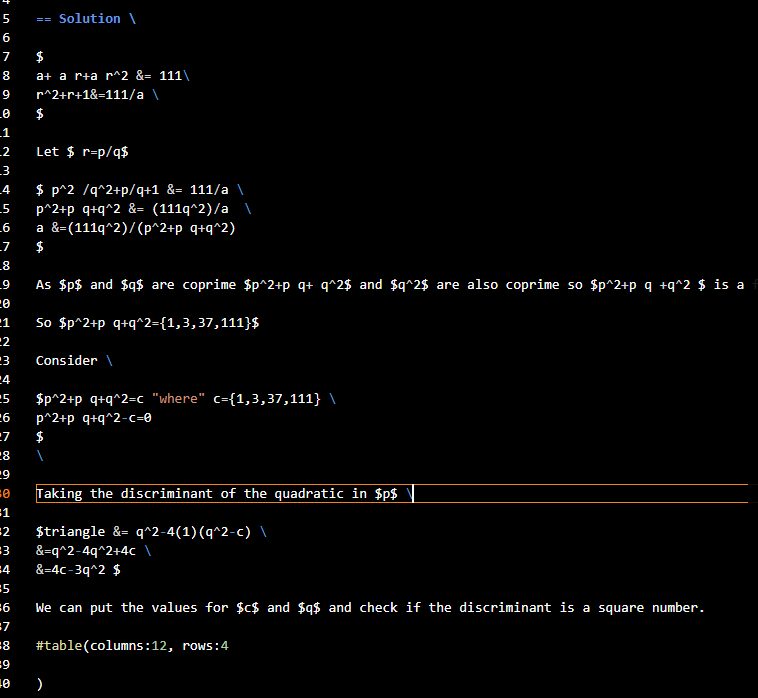
Sorry to impose again but I’m noticing that my code is all the same colour and I’m not getting the different text colours for functions/commands etc like in your screenshot above.
Thank you. After trying quite a few themes I’ve found that the default dark theme is my favourite.
I know I may be pushing my luck with more requests, but I’ll try anyway .
When I type in a function, for example #table it will give me a cannot compile error until I have finished typing the whole thing.
What I mean is when I am at the following points #t, #ta, #tab, #tabl it will give an error message.
The thing is that every time I type a new character it will generate a new error message which will cause the preview window to grey out but will flash white for a fraction of a second which can be a bit jarring, especially when typing a function with a longer name.
Is there a way to make the error/cannot compile message more subtle (maybe just a small character that appears in the background rather than greying out the screen) or even switch it off somehow.
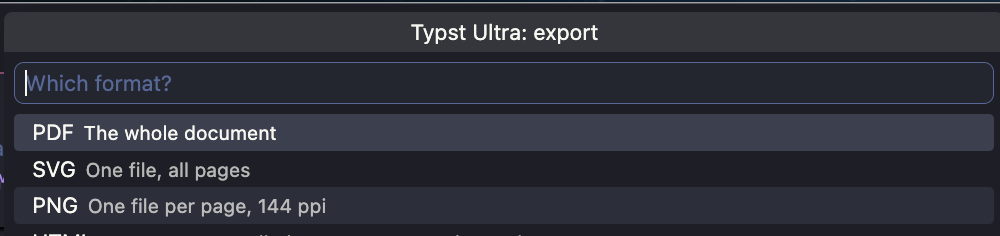
I know I can set the options to compile on save rather that compile on type, however other that the above issue I really do quite like the compile on type option.
I’m not sure if it is something that can be changed with the extension or if it is simply a feature of vscode (or if I am looking a gift horse in the mouth as you are already providing this useful extension free of charge).