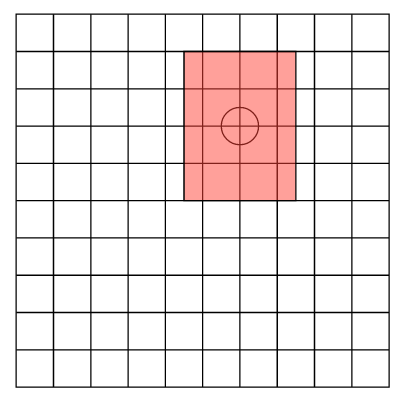
The title sums it up pretty well. I want to pass a coordinate and a size, and get a rect centered around that coordinate and with that size. This is possible to achieve by calculating the corners a and b as a = center - size/2 and b = center + size/2, or even making a custom wrapper for the #rect() function to do it:
#let aligned-rect(center, size, ..argv) = {
  import cetz.draw: *
  rect(
      (center.at(0) - size.at(0)/2, center.at(1) - size.at(1)/2),
      (center.at(0) + size.at(0)/2, center.at(1) + size.at(1)/2),
      ..argv
    )
}
I was wondering if there was a more idiomatic way of doing it tho.