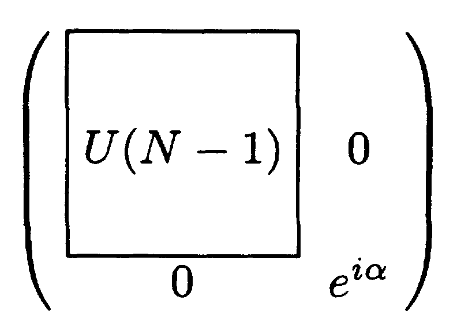
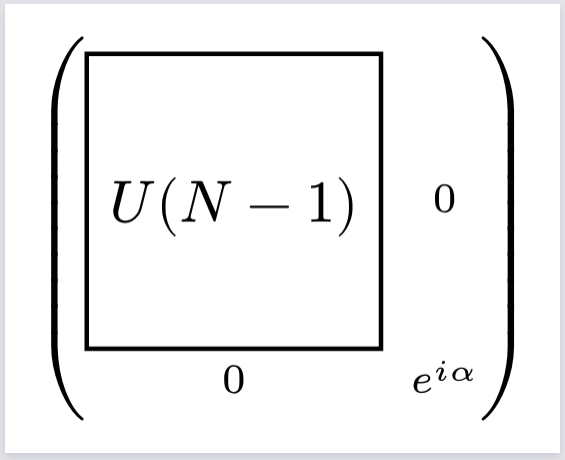
This is what I want. but I have tried a lot, still cannot find a proper way to get the size of the cell where U(N-1) is in, so that I can put it in a stroked block with specific size.
pavemat can not work properly as well, since it cannot handle nested matrix well, I have post a issue to it.
So I can only assume you were using the math.rect and math.square symbols, not the rect and square functions.
The only difference I can see now is that the delimiters aren’t exactly aligned, but that’s probably not relevant for this post. I also recommend a different title now that the cause for this issue in question is known.