You can now share a Typst project in Hilbert and edit it with someone else in real time. It syncs the whole project folder… not just the open file… text and images both.
What it needs : Both people need to be on a network where the joiner can reach the host: same LAN, campus network, or a VPN. The connection goes to the host’s machine on port 3020. If neither of you can reach the other directly … run hilbert --sync-server on any machine you can both see and point the session at that instead.
Run the same version of Hilbert on both sides … the session format changes between releases.
How to use it : To share: press Ctrl/Cmd+K, click “Share this project live”. Check the address it detected and it copies an invitation link to your clipboard. Send that link to the other person.
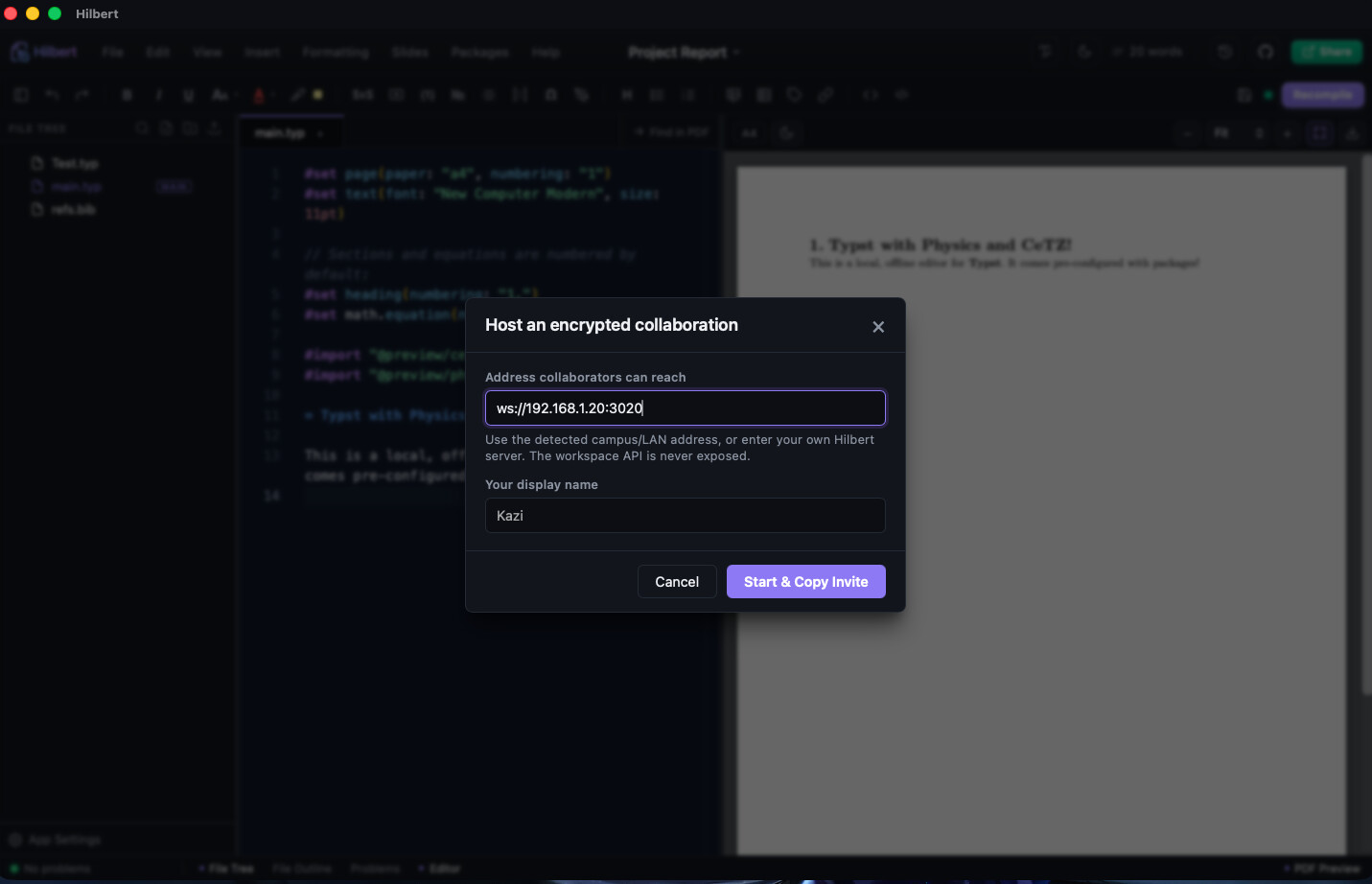
To join : Ctrl/Cmd+K, pick “Join a shared project” paste the link, and choose where to save it. Hilbert creates the folder and pulls the project down for you.
The invitation carries a one-session encryption key, so everything between you is encrypted end to end with AES-GCM. Only the collaboration channel is reachable… your file system never is.
This is experimental and under active development. Expect rough edges, and please don’t let a shared session be the only copy of anything you care about. Bug reports welcome.
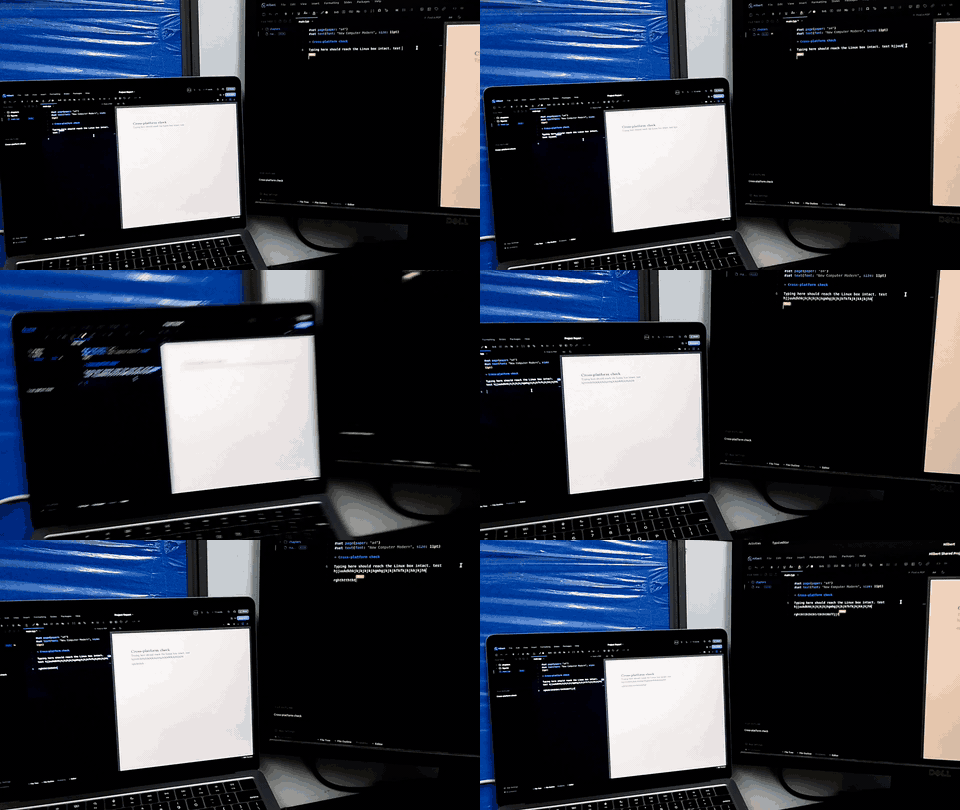
 i should make a video on all features i guess. This feature is there as mostly researchers do write papers together specially in our lab so