sinux
August 28, 2026, 2:04pm
1
Hello,
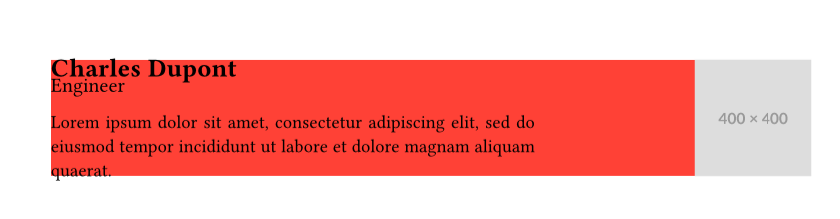
I’m writing trying Typst by writing my resume. I’d like the header to be something like this :
it will also link socials etc.
Here is the code :https://typst.app/project/rPxcMePuk50w19sojrqZvi
Maybe it’s wrong, but I’d like the image to fit the first cell’s height. I can’t seem to find a good way of doing it. The idea is that the top of the image aligns with the name, and the bottom of the image aligns with the bottom of the tagline.
If anyone as an idiomatic solution?
Y.D.X
August 28, 2026, 3:46pm
2
Hi, welcome to the community?
#let header(content, picture) = layout(available => {
  // Measure the height of `content`
  let (height,) = measure(
    width: available.width,
    grid(
      columns: (7fr, 4fr),
      content,
    ),
  )

  grid(
    columns: (7fr, 4fr),
    rows: height,
    align: (top, top + right),
    fill: red,
    content, image(picture),
  )
})
See the example in Layout - Typst Documentation .
sinux
August 28, 2026, 4:34pm
3
That works like a charm, thanks a lot!