Hi everyone!
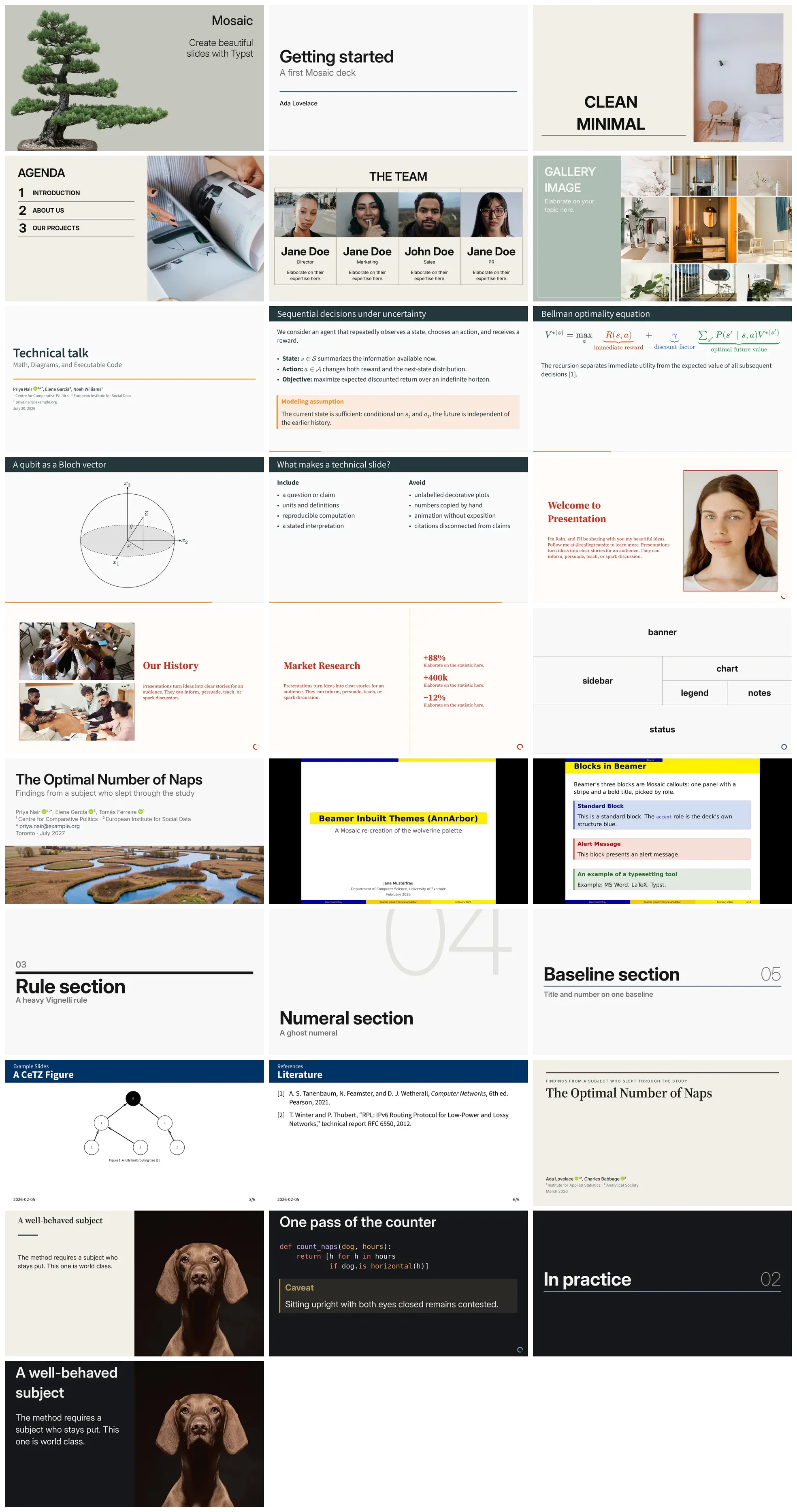
I’m excited to announce the release of Mosaic, a new package to create slide shows in Typst.
Check out the documentation website. It hosts a ton of examples and tutorials: https://vincentarelbundock.github.io/mosaic
Here are some of the reasons you might want to try Mosaic:
- Several polished, modern themes.
- A simpler, more consistent API with very few functions to learn.
- Every part of a slide is a native Typst layer with a stable label, so you style slides with ordinary
setandshowrules instead of learning a ton of framework-specific styling functions and arguments. - Every slide is a grid. Cells split horizontally or vertically and nest as deep as you need. This gives you a ton of control over layout.
- Modular themes: A theme is a plain dictionary of independent parts which can be customized independently (layouts, colors, typography, etc.)
- Batteries included: incremental reveals, callouts, cards, quotes, progress indicators, galleries, etc.
Please let me know if you try it, run into problems, or have feature requests! I’m very eager to improve the package.
Example slides
A complete deck
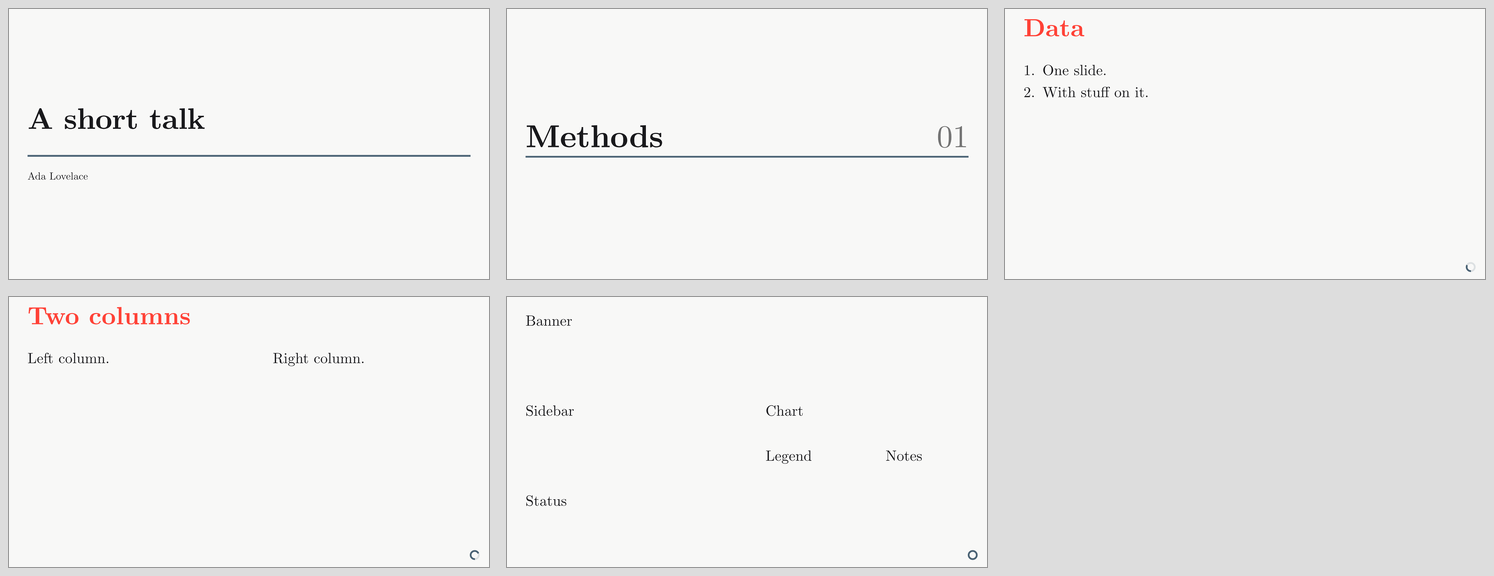
Here’s a reproducible example (with images pasted at the bottom).
#import "@preview/mosaic:0.0.1"

// Pick a theme by importing its facade. Every theme exposes the same API:
// swap `default` for `editorial`, `metropolis`, `manifesto`, or `mono`.
#import mosaic.themes.default as m

// `setup` is the only configuration call. It declares the deck and turns the
// rest of the document into slides.
#show: m.setup.with(title: [A short talk], authors: [Ada Lovelace])

// Styling is plain Typst: these rules apply to the whole deck.
#set text(font: "New Computer Modern", size: 26pt)
#show heading.where(depth: 1): set text(weight: "black")

// Every region of every slide carries a label, so an ordinary `show` rule can
// target one region. No Mosaic-specific styling function involved.
#show label("mosaic-cell-header"): set text(fill: red)

// An explicit slide, using the built-in title layout.
#m.slide(layout: "title")

// A level-one heading opens a section slide.
= Methods

// A slide defined implicitly by a level-two heading: everything until the next
// heading is its content.
== Data

+ One slide.
+ With stuff on it.

// Slides with more structure are explicit. Here we use the "content" layout
// preset and ask for two columns, then fill in the cells: header, then each
// column.
#m.slide(layout: m.layouts.content(variant: "header-body", columns: 2))[
  == Two columns
][
  Left column.
][
  Right column.
]

// A slide can also be an arbitrary tree of splits. Read it from the outside
// inward: three rows named "banner", a middle band, and "status"; the middle
// band splits into a "sidebar" column and a right column; that column splits
// into "chart" over "legend" and "notes".
#let custom = m.grids.rows(
  "banner",
  m.grids.columns("sidebar", m.grids.rows(
    "chart",
    m.grids.columns("legend", "notes"),
  )),
  "status",
)

// Cells are filled in tree order, and each one carries a label of its own.
#m.slide(layout: custom)[Banner][Sidebar][Chart][Legend][Notes][Status]