show footnote.entry: it => {
    let loc = it.note.location()
    grid(
      columns: (1.5em, 1fr),
      align: (right, left),
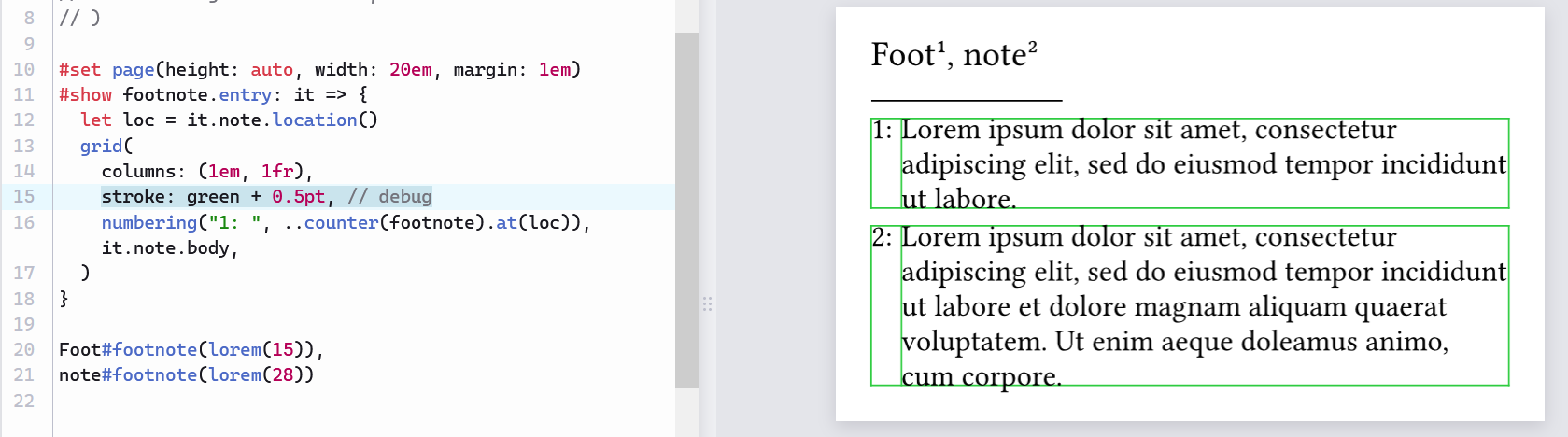
      //stroke: green + 0.5pt, // uncomment to see grid
      // content:
      numbering("1. ", ..counter(footnote).at(loc)), // col 1
      it.note.body,                                  // col 2
    )
  }
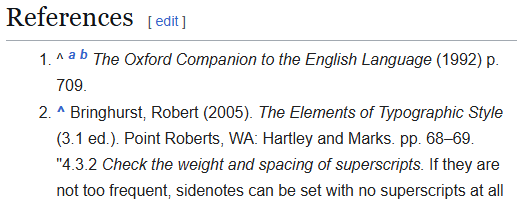
Is there a way to auto-size the first column per-page, to align the dots?
#show footnote.entry: it => {
  let loc = it.note.location()

  let last-num = counter(footnote).at(
    query(footnote)
      // The current version use the same num-width for all pages.
      // If you want per-page num-width instead, uncomment the following line.
      // .filter(f => f.location().page() == loc.page())
      .last()
      .location(),
  )
  let num-width = measure(numbering("1. ", ..last-num)).width

  grid(
    columns: (num-width, 1fr),
    align: (right, left),
    numbering("1. ", ..counter(footnote).at(loc)), it.note.body,
  )
}
  show footnote.entry: it => {
    let loc = it.note.location()

    // determine width for num column
    let last-num = counter(footnote).at(
      query(footnote)
        // Uncomment the `.filter` line for per-page num-width;
        //  otherwise we use the same num-width for all pages.
        //.filter(f => f.location().page() == loc.page())
        .last()
        .location(),
    )
    let num-width = measure(numbering("1. ", ..last-num)).width

    grid(
      columns: (num-width, 1fr),
      align: (right, left),
      //stroke: green + 0.5pt, // uncomment to see grid
      // content:
      numbering("1. ", ..counter(footnote).at(loc)), // col 1
      it.note.body,                                  // col 2
    )
  }